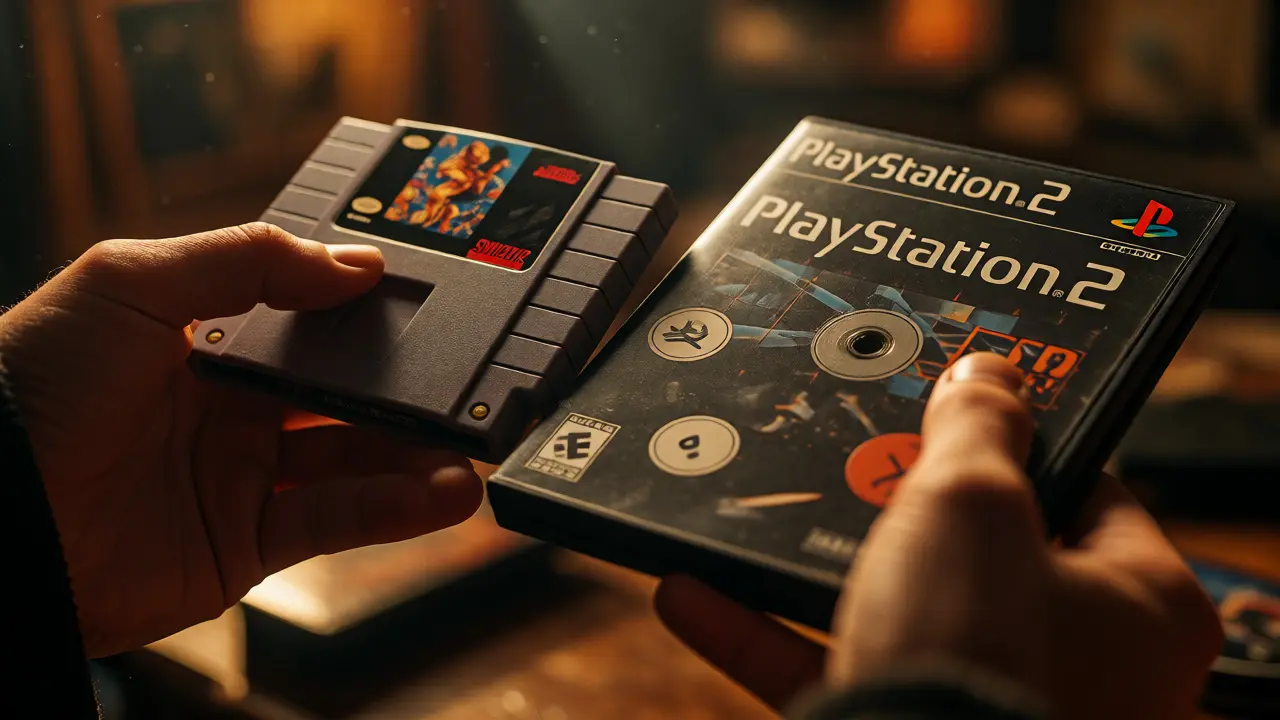
There is something undeniably satisfying about holding a cartridge or disc in your hand. It’s not just data; it’s history, art, and a tangible piece of childhood nostalgia. But walking into that first physical store or scrolling through endless eBay listings can feel overwhelming fast. You might buy a rare title only to realize you have no way to play it, or spend hundreds on a "mint" copy that turns out to be a re-release with poor print quality. Starting a physical video game collection isn’t just about buying things; it’s about curating an experience.
Before you swipe your credit card, you need a plan. This guide breaks down exactly what you need to consider before, during, and after your first purchases. We’ll cover hardware compatibility, condition grading, storage solutions, and the hidden costs that catch new collectors off guard. Whether you’re chasing NES classics or modern Switch exclusives, this checklist will save you money and heartbreak.
Define Your Scope Before You Buy
The biggest mistake new collectors make is trying to collect everything. The market is too vast, and prices fluctuate wildly based on region and rarity. Instead, pick a lane. Do you want to focus on one console generation? One genre? Or perhaps a specific aesthetic, like all games with anime-style box art?
Here are three common starting scopes:
- Console-Centric: Pick one system, like the Nintendo GameCube or PlayStation 2. Stick to its library. This keeps costs predictable because you know the price ceiling for most titles.
- Era-Based: Focus on a specific time period, such as the 16-bit era (SNES, Genesis) or the PS1/N64 transition. This helps you learn the specific quirks of that time, like regional lockouts or battery backup issues.
- Genre-Specific: Collect only RPGs, fighting games, or platformers. This makes your shelf look cohesive and ensures every game on display is one you actually want to play.
Once you pick a scope, write it down. If a deal pops up outside your scope, walk away. Discipline is your best friend when prices drop unexpectedly.
Master the Hardware Compatibility Check
Owning the game is useless if you can’t run it. Physical media often comes with regional locks, format differences, or requires specific hardware revisions. For example, early PlayStation 3 models had backward compatibility with PS2 games, but later slim models did not. Buying a PS2 disc for a late-model PS3 means you’re stuck unless you own the original PS2 hardware.
Check these technical specs before buying:
- Region Coding: NTSC-U/C (Americas), PAL (Europe/Australia), and NTSC-J (Japan) are often incompatible across regions without modification or emulation. A Japanese import might look cool, but it won’t play on a standard US SNES without an adapter or modded console.
- Media Format: Ensure your console supports the disc type. Some older consoles require laser cleaning kits if they struggle with scratched discs. Modern consoles like the Xbox Series X handle backward compatibility well, but some legacy Xbox titles require digital downloads even if you own the disc.
- Hardware Revisions: Research if your specific console model has known issues with certain media types. For instance, some Sega Dreamcast GD-ROM drives are prone to failure, making replacement parts expensive.
| Console Family | Primary Region Lock | Workaround Options | Collector Risk Level |
|---|---|---|---|
| Nintendo Switch | No Region Lock (except Chinese models) | None needed for global versions | Low |
| PlayStation 5 | No Region Lock | Account region may affect DLC access | Low |
| PlayStation 4 | No Region Lock | DLC must match disc region | Medium |
| Xbox One/Series | No Region Lock | Language settings may vary | Low |
| Wii/Wii U | Region Locked | Soft-modding required for imports | High |
| PS2/PS3 | Strictly Region Locked | Original hardware per region | High |
Understand Condition Grading and Pricing
Condition dictates value more than anything else. Sellers use vague terms like "Good" or "Used," which mean nothing without context. Learn the industry-standard grading scale so you know what you’re paying for.
Most online retailers and auction sites follow a simplified version of the Goldin or Wata grading scales for loose items:
- Mint (M): Looks brand new. No scratches on the disc, pristine case, intact seal if applicable. Rare for used items.
- Near Mint (NM): Minimal wear. Maybe light scuffs on the case that don’t affect readability. Disc plays perfectly.
- Very Good (VG): Visible wear. Scratches on the case, possible writing on the spine. Disc may have minor surface marks but still plays.
- Good (G): Heavy wear. Cracked cases, missing inserts, significant disc scratches. Functional but ugly.
- Poor (P): May not play. Deep scratches, broken hinges, missing manual. Only buy for parts or extreme rarity.
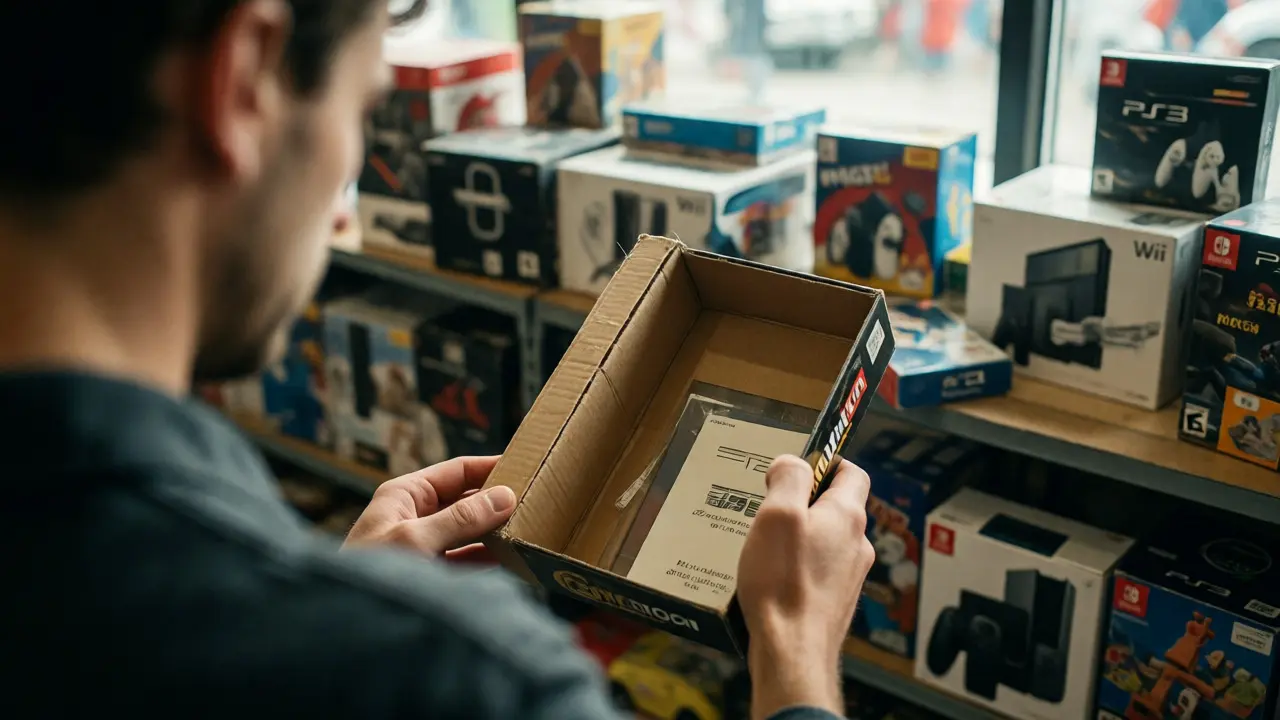
Always ask for photos of the actual item, not stock images. Look for stress cracks on plastic cases, especially on older CD-ROM formats where the plastic becomes brittle over time. If buying boxed copies, check if the manual and cardboard insert are present. Missing manuals can drop a game’s value by 20-30% for completionists.
Budget for Hidden Costs: Storage and Maintenance
The sticker price of the game is rarely the final cost. Physical collections require infrastructure. You need space, protection, and maintenance tools.
Factor these into your initial budget:
- Storage Solutions: Standard shelves might not fit oversized cases like those from the Wii or PS3. Invest in adjustable shelving or specialized racks. For loose cartridges, plastic protective cases prevent dust buildup and label fading.
- Cleaning Supplies: Microfiber cloths are essential for discs. Never use household cleaners or paper towels, which cause micro-scratches. For cartridges, contact cleaner and Q-tips help clean pin connectors, which oxidize over time and cause read errors.
- Power Protection: Old consoles are sensitive to power surges. A basic surge protector is non-negotiable. Better yet, get a UPS (Uninterruptible Power Supply) if you live in an area with frequent brownouts.
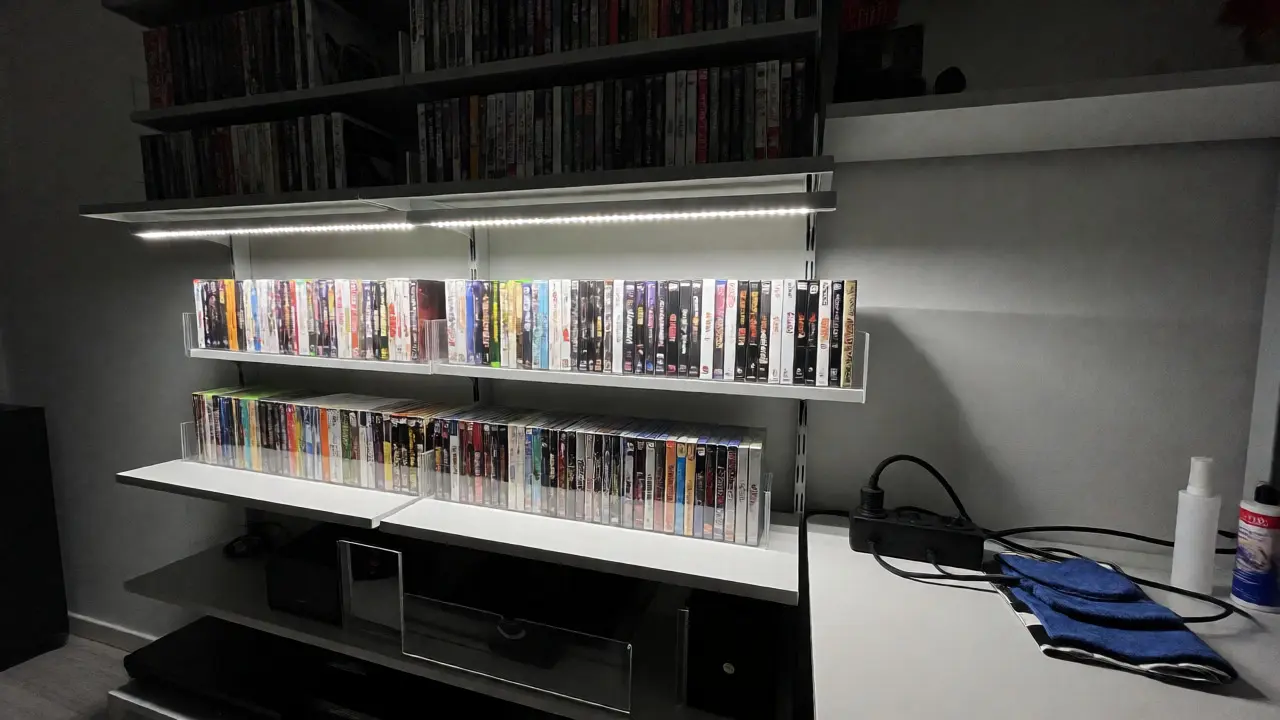
- Display Lighting: Direct sunlight fades box art and yellows plastic cases. Keep your collection out of direct sun. If you display them, use LED lights that emit low heat and UV radiation.
A common rule of thumb: Set aside 10-15% of your total game budget for accessories and maintenance. If you plan to spend $500 on games, expect to spend another $75-$100 on shelves, cleaners, and cases.
Sourcing Strategies: Where to Find Deals
You won’t find good deals at big-box retail stores for retro games. Those are priced for casual buyers who want convenience. Serious collectors hunt elsewhere.
Try these sources in order of effort vs. reward:
- Local Thrift Stores & Garage Sales: High risk, high reward. You might pay $5 for a game worth $50, or $5 for a broken unit. Requires patience and frequent visits. Inspect discs for deep scratches that skip gameplay.
- Facebook Marketplace & Craigslist: Great for bulk lots. Sellers often dump entire collections for cheap. Negotiate hard. Meet in person to inspect condition before paying.
- eBay: Widest selection, but fees drive up prices. Use saved searches with alerts for specific titles. Watch for auctions ending at odd hours (like 3 AM local time) where fewer bidders compete.
- Retro Gaming Conventions: Events like Portland Retro Gaming Expo offer curated vendors. Prices are higher than thrift stores but lower than eBay retail. You can inspect items physically and talk to sellers about authenticity.
Beware of fakes. While rare for mainstream consoles, counterfeit cartridges exist for GBA and DS games. Check the label print quality, screw types, and PCB board layout against reference images online. If the price seems too good to be true, it probably is.
Preservation and Display Best Practices
Once you’ve bought the games, protect them. Improper storage kills collections faster than bad luck.
Follow these preservation rules:
- Vertical Storage: Store discs vertically, like books. Stacking them horizontally puts pressure on the bottom cases, causing warping or cracking over time.
- Temperature Control: Keep your room between 60°F and 75°F (15°C - 24°C). Extreme heat degrades adhesives and plastics. Humidity above 60% encourages mold on paper manuals.
- UV Protection: As mentioned, sunlight is the enemy. If your shelves are near windows, install UV-filtering film or keep curtains closed during peak daylight.
- Handling: Hold discs by the edges, never the face. Fingerprints contain oils that attract dirt and can etch into polycarbonate layers if left uncleaned.
For display purposes, consider removing games from their outer shrink wrap if you intend to play them regularly. Shrink wrap protects during transit but traps moisture and can stick to the case over decades. If you want to preserve value for resale, leave the wrap on sealed copies.
Building Community and Knowledge
Collecting doesn’t happen in a vacuum. Engaging with other collectors helps you spot trends, avoid scams, and discover hidden gems.
Join online forums or subreddits dedicated to your chosen console. Follow reputable YouTube channels that review physical editions rather than just gameplay. Attend local meetups. In Portland, for example, there are several active retro gaming groups that host swap meets. These events are perfect for trading duplicates and learning from experienced collectors’ mistakes.
Keep a log of your purchases. Note the date, price, source, and condition. This simple spreadsheet becomes invaluable when you decide to sell part of your collection years later. You’ll know exactly what you paid and whether you made a profit.
Is it better to buy complete-in-box (CIB) or loose games?
It depends on your goal. CIB (Complete-in-Box) includes the game, manual, and original case. It holds higher resale value and looks better on shelves. Loose games are cheaper and fine if you only care about playing the game. For beginners, mixing both is smart: buy CIB for favorites and loose for experimental titles.
How do I clean dirty game cartridges safely?
Use isopropyl alcohol (90% or higher) and cotton swabs for the metal contacts. Avoid water, which causes rust. For the plastic shell, mild soap and water work, but dry thoroughly immediately. Never soak cartridges. For disc-based games, wipe from the center outward in straight lines, not circles, to minimize skipping if scratches occur.
Are digital versions worth collecting alongside physical ones?
Digital libraries don't depreciate in the same way, but they lack the tactile satisfaction and resale potential. Many collectors keep physical copies for display and main gameplay, while using digital versions for quick access or cloud saves. If you have limited space, prioritize physical copies for games you want to show off or sell later.
What is the most common scam when buying used games?
The "shrink-wrap fake" is common. Sellers reseal opened games with cheap plastic wrap to claim they are "new." Always check for factory seals, which have distinct branding and texture. Another scam is selling reproduction labels that look authentic but hide hacked ROMs inside. Verify the PCB board if possible.
Do I need a modded console for my collection?
Not necessarily. Modding allows region-free play and backup loading, which is great for importing games. However, it adds complexity and potential instability. Start with stock hardware. If you find yourself wanting many imported titles, then consider modding or buying separate regional consoles.