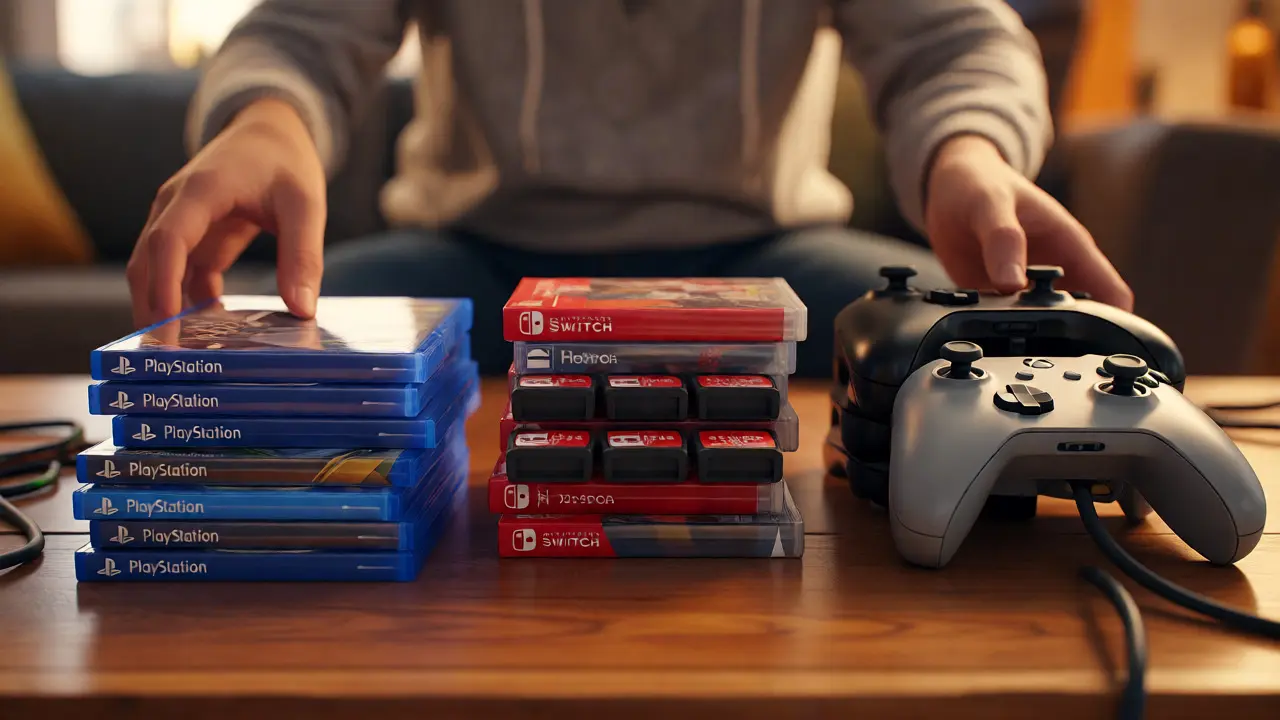
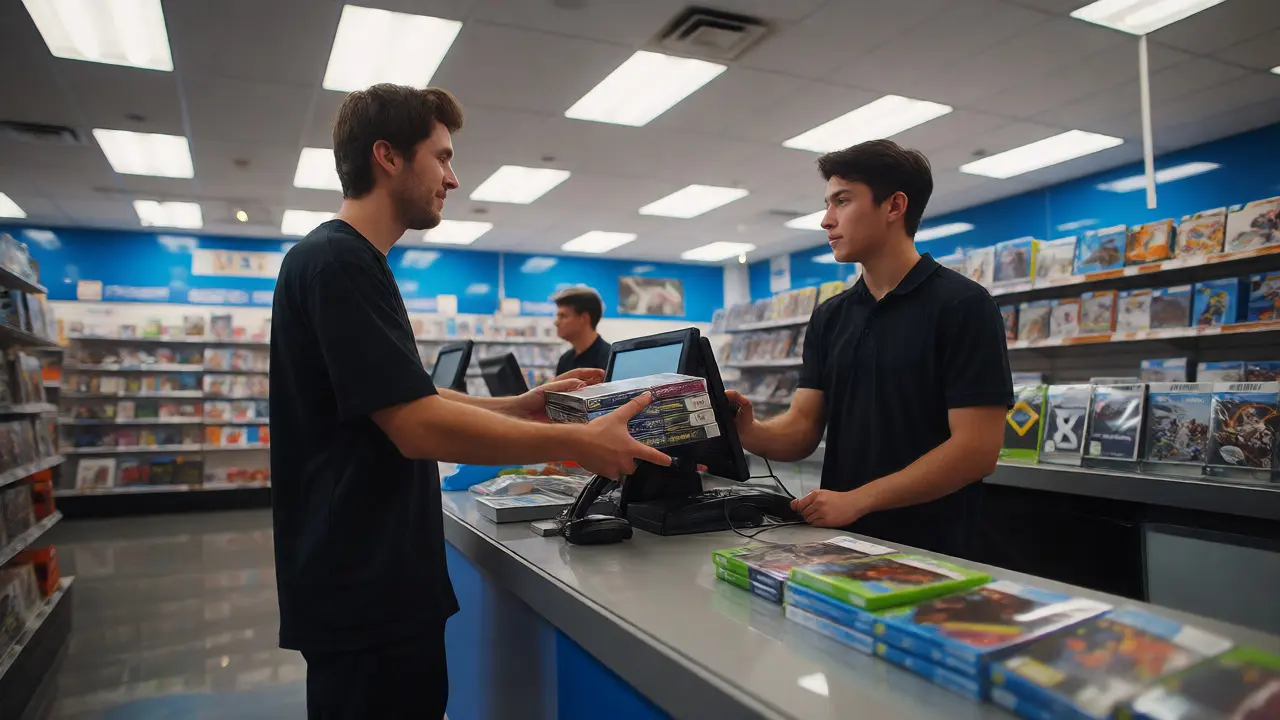
You walk into a GameStop or a local used video game retailer, clutching a bag of old titles. You expect cash or store credit in ten minutes. Instead, you stand there for forty-five while the associate digs through your pile, finding missing discs, scratched cases, and controllers that won't pair. Why does this happen? Because most players treat their gaming libraries like junk drawers. If you want quick processing and higher payouts, you need to treat your inventory like a professional reseller.
Here is the reality: retail employees are under pressure to clear queues fast. They hate digging through messy piles. When you hand them a disorganized heap, they have to sort, test, and price each item individually. That kills their flow and yours. But when you present a prepped, categorized stack, you speed up the workflow. This guide breaks down exactly how to get your games ready so you can get out the door quickly and keep more money in your pocket.
Sort Your Inventory by Platform and Condition
Before you even leave your house, separate your items. Mixing a PlayStation 5 disc with an Xbox Series X controller confuses the intake process. Retail systems often require scanning items by category first. If you dump everything in one bin, the employee has to split it manually.
Start by grouping by console generation and brand. Keep all PS4 games together. Put all Switch cartridges in a separate box. This seems obvious, but many people toss mixed bundles into a single tote. Next, separate hardware from software. Controllers, headsets, and consoles are high-value items that often require manual testing. Discs and cartridges are low-friction scans. If you mix them, the slow hardware tests block the fast software scans.
Do not forget about digital codes. Many retailers do not accept unused digital download cards because they cannot verify if the code was redeemed. Check your local store’s policy before bringing them in. Usually, physical media is safer for trade-ins.
Clean and Inspect Physical Media
Dirt and scratches are the biggest killers of trade-in value. A dirty disc might scan fine, but if the laser cannot read the data layer due to grime, the employee marks it as "unplayable." That drops your payout significantly. You don’t need expensive equipment here. A microfiber cloth and some mild soap are enough.
Wipe discs from the center hole outward to the edge. Never wipe in circles across the track; this creates radial scratches that confuse the drive. For cartridge-based systems like Nintendo Switch or older DS games, check the contacts. Dust on the gold connectors prevents reading. Use compressed air or a dry cotton swab gently. Avoid liquids on cartridges, as moisture can corrode the pins.
Inspect the label side too. Deep scratches here mean the disc is likely dead. Retailers will reject these outright. Don’t waste your time bringing them in unless you’re okay with zero return. For minor scuffs, a toothpaste polish (non-gel) can help, but be careful-it’s risky. Better to clean properly than to try aggressive fixes that ruin the reflective layer.

Test Hardware Functionality Before You Go
This is where most people fail. They bring in a controller thinking it works, only for the employee to find a drifting stick or a broken shoulder button. Testing takes two minutes at home but saves twenty at the counter.
For controllers, connect them to your console or PC. Test every button, trigger, and joystick. Move the sticks in full circles to check for drift. Press the bumpers and triggers repeatedly. Listen for clicks. If a button feels mushy, note it. Be honest with the associate. Saying "the left trigger sticks a bit" sets expectations. If you hide it and they find it, they might downgrade the condition to "for parts," which pays pennies.
Check cables and ports. Do you have the original HDMI cable for your console? Some stores deduct value if key accessories are missing. If you’re trading in a headset, plug it in. Does the mic mute work? Is the jack loose? These details matter. Bring the power brick for laptops or handhelds if possible. Missing power adapters often result in lower offers because the store has to source replacements.
| Issue | Impact on Value | Quick Fix |
|---|---|---|
| Dirty Disc Surface | Low (if readable) | Microfiber wipe, center-out motion |
| Cracked Case | Medium | Bring generic replacement case ($1 cost) |
| Controller Drift | High (reject or 'Parts' only) | Calibrate or declare upfront |
| Missing Manual | Low/Negligible | Usually ignored by major retailers |
| Corroded Cartridge Pins | High | Gentle alcohol wipe, dry completely |
Organize Cases and Accessories Properly
Physical presentation signals care. If your cases are cracked, warped, or missing inserts, it looks like you didn’t care for the game. Major retailers like Best Buy or Amazon Renewed partners often have strict cosmetic standards.
Check your plastic cases. Cracks along the spine are common. If a case is severely damaged, consider buying a blank replacement case online for under a dollar. It’s worth it if the game itself is valuable. Also, ensure the paper insert inside the case matches the game. Sometimes, people swap covers during storage. Mismatched inserts cause confusion during scanning.
Bundle accessories logically. If you’re trading in a Kinect sensor, include its power adapter. If you have a VR headset, gather all sensors and cables. Loose ends lead to lost screws or forgotten dongles. Use ziplock bags for small items like batteries, ear tips, or USB receivers. Label the bags with a marker. "PSVR Camera Mount" is clearer than a random black bracket.
Know What Stores Actually Want Right Now
Not all stores buy everything. Their inventory needs shift based on new releases. In September 2026, with recent holiday previews starting, stores might be flooded with last-gen titles but hungry for current-gen peripherals. Check the store’s website for "trade-in bonuses." Often, they offer extra credit for specific genres or platforms.
Understand the difference between "Store Credit" and "Cash." Store credit usually pays 30-50% more than cash. If you plan to buy another game immediately, take the credit. If you need liquidity, take the cash. But remember, some stores charge a restocking fee or have minimum purchase requirements for cash trades. Read the fine print on the kiosk screen before confirming.
Timing matters. Trading in right after a sequel release tanks the value of the previous entry. Wait until the hype dies down if you’re not in a rush. Conversely, trading in niche retro games can yield better results at specialized shops rather than big-box chains. Big boxes rely on volume and algorithmic pricing. Specialized shops know the collector market and may pay more for rare finds.
The Final Pre-Departure Checklist
Run through this list before grabbing your keys:
- Separate by platform: PS, Xbox, Switch, PC, Retro grouped separately.
- Clean media: Discs wiped, cartridges inspected for corrosion.
- Test hardware: All buttons, sticks, and ports verified working.
- Complete kits: Power cords, HDMI cables, and manuals included where required.
- Case integrity: No shattered plastics; inserts match content.
- ID Ready: Have a government-issued ID handy for tax reporting.
By doing this legwork, you transform a chaotic drop-off into a streamlined transaction. The associate sees a neat stack, scans quickly, and hands over your slip. You feel good about the organization, and they appreciate the ease. It’s a win-win that respects everyone’s time.
Do I need the original box for video game trade-ins?
Generally, no. Most major retailers like GameStop and Best Buy do not require the original outer cardboard box for standard disc-based games. They primarily check the disc, the plastic case, and the internal insert. However, for special editions, limited runs, or sealed collector's sets, the original packaging can significantly increase the trade-in value. Always call ahead if you have a rare edition.
Can I trade in games without the manual?
Yes, for the vast majority of modern games, the instruction manual is not required. Retailers rarely penalize you for missing booklets. The exception is typically for complex strategy games, flight simulators, or vintage collectibles where the manual is part of the package's completeness. If the manual is missing for a standard shooter or RPG, you will still receive full or near-full value.
What happens if my controller has stick drift?
Most retail trade-in programs will reject controllers with noticeable stick drift or categorize them as "For Parts Only," offering minimal value. Stick drift affects gameplay accuracy and is considered a functional defect. To avoid disappointment, test your controller thoroughly at home. If you suspect drift, mention it upfront. Some stores may still accept it for recycling purposes, but don't expect significant credit.
Is it better to trade in for cash or store credit?
Store credit almost always yields a higher percentage of the game's retail value-often 30% to 50% more than cash offers. Choose store credit if you plan to buy new games or accessories soon. Choose cash if you need immediate funds or prefer flexibility. Note that some promotions apply only to store credit, further widening the gap between the two options.
Do I need to delete user profiles from consoles before trading?
Yes, absolutely. While retailers often perform a factory reset upon receipt, leaving personal data on a device poses a privacy risk. Delete your user accounts, sign out of digital stores, and remove any saved screenshots or videos. For maximum security, perform a full factory reset yourself before handing over the console. This ensures your payment methods and personal info are wiped clean.