
Buying games is easy; actually playing them is the hard part. If you've ever stared at a library of 200 titles and felt completely paralyzed, you're dealing with backlog fatigue. The problem isn't a lack of games, but a lack of a system. Most of us treat our wishlists like a digital junk drawer-we throw every interesting trailer we see into the pile and then wonder why we keep buying things we never start. To fix this, you need a video game want lists strategy that transforms a random collection of desires into a disciplined acquisition plan.
The Core Logic of Prioritization
The goal of a want list isn't just to remember what you want; it's to decide what you need now. To do this, you have to stop thinking about "quality" and start thinking about "fit." A game can be a masterpiece, but if it requires 100 hours and you only have five hours a week, it's a bad purchase for your current life stage.
Effective prioritization relies on three main filters: time, taste, and trust. By applying these filters, you can shrink a massive list of 200 potential purchases down to a manageable "Hot List" of 20 to 30 titles. This doesn't mean you're deleting the other games; you're simply moving them to a lower tier where they won't distract you from your immediate goals.
Filter 1: The Time Commitment Test
Time is the most valuable resource in gaming. One of the most effective ways to prioritize is by sorting games based on their estimated completion time. For many, games with a recommended playthrough of under 20 hours are the highest priority. Why? Because the probability of completion is significantly higher.
If you're juggling a full-time job or school, a 100-hour RPG can feel like a second job. By prioritizing shorter, punchier experiences, you get the dopamine hit of actually finishing a game, which prevents the guilt associated with a growing backlog. Use community data to check how long a game typically takes to beat before moving it to the top of your list.
Filter 2: Narrative and Genre Alignment
Not all genres are created equal in your brain. You might love first-person shooters, but if you're currently in a mood for a deep, character-driven story, a military sim should drop to the bottom of the list regardless of how "good" it is.
Rank your games by current interest. If you're craving a narrative-heavy experience, move story-driven indies to the top. If you're feeling burnt out, prioritize low-stress simulation games. This ensures that when a sale hits, you're buying something that matches your current mental state, rather than what you think you should like.

Filter 3: The Trust Factor and Review Filtering
Avoid the trap of "hype buying." A trailer can look amazing, but the actual gameplay might be a mess. Use community validation to mitigate the risk of a bad purchase. On platforms like Steam, look for the "Mostly Positive" or "Overwhelmingly Positive" designations.
If a game has "Mixed" reviews, it doesn't mean it's bad, but it does mean it's a risk. Move these titles to the bottom of your want list. Only move them up if a major patch fixes the reported issues or if a trusted reviewer specifically highlights a feature you love. This is also where you should aggressively prune "shovelware"-those low-effort titles that flood digital stores. If it looks like a generic asset flip, delete it immediately.
| Criteria | High Priority (Buy Now) | Low Priority (Wait for Deep Sale) |
|---|---|---|
| Playtime | Under 20 hours | 60+ hours |
| Review Score | Mostly Positive / Overwhelmingly Positive | Mixed / Mostly Negative |
| Genre Fit | Current mood/preference | General interest / "Someday" genre |
| Quality | Polished / Award-winning | Potential Shovelware / Unpatched |
Managing Your List on Steam
If you use Steam, you have built-in tools to handle this. You don't need a separate spreadsheet, though some hardcore collectors still prefer them for financial tracking. To manage your priority, navigate to Community > View my Profile > View wishlist.
Steam allows you to reorder items using a drag-and-drop interface or by assigning numerical priority values. A pro tip: don't let your wishlist grow indefinitely. If you have over 700 items, the interface can start to lag, and the psychological weight of the list becomes overwhelming. Periodically "purge" the list by removing games that no longer excite you.
The Developer's Perspective: Why Your List Matters
It's interesting to note that your personal want list is actually a powerful marketing tool for developers. For an indie dev, a high number of wishlists is a critical metric that influences visibility and potential revenue at launch. Developers often build these lists through social media and early gameplay reveals long before the game is even finished. By adding a game to your want list, you're effectively voting for its success, which can lead to more updates and better support for the game you eventually buy.
Avoiding the Purchase Trap
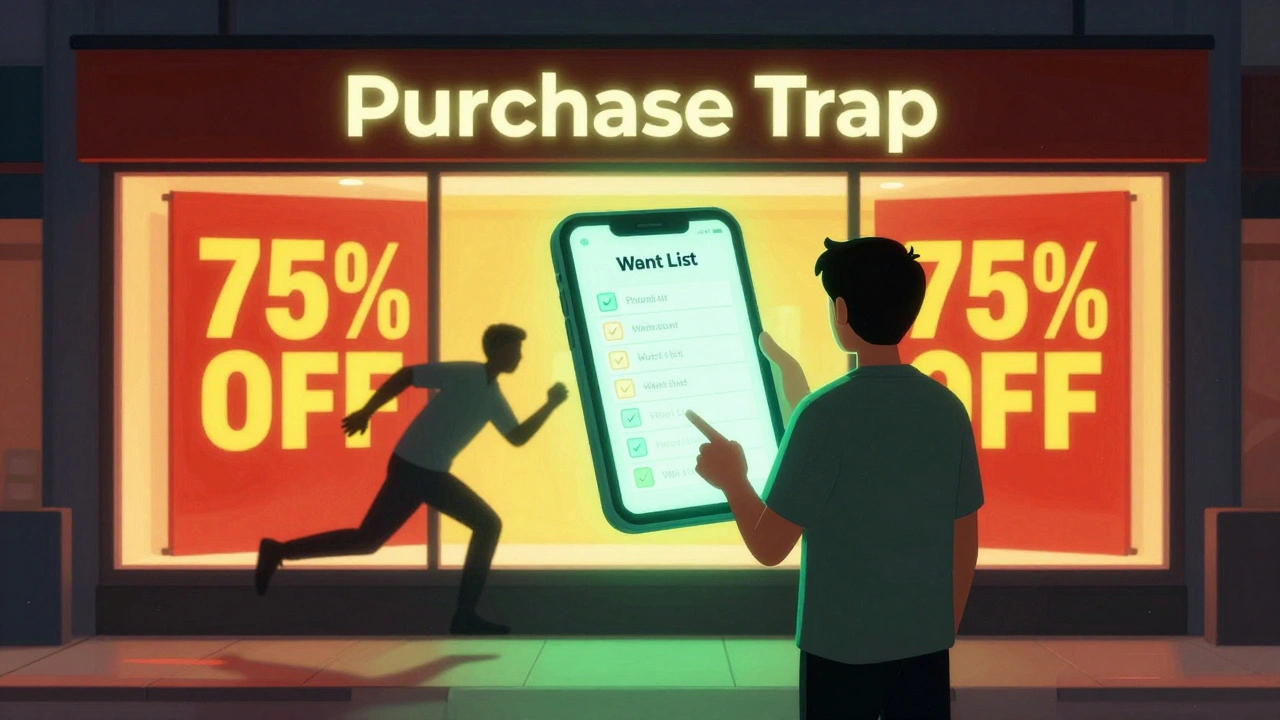
The biggest danger to a want list is the "Steam Sale." When prices drop by 75%, the logic of prioritization often vanishes, and we start buying everything. To combat this, stick to your ranked list. If a game isn't in your top 20, ignore the discount. The money you save by not buying a "cheap" game you'll never play can be used to buy a full-priced game you'll actually love.
What is the difference between a wishlist and a want list?
A wishlist is typically a loose collection of everything you might want. A want list is a curated, ranked version of that wishlist where items are ordered by priority, time commitment, and current interest to ensure a higher completion rate.
How often should I re-evaluate my game priorities?
It's best to review your list quarterly or before major seasonal sales. Your gaming mood and available free time change throughout the year, so a game that was high priority in the winter might be low priority during a busy summer.
How do I handle games that I want but know will take too long to finish?
Move them to a secondary "Long-Term" list. Keep them on your radar, but don't let them occupy a top spot in your active purchase queue until you have a dedicated window of time (like a vacation) to tackle them.
Is using a spreadsheet better than a platform wishlist?
Spreadsheets are better for financial tracking and historical data (like how much you spend per year). However, platform wishlists are superior for getting instant notifications about sales and price drops.
What should I do if a game has mixed reviews but I really want to try it?
Place it in a "Wait and See" category. Check if the developers are actively patching the game. If the reviews improve over time, move it back up. If they stay mixed, keep it at the bottom and only buy it during a very deep discount.