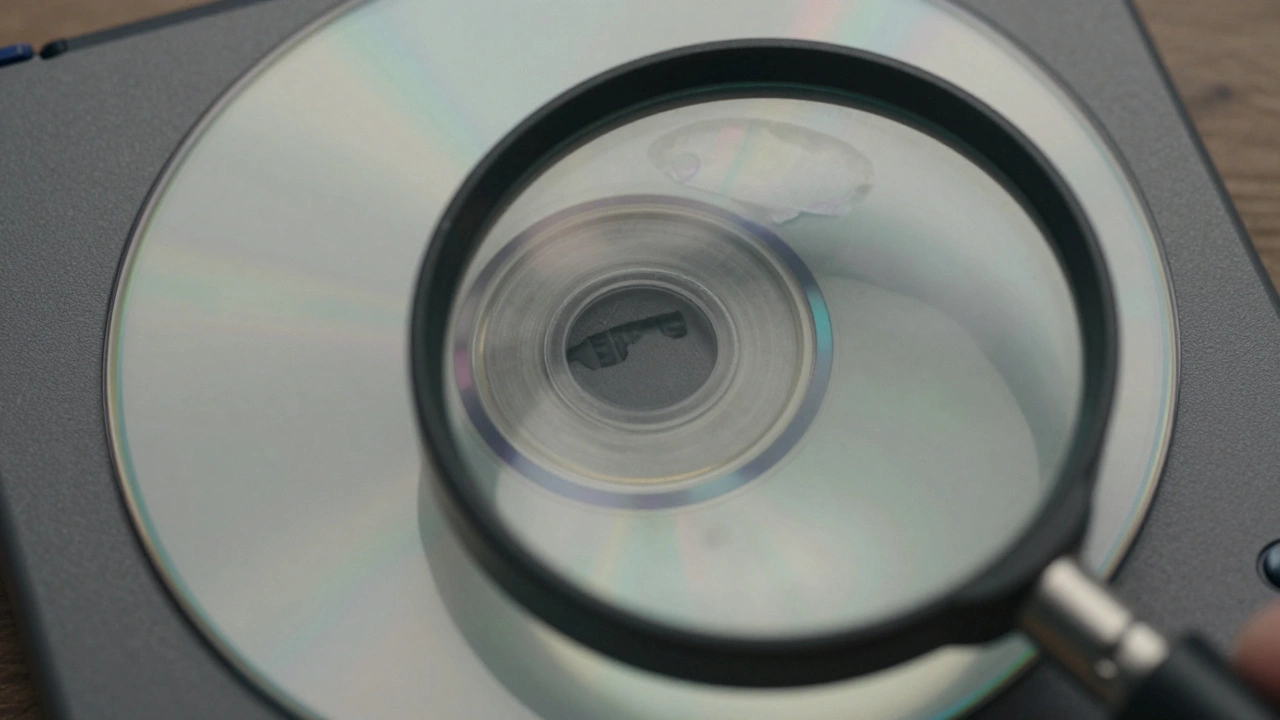
Buying used video games online can save you money, but it also comes with risks. A game listed as "Like New" might arrive with deep scratches. A seller with a 99% positive rating could still send you a broken disc. The key isn’t just looking at the number-it’s learning how to read between the lines. Here’s how to actually use seller feedback to avoid bad purchases and get what you pay for.
Don’t Trust the Percentage Alone
On eBay, sellers with 99% or higher feedback are usually safe. But that’s not a guarantee. One buyer bought a game from a seller with 100% feedback. The listing said "Like New," but the disc had visible scratches and didn’t work. The seller had never received negative feedback because no one had bothered to leave it. That’s the trap: high percentage doesn’t mean perfect product quality. A seller with 98% might be more trustworthy than one with 100% if they’ve actually had complaints and handled them well.Check the Negative Reviews
Look at the actual negative comments-not just the number. What are people complaining about? If the negatives are all about "slow shipping" or "packaging was messy," that’s less worrying. But if multiple buyers say "disc was scratched," "game didn’t work," or "listed as working but was broken," that’s a red flag. One bad review might be an outlier. Three or four saying the same thing? That’s a pattern.Read How Sellers Respond
A seller’s response to criticism tells you more than their rating. If a buyer says, "The disc has a crack," and the seller replies, "I’m sorry, I’ll refund you," that’s good. But if they say, "You’re lying, this is a perfect disc," or they ignore the complaint entirely? That’s a warning sign. Sellers who argue, blame buyers, or refuse to admit mistakes usually keep making those mistakes. eBay’s policy says sellers must accept returns even if they say "no returns," and they must pay for return shipping. If a seller fights it, they’re probably not worth the risk.Watch for Visual Red Flags in Listings
Feedback tells you about the seller. Photos tell you about the game. If the listing shows the disc at an angle so you can’t see the bottom, that’s suspicious. If there’s a repair ring sticker on one side but no photo of the other, don’t buy. That sticker often hides cracks. One buyer bought a game with a tiny crack because the seller only showed the front of the disc. The game didn’t work. The seller refused a refund. eBay stepped in-but you still had to wait weeks for your money back. Don’t risk it. If you can’t see the whole disc clearly in the photos, walk away.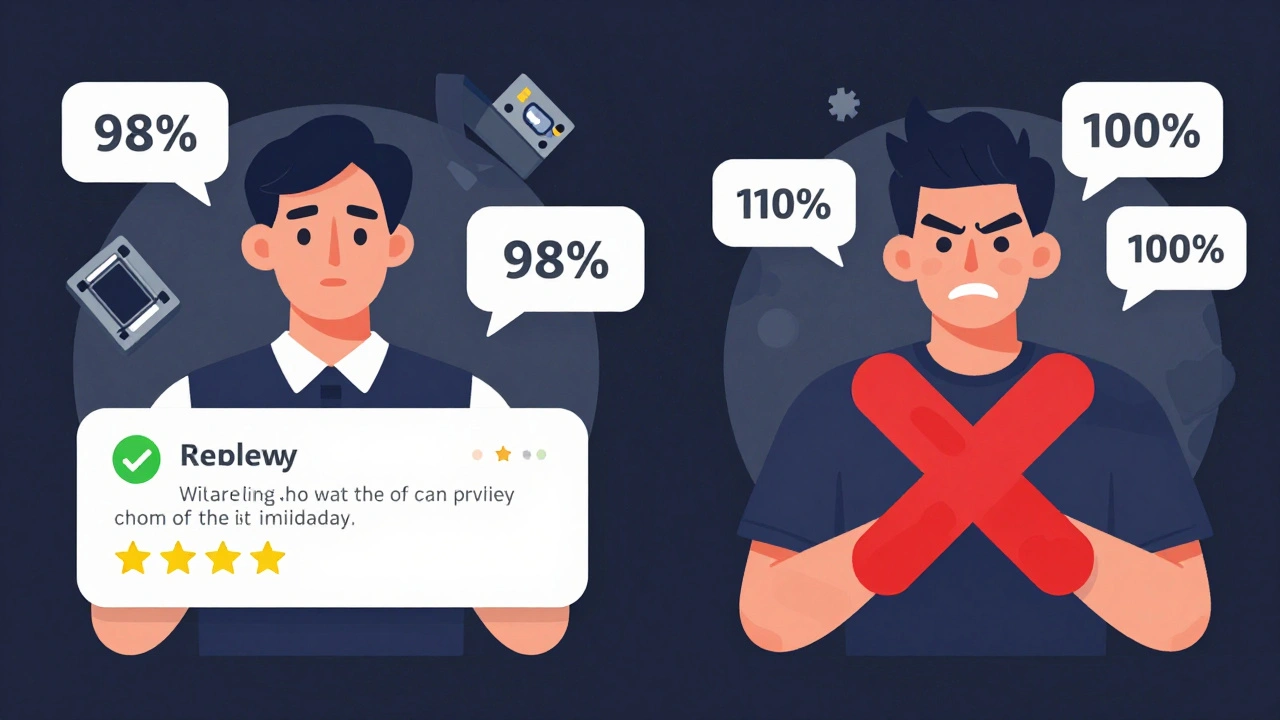
Age and Volume Matter
A seller with 5 reviews and 4 positives (80%) is riskier than one with 500 reviews and 480 positives (96%). Why? Small sample sizes lie. One bad experience can drop a new seller’s rating hard. But if they’ve done 500 sales and only 10 went wrong? That’s a real track record. Gameflip only counts feedback from the last 180 days. That’s smart-it means old problems don’t haunt them forever. If a seller had a bad month two years ago but has been clean since, their current rating reflects their real performance today. TCGplayer updates ratings daily, so recent behavior matters more than history.Understand Platform Differences
Don’t compare eBay ratings to TCGplayer ratings. TCGplayer gives automatic 5-star ratings if you don’t leave feedback within five days. That means most sellers have 95%+ ratings-even if they’re average. A 95% on TCGplayer might be like an 85% on eBay. Gameflip’s 180-day window makes their ratings more current than eBay’s lifetime system. If you see a seller with 97% on Gameflip and 98% on eBay, don’t assume the eBay one is better. They’re measuring different things.Price + Feedback = Risk Score
A game priced way below market value is a red flag. Check PriceCharting.com or eBay’s "Sold" listings to see what similar games are selling for. If a game is $5 when it usually sells for $15, something’s off. Combine that with a seller who has a few negative reviews about "disc condition"? That’s a trap. Sellers who slash prices to move bad stock often hide the damage. The best deals come from sellers with high feedback, clear photos, and fair prices-not the cheapest option.
Don’t Be the Reason for Bad Feedback
Buyers can hurt the system too. If you leave a negative review because your game arrived a day late, but the seller shipped on time and the disc was fine, that’s unfair. eBay doesn’t let sellers retaliate, but they can see your history. If you leave too many negative reviews, other sellers might refuse to sell to you. Be honest, not angry. A fair review helps everyone. If something’s wrong, give the seller a chance to fix it before blasting them.Use Buyer Protections
eBay lets you return games even if the seller says "no returns." They’ll send you a free shipping label. TCGplayer requires sellers to respond within 48 hours. If they don’t, you can open a case. These rules exist because sellers abuse them. But you have to know them to use them. Don’t assume you’re powerless. If a game doesn’t work, or the disc is scratched, file a claim. Most platforms side with buyers. But you still need to prove it-so keep your photos, save the packaging, and document everything.What to Do Before You Click Buy
Here’s a quick checklist before you complete your purchase:- Is the feedback percentage above 97%? (Below that, dig deeper.)
- Have you read the last 5 negative reviews? Look for repeated issues.
- Did the seller respond to complaints? Were they helpful or hostile?
- Are there clear, full-disc photos? Can you see the entire surface?
- Is the price close to market value? (Check PriceCharting.com.)
- Is the seller active? Do they have at least 20+ transactions?
If you answer "no" to any of these, walk away. The next game will come.
Can I trust a seller with 100% feedback?
Not always. A 100% rating just means no one has left negative feedback-not that the seller is honest. Some sellers have perfect ratings because they’ve only sold a few games, or buyers didn’t leave reviews. Always check photos, read the description, and look for hidden red flags like repair stickers or angled shots.
Why does TCGplayer have such high ratings?
TCGplayer automatically gives 5 stars if you don’t leave feedback. Since most buyers don’t leave reviews, ratings inflate. A 95% on TCGplayer is like a 85% on eBay. Don’t compare ratings across platforms without understanding how they’re calculated.
What should I do if my game doesn’t work after buying?
Take photos of the disc and packaging. Open a dispute through the platform. eBay and TCGplayer both require sellers to accept returns and pay for return shipping-even if the listing says "no returns." Don’t accept "it’s your fault" as an answer. File the claim. Most cases are resolved in your favor.
Is it safe to buy from a seller with 98% feedback and 100+ reviews?
Yes-if you’ve checked the negative reviews. If the 2% negative feedback is about shipping delays or packaging, and the rest are about great service, that’s fine. But if the negative reviews mention scratched discs or broken games, avoid them. The number of reviews matters: 100 reviews with 2 negatives is more reliable than 10 reviews with 1 negative.
How can I tell if a disc has hidden damage?
Look for repair ring stickers, angled photos that hide the disc’s edge, or blurry images. If you can’t see the full surface, assume there’s damage. A crack-even a tiny one-can ruin a game. Never buy a disc with visible damage, no matter how cheap it is.