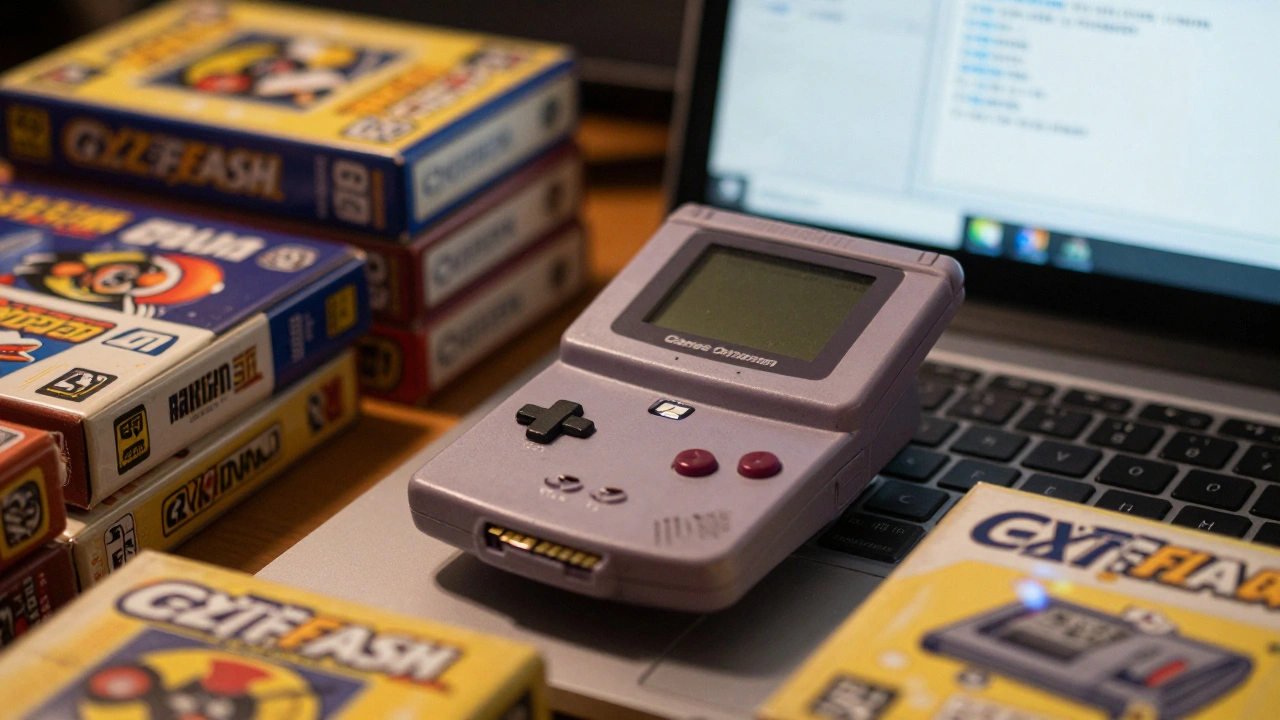
Want to play hundreds of retro games on your original Game Boy Advance or Nintendo DS without digging through dusty cartridges? Flash carts like the EverDrive and EZ-Flash Omega let you load ROMs from a microSD card and play them on real hardware. No emulators. No modern consoles. Just your old system, your favorite games, and a tiny card that holds them all.
What Exactly Is a Flash Cart?
A flash cart is a physical cartridge that replaces your old game cartridge. Instead of having one game built into it, it has a slot for a microSD card. You copy ROM files-digital copies of original games-onto that card, and the flash cart reads them like they were on a real cartridge. It’s not emulation. It’s the original hardware running the game, just with a modern storage upgrade.These devices work with systems like the Game Boy Advance, Nintendo DS, and DSi. They don’t need a computer to run. You pop the cart into your console, turn it on, and it shows you a menu of all your games. From there, you pick one and play. No internet. No downloads mid-game. Just pure, unmodified retro gaming.
Getting Started with the EZ-Flash Omega
The EZ-Flash Omega is one of the most popular GBA flash carts today. It’s reliable, easy to set up, and supports hundreds of games. Here’s how to get it working.First, grab a microSD card. A 32GB card is plenty-enough for 500+ GBA games and all the extras. Format it to FAT32. That’s important. Other formats like exFAT or NTFS won’t work reliably on the cart.
Next, download three files from the official EZ-Flash website:
- The kernel (the main software that runs the menu)
- The cheat library (lets you enable cheats like infinite lives)
- The thumbnail pack (shows preview images of your games)
Extract those files and copy them directly into the root folder of your microSD card. Don’t put them in subfolders. The cart looks for them right at the top level.
Adding Games to Your Library
Now for the fun part-loading your games.Get your GBA ROM files. These are .gba files. You can find them from your own collection or from legal sources if you own the original cartridge. Put each .gba file into a folder on the SD card. You can put them all in the root folder, but that gets messy fast. Better to make folders like "Action," "RPG," "Puzzle," or even just "GBA Games." The cart reads them no matter where they are.
Once you’ve added your games, safely eject the SD card from your computer, slide it into the EZ-Flash Omega, and plug the whole thing into your Game Boy Advance.
Using the Menu and Playing Games
When you turn on the system, you’ll see the classic Game Boy logo-then the EZ-Flash menu pops up. It shows thumbnails of your games, names, and icons. Use the D-pad to scroll. Press A to select.You’ll notice two ways to boot a game:
- Normal Boot - The game starts like a real cartridge. No save states. No menu access while playing. You have to power off and restart to get back.
- Boot with Add-On - This is where the magic happens. It loads the kernel in the background. You can pause the game, access a menu, save your progress as a save state, use cheats, reset the game, or even adjust the volume.
Save states are game changers. You can save your progress anywhere, even in places where the original game didn’t allow saving. Press L+R+A (default) to save a state. Press B to load it later. You can make dozens of save states per game.
Customizing Controls and Features
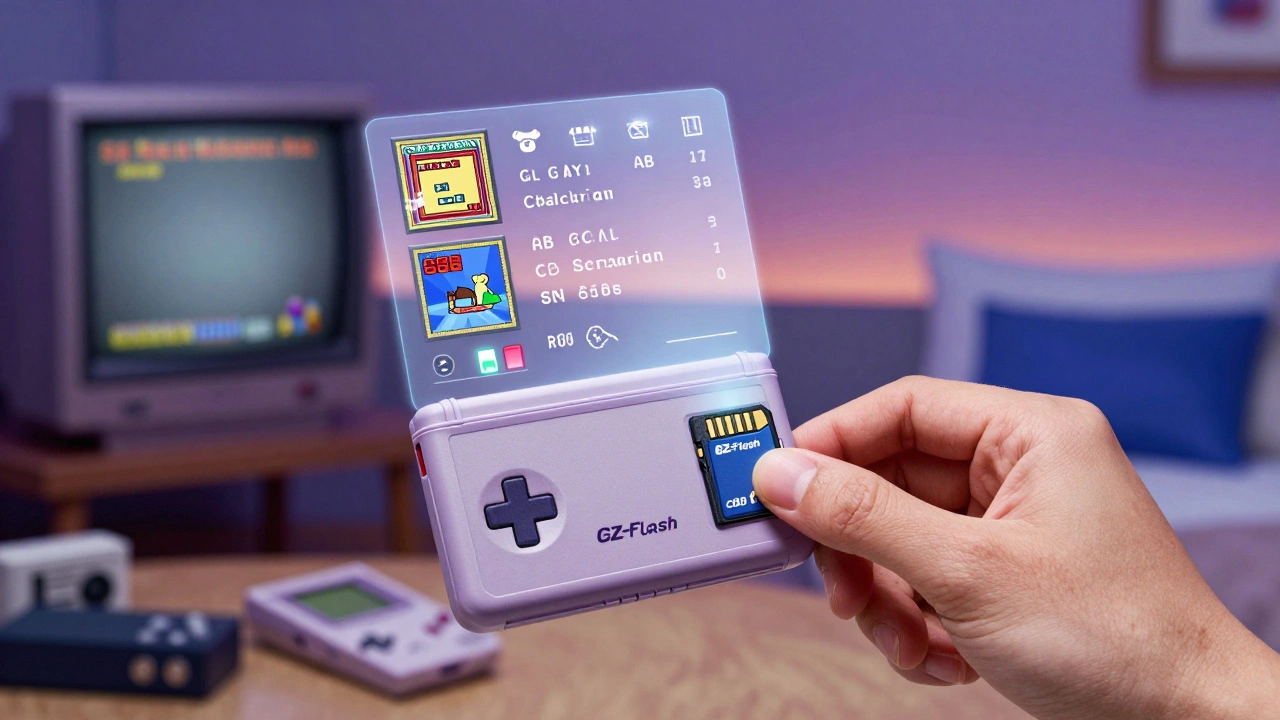
The EZ-Flash Omega lets you tweak how it works. Go into the menu, then select "Settings." Here you can change:- The button combo for saving and loading states
- Which button puts the system to sleep
- Whether thumbnails show up automatically
For example, if L+R+A feels awkward, you can set it to Select+X+Y. The Start button shows your recently played games. The Select button toggles thumbnails on and off. Left and right shoulder buttons scroll through the top menu tabs: Games, Settings, Cheats, and Help.
DS Flash Carts Are Different
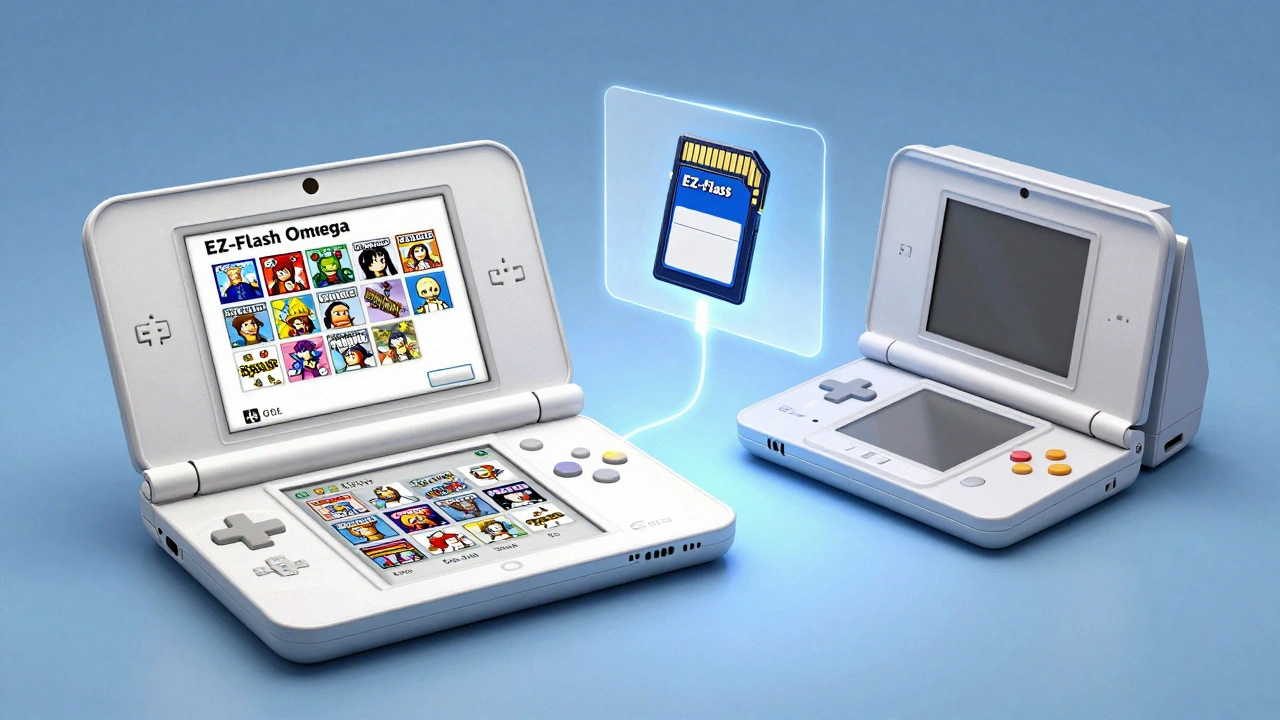
If you’re using a flash cart for the Nintendo DS or DSi, the process is similar but different.DS carts like the EZ-Flash Parallel or SuperCard SD need a file called ds2boot.dat placed in the root of the SD card. They also use a folder called _dstwoplug for extra emulators-like SNES or GBA players built into the DS cart.
When you first turn on the DS, it might show a weird game name like "Alex Rider: Stormbreaker." That’s normal. Once you’ve installed the kernel and placed your ROMs correctly, the menu will appear. DS carts can run both DS games (.nds files) and GBA games (.gba files) if they have a GBA slot.
DS carts also support save states and cheats. But unlike the GBA cart, they often need a separate firmware update process. Some require you to use a second flash cart or a 2GB SD card with stock firmware to install the update.
Save Management: SRAM, Flash, and EEPROM
Not all games save the same way. Original cartridges used different memory types:- SRAM - Needs a battery. If the battery dies, saves are lost.
- Flash - No battery. Saves stay forever.
- EEPROM - Also battery-free.
Flash carts handle this smartly. For SRAM games with dead batteries, the EZ-Flash Omega lets you manually write saves to the SD card. Go into the in-game menu (using Boot with Add-On), select "Manual Save," and it copies your progress to the card. You can restore it later.
Some games need a Real Time Clock (RTC) to work-like Pokémon Emerald or Animal Crossing. The EZ-Flash Omega doesn’t have a real RTC chip, but it uses a "pseudo-RTC" feature. It guesses the time based on how long the game has been running. It’s not perfect, but it’s enough to keep most games working.
Why Use a Flash Cart Instead of an Emulator?
You could just use an emulator on your phone or PC. So why bother with a flash cart?- It’s the real hardware. The controls, the screen, the sound-it’s exactly how the game was meant to be played.
- No lag. No input delay. No weird screen scaling.
- You can play with original accessories-like the Game Boy Micro screen or the DS stylus.
- No risk of malware or fake ROMs. You control exactly what’s on your SD card.
- It’s portable. Just pop the cart into your GBA and go.
Flash carts aren’t just about convenience. They’re about authenticity. You’re not playing a copy. You’re playing the game-on the system it was designed for.
What You Need to Get Started
Here’s a quick checklist:- A Game Boy Advance or Nintendo DS (original or DSi)
- A flash cart (EZ-Flash Omega for GBA, EZ-Flash Parallel for DS)
- A microSD card (16GB-128GB, FAT32 formatted)
- A computer to copy files
- ROM files of games you own
That’s it. No drivers. No software installs. Just copy, plug, play.
Common Mistakes to Avoid
- Don’t use exFAT or NTFS on the SD card. FAT32 is the only format that works. - Don’t rename ROM files. Keep them as "game_name.gba" or "game_name.nds." - Don’t put ROMs in subfolders unless you’re organized. The cart reads them fine, but messy folders make it hard to find games. - Don’t use ROMs you don’t own. Even if they’re old, copyright still applies. - Don’t assume all flash carts are the same. EZ-Flash, SuperCard, and EverDrive have different menus and features.Final Thoughts
Flash carts aren’t just a hack. They’re a preservation tool. They keep old games alive on the hardware that made them special. You’re not replacing the past-you’re saving it.With a flash cart, you can carry your entire retro library in your pocket. No more hunting for missing cartridges. No more broken batteries. Just turn it on, pick a game, and play like it’s 2002 again.
Can I use any microSD card with a flash cart?
Yes, but only if it’s formatted as FAT32. Cards larger than 32GB often come pre-formatted as exFAT, which won’t work. Use a tool like GUIFormat (Windows) or Disk Utility (Mac) to reformat it to FAT32. Stick to reputable brands like SanDisk or Samsung for reliability.
Do flash carts work on the Game Boy Color?
No. Flash carts like the EZ-Flash Omega are designed for Game Boy Advance and later systems. The GBC uses a different hardware architecture and lacks the necessary pinout to support modern flash carts. You’d need a GBC-specific cart, but those are rare and not widely supported.
Are flash carts legal?
The hardware itself is legal. What you put on it isn’t. If you own the original game cartridge, making a backup ROM for personal use is generally accepted under fair use in many countries. Downloading ROMs of games you don’t own is copyright infringement. Always use ROMs you legally own.
Can I play multiplayer games with flash carts?
Yes. If the original game supported multiplayer via link cable, the flash cart works the same way. Plug two carts into two systems, connect the link cable, and start the game. Save states and cheats won’t interfere with multiplayer, but make sure both carts are using the same ROM version.
Do flash carts wear out?
The flash cart itself has no moving parts and can last decades. The microSD card is the only component that might fail over time, but modern cards are built for thousands of write cycles. As long as you safely eject the card and don’t remove it while the system is on, you’ll get years of reliable use.