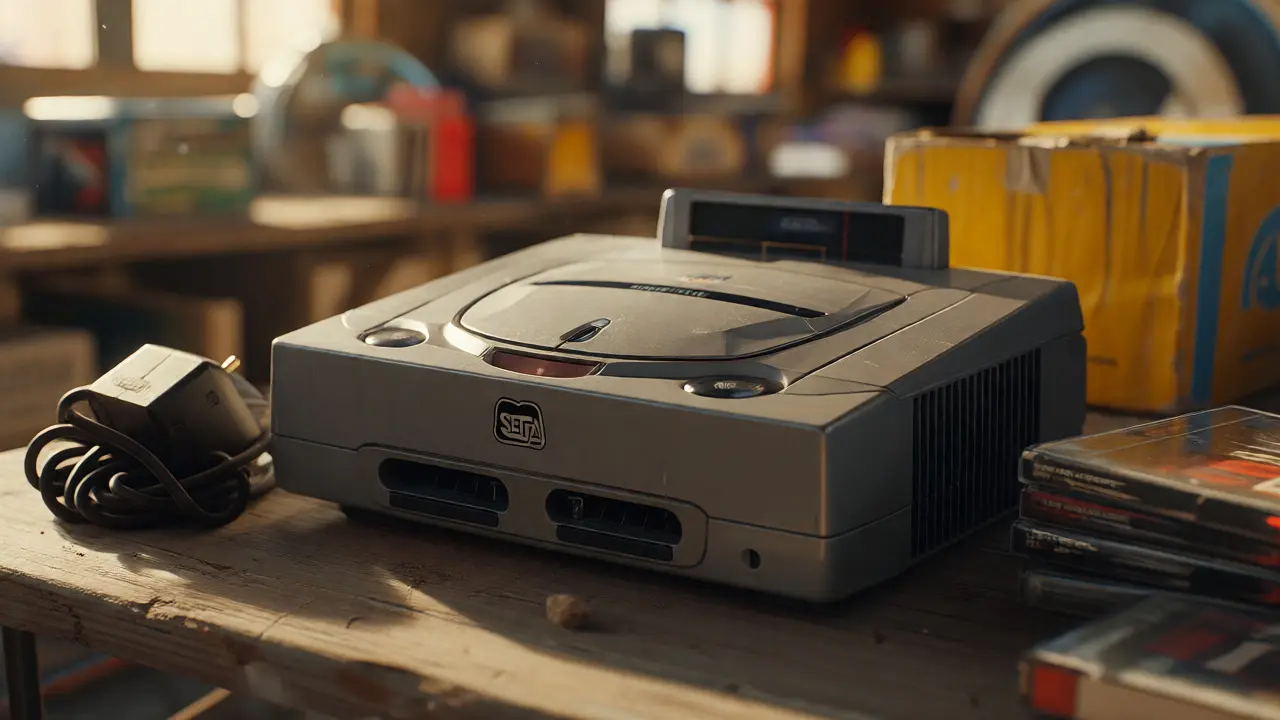
You just found a pristine Sega Saturn console at a garage sale for twenty bucks. You feel like a genius until you plug it in and realize the power brick is missing, or worse, the laser lens is so degraded it can’t read anything but the original test disc. Or maybe you’re staring at a Japanese import of Guardian Heroes on eBay, wondering if that weird yellow box is worth the shipping cost. The Sega Saturn isn’t like the PlayStation or N64. It’s quirky, expensive, and full of traps for the unprepared collector.
If you want to build a serious library without burning a hole in your wallet, you need to understand three specific things: which regions to buy, how to keep the hardware alive with modern tech, and why those huge boxes are actually part of the game. This guide breaks down the messy reality of Sega Saturn collecting so you don’t end up with a shelf full of bricks.
Why Region Matters More Than You Think
The first mistake new collectors make is assuming all Saturn games work everywhere. They don’t. The Saturn was released in three main regions: Japan (NTSC-J), North America (NTSC-U/C), and Europe/PAL territories. Unlike the PS1, which had simple region locking, the Saturn uses a combination of video signal standards and software checks.
Here is the hard truth: A US Saturn will not play a European game unless you have a modded console or a multi-region adapter. But here is the twist-Japan has the best library. By a wide margin. If you are collecting for gameplay depth, you are almost forced into imports. Japanese releases often come with superior packaging, better manuals, and sometimes exclusive content. However, they require an NTSC-J compatible TV or a scaler that handles 240p signals correctly. Most modern HDTVs struggle with the Saturn’s native output, which leads us to our next point.
| Feature | North America (US) | Europe (PAL) | Japan (NTSC-J) |
|---|---|---|---|
| Library Size | ~300 titles | ~250 titles | ~1,000+ titles |
| Price Stability | High volatility | Moderate | Stable, niche spikes |
| Packaging Quality | Standard jewel cases | Amaray cases | Super Jewel Cases & Digipacks |
| Hardware Compatibility | Native NTSC | Requires PAL/NTSC switch | Requires NTSC-J support |
Keeping the Hardware Alive: The ODE Solution
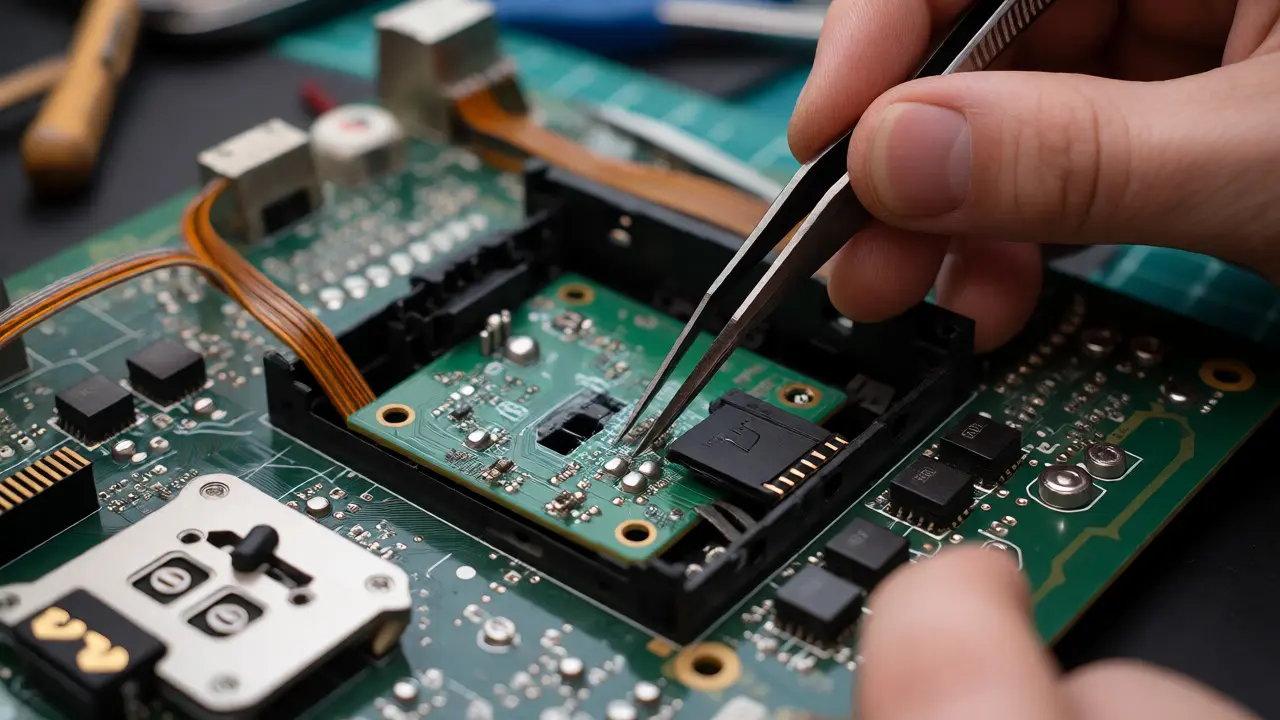
Let’s talk about the elephant in the room: the CD drive. The original Sega Saturn uses a KSS-213A or similar laser assembly. These lasers have a lifespan. After 25 years, many are failing. Replacing them is possible, but sourcing good used lenses is a gamble, and installing them requires delicate soldering and alignment skills. If you aren’t comfortable with tiny screws and ribbon cables, you might break your console trying to fix it.
This is where Optical Drive Emulators (ODEs) come in. An ODE replaces the physical CD drive with a small circuit board that reads ISO images from an SD card. For the Saturn, the most popular options are the GDEmu variants adapted for Saturn or specific kits like the Saturn ODE by Terraonion.
Why bother? First, reliability. An ODE never skips tracks because of a scratched disc. Second, speed. Loading times drop significantly because there is no mechanical seek time. Third, preservation. You stop handling rare discs. However, there are caveats. Some games rely on precise timing from the physical drive’s spin-up. Early ODE firmware had issues with these edge cases, though updates have largely solved this. Also, purists argue that hearing the whir of the drive is part of the experience. If you value authenticity over convenience, stick to clean discs and good maintenance. If you value playing your entire library without stress, get an ODE.
The Myth and Reality of "Long Boxes"
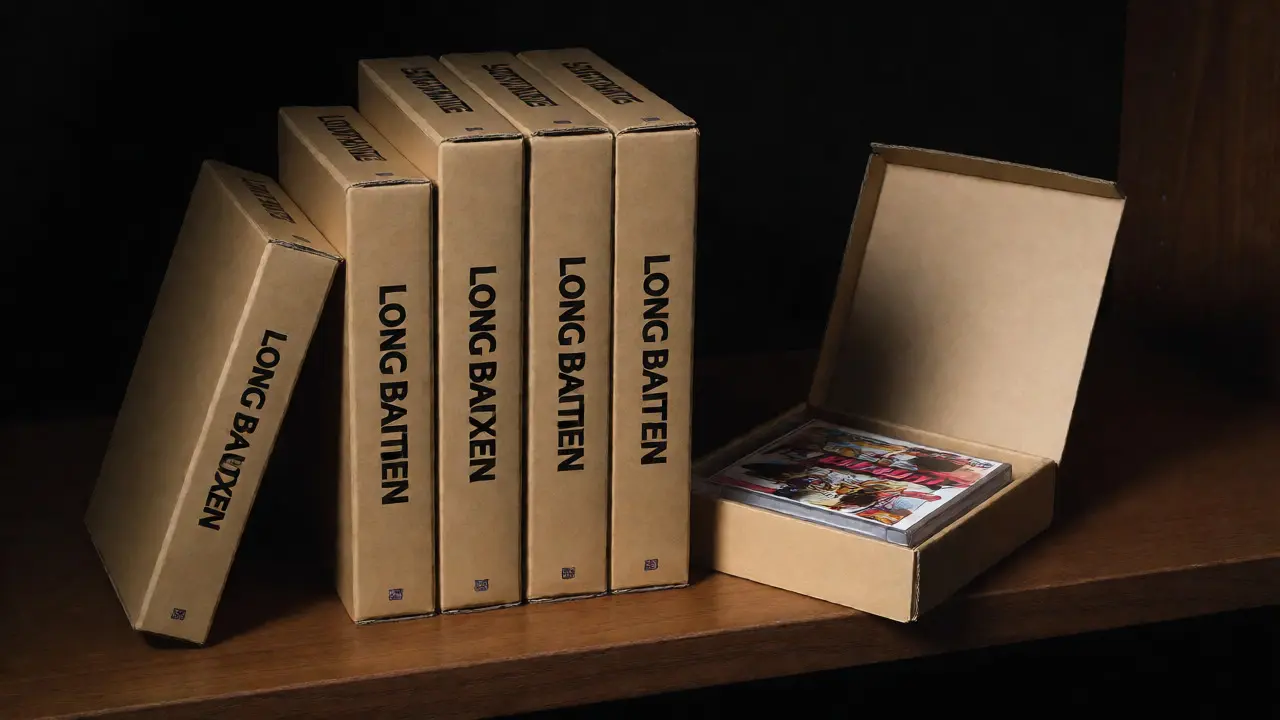
You’ve seen them. Those massive, oversized cardboard boxes that look like they belong to a deluxe edition of a modern AAA game. In the Saturn community, these are known as Long Boxes. Technically, these were standard retail packaging for certain early releases, particularly in Japan and some European markets. They weren’t always "premium" editions; sometimes, it was just the default size.
Collectors obsess over them for two reasons. One, they protect the contents better than the smaller jewel cases. Two, they look impressive on a shelf. But beware: not every large box is valuable. Many late-release budget titles came in big boxes simply because the manufacturer had leftover stock. Always check the spine code and the release date. A 1998 budget reissue in a big box is worth pennies compared to a 1995 launch title in the same format.
When hunting for long boxes, inspect the corners. Cardboard degrades. A crushed corner on a rare Japanese RPG can cut its value in half. Look for "shelf wear." If the box has been sitting on a display shelf since 1997, the top edges will be faded or split. Buying online? Demand photos of the actual item, not stock images. Sellers often list "complete" when the manual is missing or the insert is torn.
Navigating the Import Market
Buying imports is where the real money moves. Sites like Mercari, Yahoo Auctions Japan, and Rakuten are goldmines, but they are also minefields. Language barriers are the biggest hurdle. Use translation tools, but verify details manually.
Condition grading in Japan is strict but subjective. "S" means sealed. "A" means near mint. "B" means used with visible wear. "C" means heavily worn. Don’t assume "B" means broken. Often, it just means the plastic case has scratches. Conversely, "A" doesn’t guarantee the disc is perfect. Ask for close-ups of the disc surface. Scratches on the data side (the shiny side) are fatal. Scratches on the label side can usually be polished out.
Shipping costs are the silent killer. A $10 game can cost $25 to ship via EMS. Consolidators help, but they charge fees. Factor this into your offer price. If you are buying multiple items, wait until you have enough volume to justify a consolidated shipment. Otherwise, you’ll pay more in postage than the game is worth.
Building Your Collection Strategy
Don’t try to collect everything. The Saturn library is too deep. Pick a lane. Are you into fighting games? Focus on Virtua Fighter and Fighting Vipers. Love RPGs? Hunt down Panzer Dragoon Saga (prepare to cry at the price) and Shining Force III. Prefer arcade ports? Look for Street Fighter Alpha 3 and Dungeons & Dragons: Shadow over Mystara.
Set a budget per month. Saturn prices fluctuate based on hype cycles. When a streamer plays a game, the price jumps. Buy during lulls. Check sold listings on eBay to see what people actually paid, not what sellers ask. Patience pays off. I once bought a complete copy of Guardian Heroes for $40 after waiting six months for a seller who listed it poorly and forgot about it.
Also, consider the accessories. Controllers wear out. The Saturn controller has membrane buttons that fail. Replacement membranes are cheap, but finding them takes effort. Memory cards are prone to battery leakage. Replace the CR2032 batteries immediately upon purchase, even if the card works. Corrosion eats the PCB traces, rendering the card useless forever.
Common Pitfalls to Avoid
- Ignoring Power Supply Issues: Saturn power supplies are notorious for overheating. Ensure ventilation holes are clear. Consider replacing the thermal paste on the CPU heatsinks if you open the console.
- Buying "Complete" Without Proof: Always ask for photos of the manual, inserts, and disc. Missing inserts reduce value significantly.
- Underestimating Shipping: International shipping adds complexity. Customs forms must be filled out accurately to avoid delays or extra fees.
- Forgetting Video Output: You need a good RGB SCART cable for PAL consoles or a component/S-video setup for NTSC. Composite video looks muddy and undersells the Saturn’s graphical capabilities.
Collecting Sega Saturn games is a marathon, not a sprint. It rewards research, patience, and a bit of technical tinkering. The joy comes from holding a piece of history that defined a generation of 2D and early 3D gaming. Just make sure your hardware survives long enough to enjoy it.
Do I need a modchip for my Sega Saturn?
Not necessarily. If you only play games from your home region, you don’t need one. If you want to play imports from other regions, a modchip or a multi-region BIOS replacement is required. However, modchips can be finicky and may cause compatibility issues with some games. Using an external multi-region adapter is a safer, non-invasive alternative.
Are Sega Saturn ODEs reliable?
Modern ODEs like the GDEmu-based solutions are highly reliable. They eliminate the risk of laser failure and reduce load times. However, installation requires soldering skills or professional help. Early versions had minor compatibility issues with games that relied on specific drive timing, but firmware updates have largely resolved these problems. Always back up your saves before installing.
What makes a "Long Box" valuable?
Value depends on rarity and condition, not just size. Early launch titles in Japan and Europe often came in large boxes. If the box is intact, with no crushed corners or water damage, and contains the original manual and inserts, it commands a premium. Budget reissues in large boxes are generally worth less due to higher print runs.
Can I use a PS2 memory card with a Sega Saturn?
No. The connectors and protocols are different. You must use official Sega Saturn memory cards or third-party equivalents designed specifically for the Saturn. Using the wrong card can damage the port.
How do I clean a dirty Saturn disc?
Use a microfiber cloth and distilled water or a dedicated CD cleaning solution. Wipe from the center outward in straight lines, never in circles. Circular wiping can create radial scratches that confuse the laser. If the disc is severely damaged, consider getting it professionally resurfaced or using an ODE to bypass the physical media entirely.