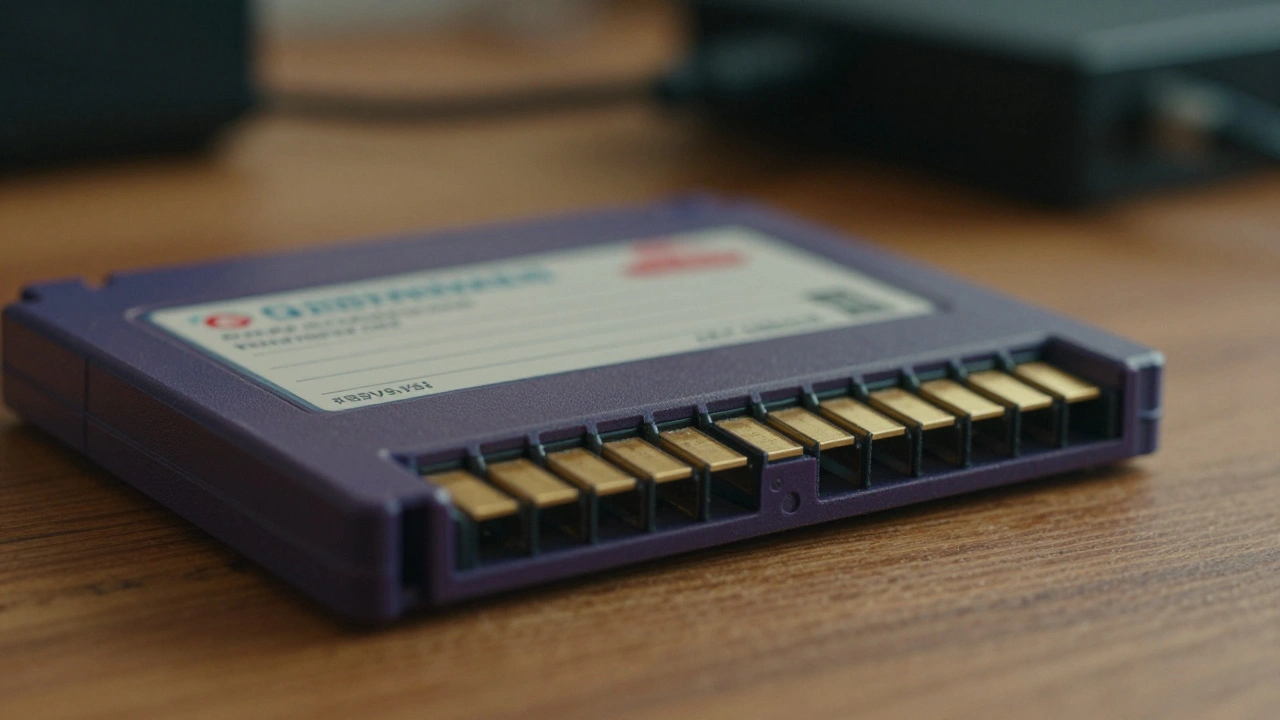
Physical media is fragile. Cartridges corrode, discs rot, and chips lose their charge. If you own a rare game from the 80s or 90s, you know the ticking clock. Creating a digital copy is the only way to keep it playable forever. But a bad copy is worse than no copy at all. A corrupted ROM dump ruins the history of the game. That is why documentation is just as critical as the dumping process itself. You need to prove your file is authentic, accurate, and safe to keep.
This isn't about piracy. It is about stewardship. When you document your work properly, you create a record that future archivists can trust. You ensure that when the original cartridge finally dies, the digital version remains a perfect twin. Let's look at how to build that record correctly.
Why Documentation Matters Beyond the File
Most people focus on getting the file off the hardware. They download the ROM and move on. But without metadata, that file is just data. You don't know how it was read, what tools were used, or if errors were ignored. ROM Dumps are digital copies of game data extracted from physical cartridges, discs, or chips for preservation purposes. When you document the process, you establish provenance. You prove the file came from a specific physical object you own.
Provenance matters for the community. If you submit a dump to an archive, maintainers need to know your setup. Did you use a specific drive known for reading errors? Did you verify the checksums? Good documentation allows others to validate your work without needing to physically inspect your cartridge. It builds trust within the preservation network. Without it, your dump might be rejected or flagged as unreliable.
The Golden Rule of Verification
You cannot trust a single read. Hardware glitches happen. Dust on a contact pin can flip a bit. A momentary power surge can corrupt a sector. The standard procedure requires dumping the cartridge or disc multiple times. You must remove the media, re-insert it, and dump it again. Then you compare the files. If they are identical, you have a high probability of accuracy.
Experts like those behind the SMSReader guide emphasize this repetition. It eliminates spurious read errors. If you dump a cartridge once, you might catch a glitch and save it as permanent data. If you dump it three times and the files match, you know the data is stable. This is the gold standard for verification. You should record how many attempts it took to get matching files in your documentation notes.
Another common issue is the "overdump." This happens when the reader grabs extra space after the actual game data. The file size becomes larger than the original ROM. The extra space is often filled with mirrored data, blank data, or garbage. You can spot this using a hex editor. If the file size doesn't match the known size for that specific game revision, you have an overdump. Documentation should note the exact file size and the expected size from a database.
Tools for the Job
You need the right hardware to get the right data. Using a generic USB drive reader for a vintage cartridge is risky. You need a device designed for that specific format. For optical media, not all CD drives are created equal. Some drives apply firmware processing that alters the data before it reaches your computer. You need a drive that supports raw reading functions.
| Media Type | Hardware Requirement | Software Tool |
|---|---|---|
| Cartridges (e.g., SMS, SNES) | Dedicated Cartridge Reader | SMSREAD, Romcheck |
| Optical Media (CD, GD-ROM) | Drive with Raw Read Support | DCdumper, CDRWin |
| Vintage Computer ROMs | EPROM Programmer | Willem Programmer, Frhed |
| Organization | Computer with Storage | RomVault, No-Intro DATs |
Software plays a huge role in verification. Frhed is a hex editor used for comparing and examining ROM dumps to identify corrupted data at the binary level. It lets you look at the raw bytes. If you see a block of repeating numbers where game code should be, you have a problem. For cartridge systems like the Sega Master System, the SMSREAD utility with verify functionality provides automated validation. It checks the data against known standards.
Optical Media and Redump Standards
Discs are trickier than cartridges. They use error correction codes that can hide damage. The Redump project is a community initiative establishing rigorous archival standards for optical media dumps. They require raw reading. This means disabling the firmware processing that normally corrects errors on the fly. You want the data in its original scrambled form. Software then handles the descrambling and error correction after the read is complete.
For Dreamcast GD-ROM dumps, the best practice involves a dump-then-match technique across three separate section ranges. This allows quick re-alignment of the laser. The DCdumper tool is preferred here. It provides more secure sector verification than older tools like CDRWin alone. When using CD Tool for GD-ROM dumping, you must check the C2 error file. This file tracks read errors. It must contain no non-null bytes. Any non-null bytes indicate errors in the dump. You need to re-dump if you see them.
Audio Speed settings matter too. Use 1x speed for unregistered software or 4x for registered versions. Set the Read Retry Count to 1. This captures accurate error data without excessive retry attempts that could introduce additional errors. Documenting these settings is crucial. If someone tries to replicate your work in five years, they need to know exactly how you configured the drive.
Handling Vintage Computer ROMs
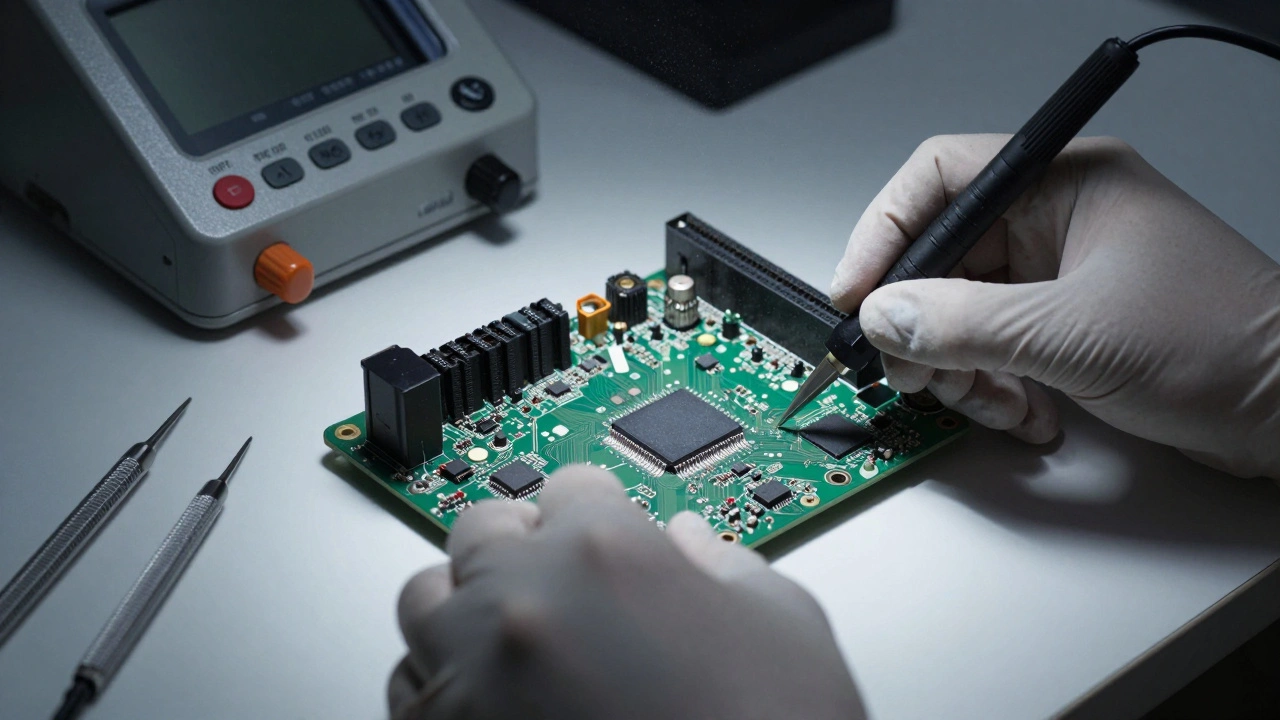
Some games live on chips soldered to a motherboard. Extracting these requires care. You are dealing with EPROMs or EEPROMs. The HP 9845 Project's ROM Dump Tutorial outlines the safe extraction process. First, disconnect power. Remove the system monitor and cover. Use levers or professional chip extraction tools. Never pry with a screwdriver. You will damage the pins or the printed circuit board.
Static electricity is your enemy. Older ROMs are extremely sensitive to static exposure. Ground yourself before touching the chips. Best practice involves extracting one ROM, reading it immediately, and reinstalling it before extracting the next. This prevents misplacements. You don't want to swap ROM 1 with ROM 2 and ruin the original system. Use a Willem EPROM programmer capable of reading 28C64 EEPROMs. After transfer to a computer, use the romcheck utility to verify correctness.
Organizing Your Archive
Once you have the files, you need to store them. Chaos in your folder structure leads to lost data. RomVault is software that organizes ROM collections according to No-Intro database standards. It requires downloading DAT files from the No-Intro website. These database files contain the known good hashes for every game. RomVault performs full hash checks. It identifies fixes for incomplete or misnamed ROMs. It automatically organizes files into console-specific subfolders.
This standardization ensures your dumps can be reliably identified. It verifies authenticity and completeness. When you organize files this way, you align with community standards. Other preservationists can search your archive and know exactly what they are finding. You avoid the problem of having three versions of the same game with different names.
Ethical and Legal Considerations
Preservation walks a fine line with copyright. The ethical framework for dumping emphasizes personal backup. You should ideally perform dumping on games you already own. This creates a backup for your collection. It is not about distributing copies to people who don't own the game. Proper documentation supports this ethical framework. It creates clear records that dumps originate from personally owned originals.
Respect the developers and publishers. Supporting the industry while preserving history is possible. Documentation enables preservation organizations to operate transparently. It demonstrates that collected dumps derive from legitimate sources. If you contribute to public archives, be clear about your ownership status. This protects you and the community from legal risks.
Common Pitfalls to Avoid
One major pitfall is skipping verification. Bock and other ROM dumping experts have expressed concern that people distribute bad dumps online. They dump once and upload immediately. This results in an accumulation of bad dumps and overdumps throughout archival systems. To prevent this, rigorous verification is mandatory. Comparing multiple dump attempts of the same cartridge provides strong evidence that read errors have not corrupted the data.
Another pitfall is ignoring error files. For optical media, examining the generated C2 error files is automated verification. If you ignore non-null bytes, you are archiving errors. Submitting dumps to community projects like Redump involves additional verification steps performed by project maintainers. They ensure that only high-quality, verified dumps contribute to the permanent record. Don't skip the quality control steps just to save time.
Building a Reliable Record
Documentation requirements are specific. Record the precise dump methodology. List the tools used. Note verification results. Mention any errors encountered during the dumping process. When submitting to community archival projects, clearly state which hardware configuration was used. Specify the CD drive model, EPROM programmer type, or cartridge dumping device. Include the software tools employed and their versions. Note the number of successful dump attempts before matching files were produced.
For optical media, document whether raw reading mode was used. State the descrambling software version. Include error recovery statistics from any C2 or error correction files. Confirm whether the dump passed final verification before being archived. This comprehensive documentation enables other preservationists to understand the reliability and provenance of dumps. It helps them assess whether re-dumping may be necessary if better hardware becomes available. It identifies which games may require priority re-dumping using improved techniques.
What is the best way to verify a ROM dump?
The best method is to dump the media multiple times, removing and re-inserting it between each attempt. Compare the resulting files to ensure they are identical. Use tools like SMSREAD or hex editors to check for overdumps or corruption.
What is an overdump in ROM preservation?
An overdump occurs when the reading device captures extra space after the actual game data. The file size becomes larger than the original ROM, often filled with mirrored or blank data. It can be detected by checking file size against known database values.
Why is raw reading important for optical media?
Raw reading disables firmware processing that normally applies error correction on the fly. This ensures data is read in its original scrambled form. Software then performs descrambling and error correction after reading, providing a more accurate archival copy.
How do I organize my ROM collection?
Use tools like RomVault with No-Intro DAT files. These databases contain known good hashes. The software performs hash checks, identifies misnamed ROMs, and organizes files into console-specific subfolders automatically.
Is dumping ROMs legal?
Dumping ROMs for personal backup of games you own is generally considered an ethical practice for preservation. However, you should respect copyright and avoid distributing copies to those who do not own the original game. Laws vary by region.
What tools are needed for cartridge dumping?
You need a dedicated cartridge reader compatible with the specific format. Software like SMSREAD or romcheck is used for verification. For vintage chips, an EPROM programmer like Willem is required.
What should I do if I find errors in a C2 error file?
If the C2 error file contains non-null bytes, it indicates errors in the dump. You should re-dump the media. Do not archive the file until the error file is clean or the errors are resolved through proper error correction techniques.
How do I prevent static damage when removing chips?
Ground yourself before touching the chips. Use professional chip extraction tools or levers. Avoid prying with metal tools that could short the pins. Extract one ROM, read it, and reinstall it before moving to the next.
What is the role of the Redump project?
Redump establishes comprehensive technical standards for optical media preservation. They maintain the most rigorous archival approach, focusing on raw reading and verification to ensure data integrity.
Why is documentation important for preservation?
Documentation establishes provenance and reliability. It allows future archivists to understand how the dump was created, verify its accuracy, and determine if re-dumping is necessary with better hardware.