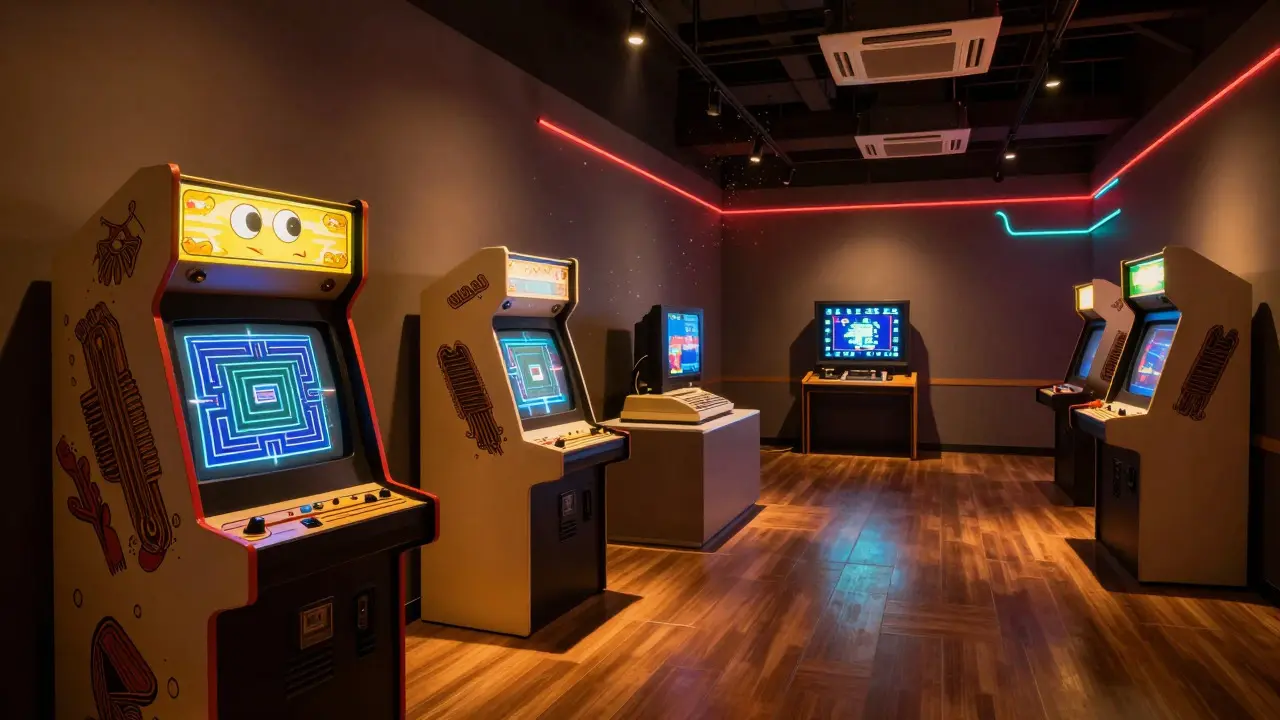
Imagine walking into a room where the air smells faintly of ozone from old CRTs, and the first thing you hear is the iconic coin-drop sound from Pac-Mana classic arcade game released by Namco in 1980 that defined the golden age of arcade culture. You aren't just looking at screens; you are stepping into a narrative. Creating a video game collection tour is not about stacking consoles on shelves. It is about crafting an immersive journey that balances historical education with pure, unadulterated fun. If you want visitors to leave talking about your exhibit for weeks, you need to move beyond static displays and build an experience.
The Core Philosophy: Narrative Over Nostalgia
Nostalgia is a powerful hook, but it is a weak foundation. If your tour relies solely on "remember when?" moments, you alienate younger audiences who have never held a physical cartridge. The goal is to educate through context. Every object in your collection should tell a story about how it changed society, technology, or culture. For example, don't just display a Game Boya handheld game console created by Nintendo that revolutionized portable gaming in the 1990s. Explain how its monochrome screen allowed players to play anywhere, shifting gaming from a living room activity to a pocket-sized companion. This shift paved the way for the mobile gaming industry worth billions today. By framing objects within their historical impact, you transform a shelf of electronics into a museum of innovation.
Designing the Visitor Journey
A successful tour needs a logical flow. Think of it as a level map in a video game. Start with the origins, move through the evolution, and end with the future. Here is a practical structure for a standard two-hour tour:
- The Arcade Era (1970s-1980s): Focus on social interaction. Set up a working Atari 2600one of the first home video game consoles, released by Atari in 1977, which popularized the concept of playing games in the living room. Let visitors compete against each other. The noise and energy here set the tone for the excitement of gaming.
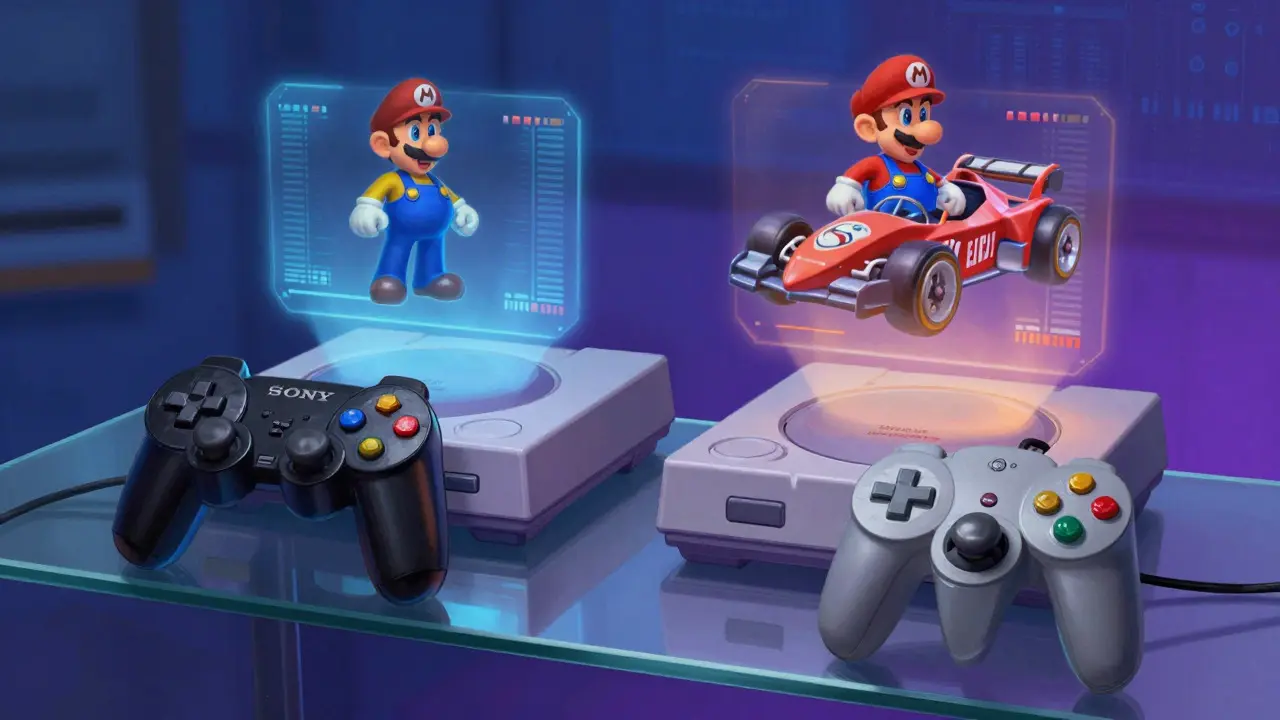
- The Console Wars (1990s): Introduce the rivalry between Sony PlayStationa line of home video game consoles developed by Sony Computer Entertainment, launched in 1994 and Nintendo 64a home video game console produced by Nintendo, released in 1996, known for its analog stick and 3D capabilities. Use this section to discuss the transition from 2D to 3D graphics. Show side-by-side comparisons of titles like Super Mario 64 and Gran Turismo to illustrate the technical leap.
- The Portable Revolution (Late 90s-2000s):** Highlight the DSa dual-screen handheld game console released by Nintendo in 2004 that introduced touch controls to mainstream gaming. Include a station where visitors can try out touch-based puzzles. This demonstrates how hardware innovation changes gameplay mechanics.
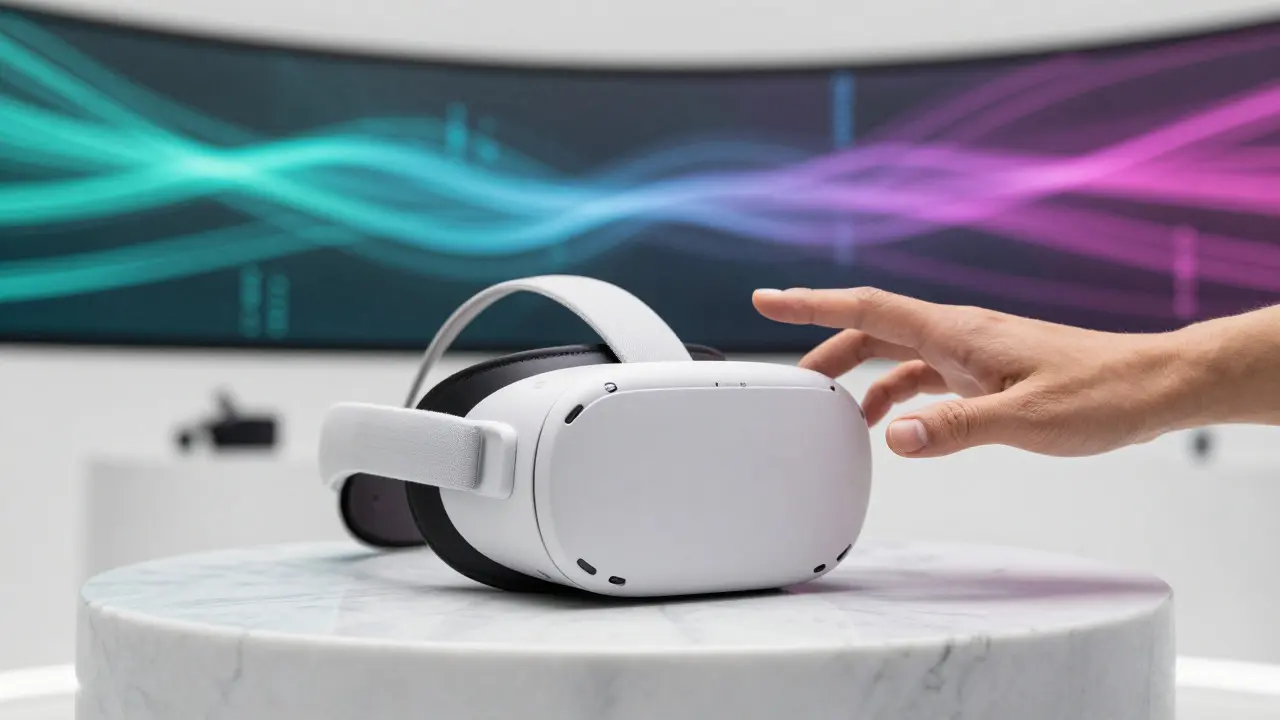
- The Modern Era (2010s-Present):** End with virtual reality and cloud gaming. A brief VR demo using a headset like the Oculus Questa standalone virtual reality headset released by Oculus, now part of Meta, that does not require a PC connection. provides a tangible contrast to the past, showing how immersion has become the new frontier.
Interactive Elements That Drive Engagement
Passive viewing leads to boredom. Active participation creates memories. You don't need expensive tech to make things interactive. Simple mechanical inputs work wonders. Consider adding a "Speed Run Challenge" where visitors try to complete a short level in Super Mario Bros. faster than a recorded time. Or create a "Bug Hunt" where they look for specific glitches in older games displayed on monitors. These activities teach users about software development challenges without lecturing them. Another effective tactic is the "Sound Wall." Place speakers near different consoles so visitors can hear the distinct audio chips of the Sega Genesisa 16-bit home video game console developed by Sega, released in 1988, known for its high-speed processing power versus the SNESa 16-bit home video game console manufactured by Nintendo, released in 1990, famous for its rich color palette and music. Audio is often the most nostalgic trigger for gamers.
| Era | Key Hardware | Primary Educational Focus | Recommended Interactive Activity |
|---|---|---|---|
| Arcade (70s-80s) | Atari 2600, Pac-Man Cabinet | Social Gaming & Coin-Op Economics | Head-to-head competition |
| Console Wars (90s) | PlayStation, Nintendo 64 | 3D Graphics Transition | Side-by-side visual comparison |
| Portable (00s) | Nintendo DS, PSP | Touch Controls & Portability | Touch puzzle stations |
| Modern (10s+) | VR Headsets, Cloud Services | Immersion & Accessibility | Short VR demo clips |
Curating Content Without Overloading
One of the biggest mistakes creators make is information overload. Visitors have limited attention spans. Keep text panels short-no more than three sentences per object. Use QR codes for deeper dives if someone really wants to read about the engineering specs of a Xbox 360a home video game console developed by Microsoft, released in 2005, which pioneered online multiplayer services. The main panel should focus on the "why" and the "how it felt," while the digital layer handles the "what" and the "specs." This respects the visitor's time while offering depth for enthusiasts.
Common Pitfalls to Avoid
- Dust and Decay: Old electronics fail. Test every unit before opening day. Have spare parts ready. Nothing kills the mood like a dead screen.
- Copyright Issues: Be careful with displaying commercial logos or copyrighted art without permission. Stick to hardware and original artwork you own or have licensed.
- Lack of Accessibility: Ensure seating is available for elderly visitors. Provide large-print guides. Make sure audio levels are adjustable for those with hearing impairments.
- Static Displays: If a console is just sitting in a glass case, it’s a prop, not an exhibit. Always find a way to let people interact, even if it’s just pressing a button to see a boot-up sequence.
Measuring Success Beyond Attendance
Attendance numbers tell you if people came; engagement metrics tell you if they cared. Track how long visitors spend at each station. Use simple surveys at the exit asking one question: "What was your favorite moment?" If most answers point to the same interactive element, you know what works. Monitor social media tags related to your tour. Photos of people playing games are far more likely to be shared than photos of empty shelves. This organic reach validates your design choices and helps attract future visitors.
Frequently Asked Questions
How much space do I need for a basic video game tour?
A minimum of 500 square feet is ideal for a focused tour featuring four to five key eras. This allows enough room for visitors to stand around active consoles without crowding. If you have less space, focus on fewer, higher-impact exhibits rather than cramming in too many items.
Should I include modern mobile games in the tour?
Yes, but keep it brief. Mobile gaming represents the largest demographic segment today. Displaying a smartphone running a classic ported title bridges the gap between old and new, showing that gaming is a continuous evolution rather than a series of disconnected phases.
How do I handle broken retro hardware during the tour?
Have a technician on staff or on call. For critical pieces, use emulation on modern hardware if the original breaks, but label it clearly. Honesty builds trust. If a console is down, turn it into a teaching moment about hardware fragility and the importance of preservation.
Is it better to guide the tour or let visitors roam freely?
Offer both. Guided tours allow you to control the narrative and highlight key educational points. Free roaming lets visitors explore at their own pace and discover hidden details. Schedule guided tours at peak hours and open the floor for self-guided exploration during quieter times.
What is the best way to source rare items for the collection?
Build relationships with local collectors and attend regional gaming conventions. Many enthusiasts are happy to lend items for short-term exhibits in exchange for recognition. Document everything carefully and insure high-value pieces. Borrowing reduces upfront costs and expands your variety without requiring massive storage space.