You bought a copy of Chrono Trigger for $40 at a local shop. You love it. But you’re worried about losing the cartridge, or maybe your console is dying and you want to play on a handheld. The urge to make a digital copy is strong. But is it legal? And more importantly, how do you actually do it without frying your hardware?
The short answer: Yes, if you own the physical media, making a backup for personal use is generally considered fair use in many jurisdictions, including the US. However, the process requires specific tools and carries risks if done incorrectly. This guide walks you through the exact steps to dump your own cartridges and discs legally, safely, and effectively.
Quick Summary / Key Takeaways
- Legality: Making a backup of a game you physically own for personal use is widely accepted as fair use, though sharing it publicly remains copyright infringement.
- Cartridges: Use a dedicated parallel port reader (like an Everdrive N8 or SD2SNES) or a USB adapter for modern systems. Avoid using original consoles unless necessary.
- Discs: Use a high-quality external USB optical drive with a reliable ripping software like Alcohol 120% or ImgBurn. Verify checksums to ensure data integrity.
- Risks: Poor contact can corrupt dumps; low-quality drives can fail to read damaged discs. Always verify your files before deleting the original.
- Best Practice: Keep the original physical copy safe. A digital dump is a backup, not a replacement for collection value.
Understanding the Legal Gray Area
Let’s clear up the biggest confusion first. The law isn’t black and white, but for the average gamer, the situation is manageable. In the United States, the Copyright Act allows for "fair use" under certain conditions. One key factor is whether the use is commercial or non-commercial. If you are dumping a game solely to play it on an emulator because your original console is broken, or simply to preserve it from decay, courts have historically leaned toward this being permissible.
However, there are two major pitfalls that turn a legal backup into illegal piracy:
- Sharing: Uploading your dump to a website, sending it to a friend who doesn’t own the game, or trading it online is copyright infringement. It must stay on your device.
- Commercial Use: Selling the dump or using it in a commercial project violates the license.
So, the golden rule is simple: If you own the box, the disc, or the cart, and you keep the file to yourself, you’re in the safe zone. No need to worry about cease-and-desist letters from Nintendo or Sony for personal backups.
Dumping Cartridges: The Hardware Approach
Dumping flash-based cartridges (like those from the NES, SNES, GBA, DS, and Wii) is straightforward if you have the right reader. You don’t need your original console. In fact, using the original console is often slower and less reliable than dedicated readers.
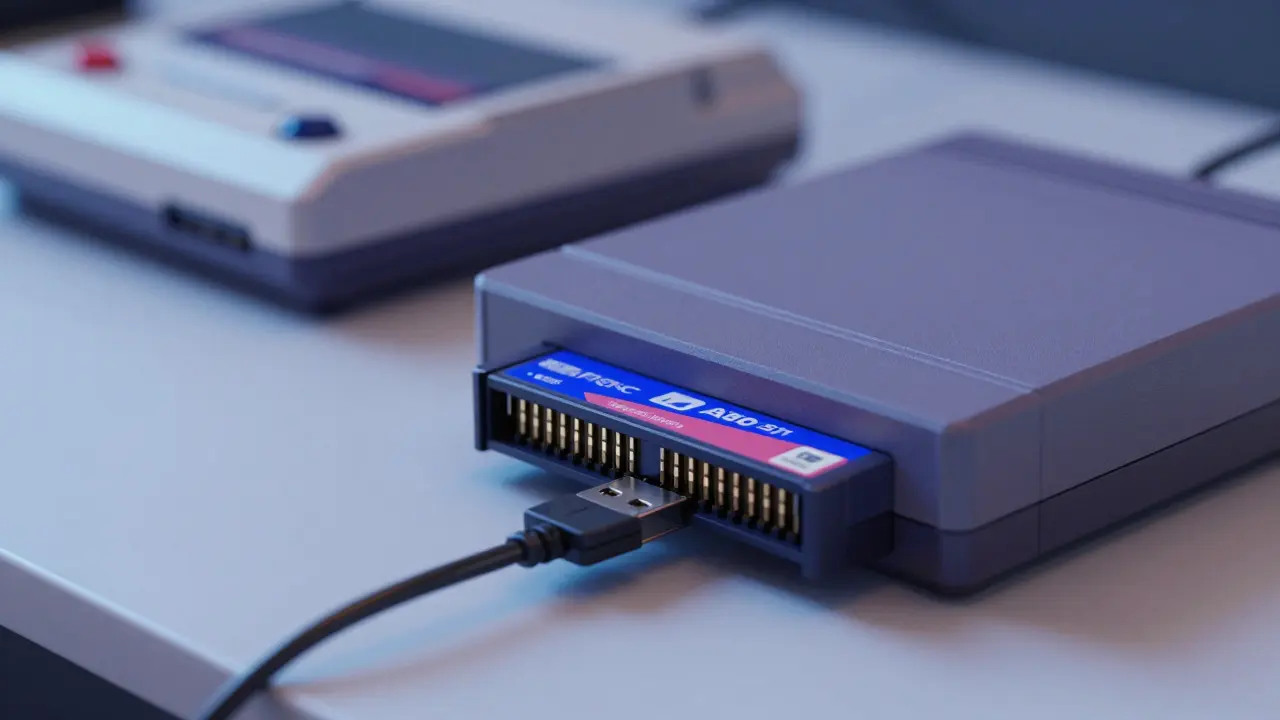
Parallel Port Readers are specialized devices that connect to a computer via USB and allow you to read the raw data from a game cartridge directly. Popular options include the Everdrive N8 for 8-bit systems and the SD2SNES for 16-bit systems. For newer systems like the Game Boy Advance, a simple USB GBA link cable or a dedicated GBA dumper works well.
Here is the step-by-step process for most flash carts:
- Insert the cartridge into the reader.
- Connect the reader to your PC via USB.
- Open the manufacturer’s software (e.g., Everdrive Manager, SD2SNES Dumper).
- Select "Dump" and choose the output format (usually .bin, .gba, or .nds depending on the system).
- Wait for completion. The software will typically calculate a CRC32 checksum automatically.
Pro Tip: Clean the cartridge pins with isopropyl alcohol (90%+) and a lint-free cloth before inserting them into any reader. Oxidation is the #1 cause of bad dumps. If the dump fails or gives a weird checksum, clean again and try a different slot if available.
Dumping Optical Discs: CDs, DVDs, and Blu-rays
Optical media presents a different challenge. Unlike flash memory, discs degrade over time due to scratches, laser rot, and warping. This means you need a robust ripping process to capture every bit of data.
You’ll need a External USB Optical Drive that supports the specific disc type (CD, DVD, or Blu-ray). Internal laptop drives often lack the power or stability needed for reliable dumping. Look for drives from reputable brands like LG or Pioneer, which tend to handle error correction better.
For software, ImgBurn is a free, lightweight tool for Windows that creates ISO images from physical discs, while Alcohol 120% offers more advanced features for complex disc structures. Both are standard in the emulation community.
Follow these steps for optimal results:
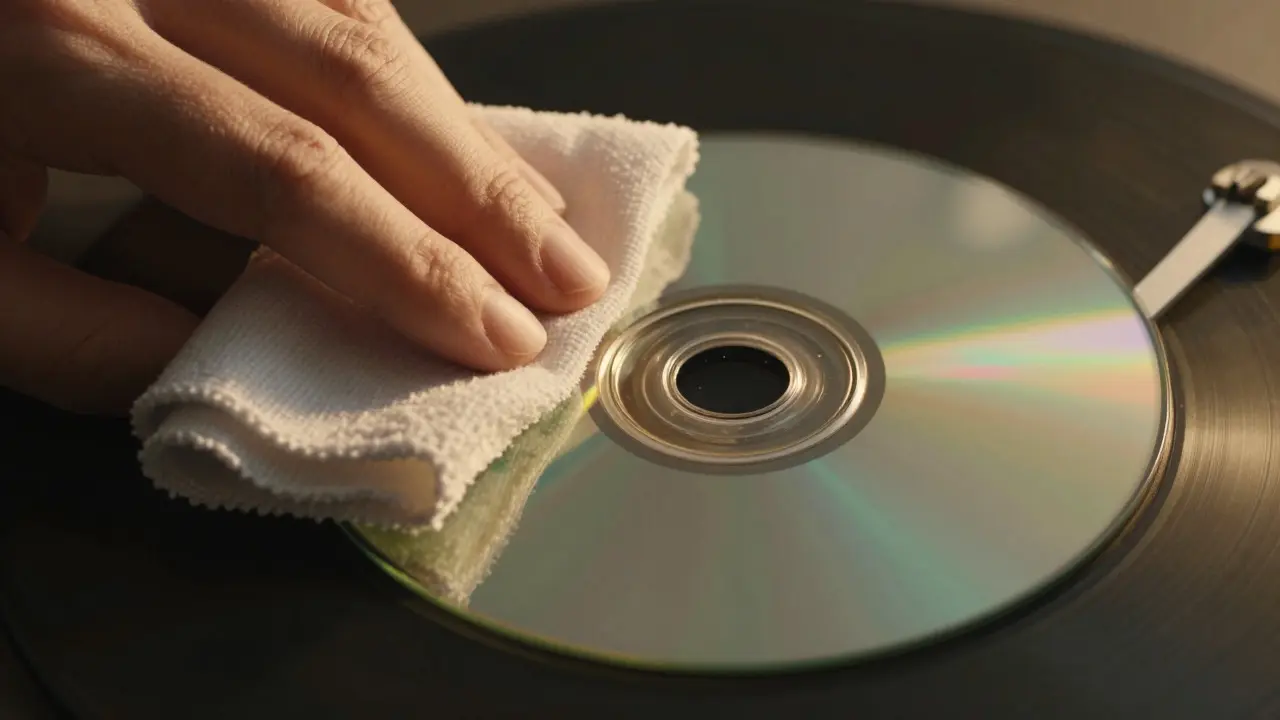
- Clean the disc gently with water and a microfiber cloth, wiping from the center outward.
- Insert the disc into the external drive.
- Open your ripping software and select "Create image file from disc."
- Choose the quality setting. Set it to "High" or "Maximum" to force the drive to re-read sectors multiple times. This takes longer but ensures accuracy.
- Save the ISO to a fast SSD or HDD.
- Verify the image. Most software has a "Verify" option that compares the created ISO against the physical disc to ensure no data was lost.
If verification fails, try cleaning the disc again or using a different drive. Sometimes, a second pass with a different drive can recover bad sectors.
Verifying Your Dumps: Why Checksums Matter
A dump is only as good as its accuracy. A single corrupted byte can cause a game to crash, glitch, or become unplayable. This is where checksums come in.
A CRC32 Checksum is a mathematical fingerprint of a file that uniquely identifies its contents. If even one bit changes, the checksum changes completely. By comparing your dump’s checksum to known-good values from databases like No-Intro or Redump, you can confirm your file is perfect.
Here’s how to check:
- For Cartridges: Most dumper software displays the CRC32 immediately after dumping. Copy this number and search it on the No-Intro database. If it matches a known good dump, you’re set.
- For Discs: Use a tool like HashCheck or WinMD5 to generate the MD5 or SHA-1 hash of your ISO. Compare it to the Redump.org database, which catalogs verified dumps of commercial games.
If your checksum doesn’t match, don’t panic. It could mean the disc had minor errors that were corrected during reading, or it could be a bad dump. Re-dump and re-verify. Consistency is key.
Common Pitfalls and How to Avoid Them
Even experienced gamers make mistakes when dumping. Here are the most common issues and how to sidestep them.
1. Dirty Contacts
Cartridge pins oxidize over time. A slightly dirty cart might work in a console (which has spring-loaded contacts) but fail in a precision reader. Always clean before dumping.
2. Low-Quality Drives
Cheap optical drives often struggle with scratched or aged discs. They may skip bad sectors silently, resulting in a corrupt ISO. Invest in a mid-range or high-end external drive for critical titles.
3. Not Verifying
Skipping the verification step is the fastest way to end up with an unplayable game. It adds five minutes to the process but saves hours of troubleshooting later.
4. File Format Confusion
Emulators are picky about file formats. A .bin file might need a .cue sheet to tell the emulator how to read the audio tracks. Make sure you save both files together and keep them in the same folder.
Storage and Organization Tips
Once you’ve dumped your library, you need a plan for storing it. Digital files take up space, but they’re far more durable than physical media if backed up properly.
- Use a Dedicated Folder Structure: Organize by platform (e.g., /Emulation/NES/, /Emulation/PS2/).
- Keep Metadata: Save screenshots, box art, and manual scans alongside the ROMs. This adds context and value to your digital archive.
- Back Up Twice: Store your dumps on an external hard drive AND in cloud storage. Physical drives fail; clouds rarely lose data.
- Label Clearly: Include the region and version in the filename (e.g., ChronoTrigger_USA_v1.0.iso). This helps when searching for specific releases.
Remember, a digital dump is a convenience layer on top of your physical collection. It doesn’t replace the nostalgia of holding the original, but it ensures you never lose access to the game itself.
Is it legal to share my game dumps with friends?
Generally, no. Sharing dumps with people who do not own a physical copy of the game is considered copyright infringement. Keep your dumps private for personal use only.
What is the best tool for dumping PS2 games?
For PS2 games, use a high-quality external DVD drive and software like ImgBurn or AnyDVD HD. PS2 discs are standard DVDs, so standard ripping tools work well. Ensure your drive supports DVD+R/DVD-RW for compatibility.
Can I dump a game from my original console?
Yes, but it’s usually slower and less reliable. Some emulators support direct dumping from the console via network cables (like for Wii or Switch), but dedicated PC-based readers are faster and provide better error checking.
What should I do if my dump has a bad checksum?
Clean the physical media again and re-dump. If it still fails, try a different reader or drive. If the problem persists, the media may be too damaged to read reliably, and you might need to purchase a new copy.
Do I need special permissions to run my dumps?
No. As long as you own the physical game, you have the right to use the dump on any emulator or hardware. Just ensure your emulator is updated and compatible with the file format.