You open your digital store, see a shiny new release with glowing reviews, and click "Buy." Three months later, that same game sits in your library, untouched, while you’re still grinding through the RPG you started last winter. Sound familiar? The problem isn’t just impulse buying; it’s the lack of a structured system for deciding what actually deserves your time and money right now. A simple wishlist is a graveyard of good intentions. What you need is a priority buy list-a curated queue that filters out the noise so you only purchase games you’ll genuinely play.
Why Your Backlog Is Killing Your Joy
Most gamers suffer from "backlog anxiety." It’s that nagging feeling that you own too many unplayed titles, which paradoxically makes it harder to start anything. When everything is equally important, nothing is. Creating a strict separation between things you *want* (the wishlist) and things you *will play next* (the priority list) solves this. It shifts your mindset from collector to player. You stop hoarding digital boxes and start curating experiences. This approach works whether you’re managing a physical shelf of Switch cartridges or a Steam library with 400 entries.
The Two-Tier System: Wishlist vs. Priority List
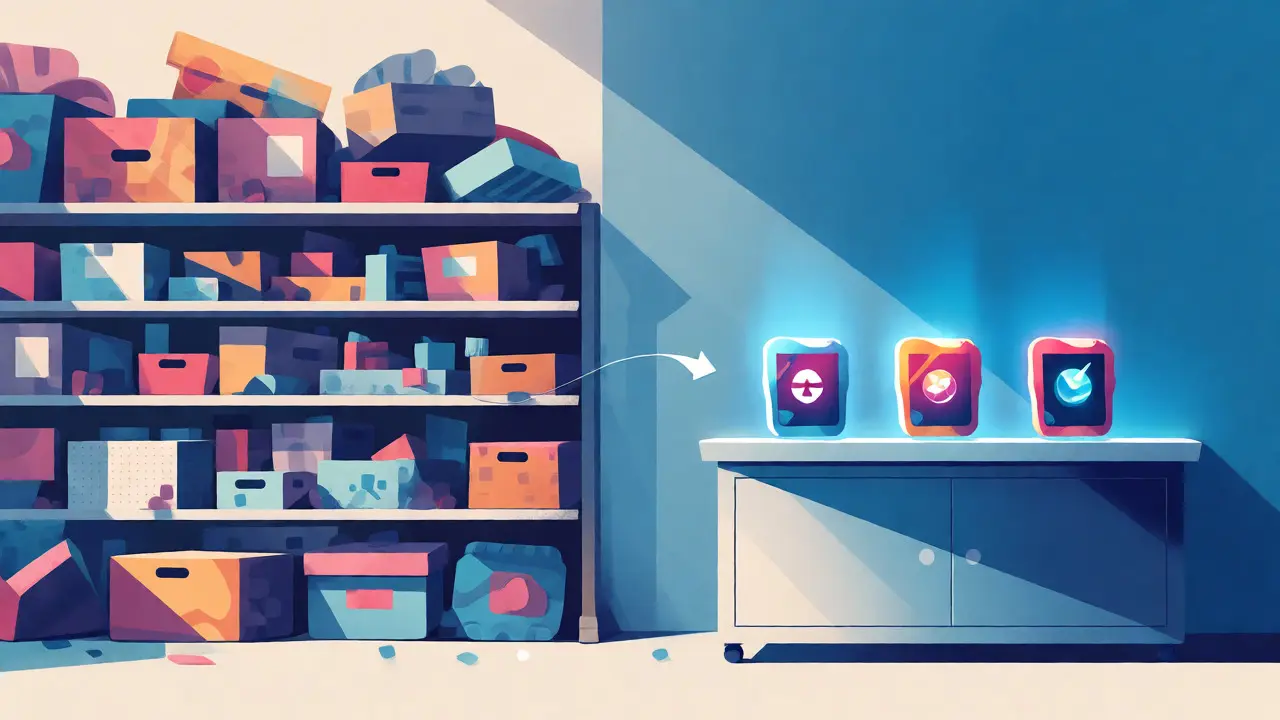
Think of your gaming strategy like a restaurant kitchen. The Wishlist is your pantry. It contains every ingredient you might want to cook with eventually. It’s broad, often chaotic, and filled with items you bought because they were on sale, not because you had a plan. The Priority Buy List, however, is your prep station. It holds only the next three to five meals you intend to serve. If a game isn’t on the prep station, it doesn’t get cooked, no matter how nice the packaging looks.
This distinction matters because sales are everywhere. Without a priority list, a 75% discount on a niche simulation game feels like a win, even if you haven’t finished the shooter you bought last month. By forcing yourself to move a title from the pantry (wishlist) to the prep station (priority list) before purchasing, you add friction. That friction is your friend. It stops the dopamine hit of the checkout button from overriding your actual gaming habits.
Step-by-Step: Building Your Digital Queue
Here is how to set up this system using standard tools like Steam, Epic Games Store, or a simple spreadsheet. You don’t need fancy software; you just need discipline.
- Audit Your Current Library: Before adding new games, look at what you already own. Mark any game you haven’t touched in over six months as "Abandoned." Be honest. If you didn’t finish it when it was new and exciting, you likely won’t finish it now. Consider refunding, selling, or simply hiding these titles to reduce visual clutter.
- Create the Master Wishlist: Add every game that catches your eye to your platform’s native wishlist. Don’t filter yet. Let it be long. This is your raw data pool.
- Apply the "Next Three" Rule: Look at your Master Wishlist. Pick exactly three games you want to play immediately. These go on your Priority Buy List. Everything else stays in the wishlist, regardless of price drops.
- Set Trigger Conditions: Decide when you allow yourself to buy. Common triggers include: finishing the current top-priority game, hitting a specific holiday sale (like Steam Summer Sale), or a major update releasing for a live-service game.
Scoring Criteria for Prioritization
How do you decide which three games make the cut? You can’t rely on hype alone. Use a scoring system to evaluate potential purchases objectively. This prevents emotional buying based solely on trailer visuals or influencer recommendations.
| Criterion | Weight | Description |
|---|---|---|
| Genre Fit | High | Do you actually enjoy this genre? If you hate turn-based tactics, don't buy one just because it's highly rated. |
| Time Commitment | Medium | Does the game length match your available free time? A 100-hour RPG might wait until vacation season. |
| Platform Availability | Low | Is it exclusive to a console you rarely use? If so, lower its priority unless you're committed to that hardware. |
| Social Factor | Medium | Are your friends playing it? Multiplayer games have a shorter window of relevance. |
| Review Consistency | High | Check recent user reviews, not just launch-day critic scores. Look for patterns in complaints about bugs or microtransactions. |
If a game scores low on "Genre Fit," it shouldn’t enter your Priority List, even if it’s $5. Buying cheap junk is still spending money and mental energy.
Managing Physical vs. Digital Collections
The rules change slightly depending on your medium. For digital users, space isn’t an issue, but attention is. For physical collectors, shelf space is real estate. In Portland, where I live, local used game stores are great places to browse, but they require a different strategy. With physical media, you should prioritize condition and completeness. A loose cartridge without a case has less resale value and storage stability than a complete-in-box copy.
For physical collections, apply the "One In, One Out" rule. If you buy a new boxed game, you must sell or donate one existing unplayed title. This keeps your inventory static and forces you to constantly re-evaluate what you truly value. It turns your collection into a living archive rather than a dusty museum.
Common Pitfalls to Avoid
Even with a system, humans find ways to cheat. Here are the most common traps:
- The "Sale Blindness": Buying something solely because it’s 90% off. Ask yourself: Would I pay full price for this? If no, why am I paying 10%?
- The Completionist Trap: Feeling obligated to finish every game you buy. Give yourself permission to quit. Dropping a game after two hours saves you dozens of hours of misery.
- Pre-order Fever: Pre-ordering breaks the priority system because you commit funds before seeing the final product. Only pre-order if the bonus content is essential to you, otherwise, wait for post-launch reviews.
- Ignoring Backlog Size: If your Priority List is empty but your Wishlist has 200 items, you’re overwhelmed. Cut the Wishlist down to 20 items. Force yourself to delete the rest. You can always add them back later.
Tools That Help Keep You Honest
You don’t need complex apps, but a few tools can streamline the process. SteamDB is invaluable for checking historical pricing. Never buy a game during a minor sale if you know it hits a lower price point twice a year. Check the lowest recorded price to gauge if the current deal is actually good.
For tracking, a simple Trello board or Notion database works wonders. Create columns for "Idea," "Researching," "Priority Queue," and "Playing." Moving a card across these columns gives you a sense of progress and control. If a game sits in "Researching" for more than a month, it probably wasn’t that interesting. Delete it.
Final Thoughts on Sustainable Gaming
The goal isn’t to play every game ever made. It’s to enjoy the ones you choose deeply. By maintaining a tight priority buy list, you reclaim your leisure time from the guilt of ownership. You start looking forward to your next session instead of dreading the pile of unread notifications. Start small today: pick one game from your wishlist, move it to your priority list, and ignore all other sales until you’ve played it for ten hours. Your wallet-and your sanity-will thank you.
What is the difference between a wishlist and a priority buy list?
A wishlist is a broad collection of games you are interested in potentially buying, acting as a long-term repository. A priority buy list is a short, actionable queue of the next 3-5 games you intend to purchase and play immediately. The wishlist allows for browsing and dreaming, while the priority list enforces discipline and focus.
How many games should be on my priority buy list?
Ideally, keep it to three to five games. This number is small enough to feel manageable but large enough to offer variety. If you have more than five, you risk decision paralysis. Once you buy and start one, replace it with the next item from your wishlist to maintain the flow.
Should I wait for sales before moving a game to my priority list?
Not necessarily. Move a game to your priority list based on your desire to play it, not its price. However, you can hold off on the actual purchase until a reasonable discount appears, provided you have patience. If you’re eager to play, buy it at full price; if you’re budget-conscious, wait for a seasonal sale.
What should I do with games I never finish?
Be honest about your preferences. If you haven’t touched a game in six months, remove it from your active consideration. For digital games, hide them from your main view to reduce clutter. For physical games, consider selling them to recoup funds for your priority list. Accepting that you won’t finish every game frees up mental space.
Can I use this system for multiple platforms?
Yes, absolutely. Consolidate your priorities into one master list regardless of platform. Whether a game is on PlayStation, Xbox, or PC, it competes for the same limited resource: your time. Prioritize the experience first, then check which platform offers the best version or price.