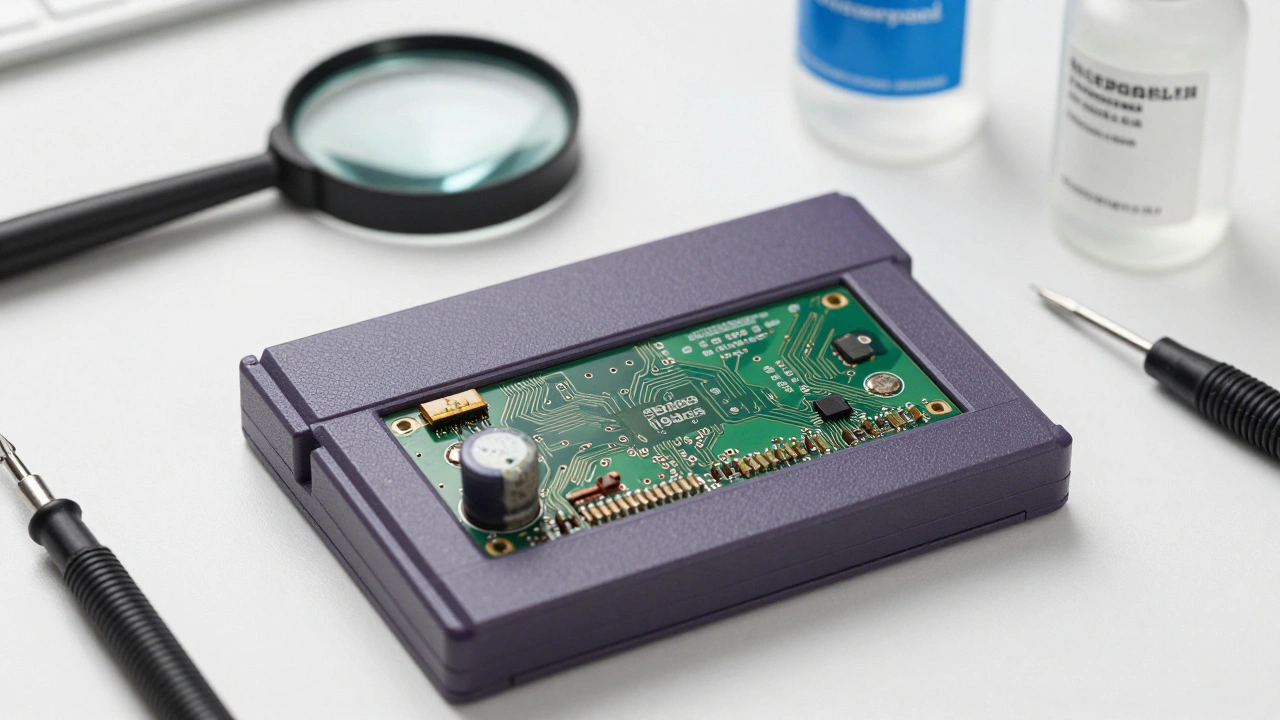
Imagine finding a pristine copy of a 1980s arcade classic, only to discover that the internal battery has leaked, eating through the motherboard. Or worse, you have a rare prototype, but no way to prove where it came from or that it's actually authentic. In the world of video game preservation, the physical object is only half the battle. Without a detailed paper trail and a rigorous health check, a game is just a piece of plastic and silicon. We aren't just talking about grading for a price tag; we're talking about saving digital history from vanishing forever.
The Art of Condition Documentation
Before you even think about booting up a game, you need to perform a physical audit. Condition documentation isn't about whether the box has a crease; it's about whether the data is still there. Physical media decays in predictable ways. For example, CD-ROMs can suffer from "disc rot," where the reflective layer peels away, while cartridges face capacitor leakages and battery failure.
To do this right, you need a systematic assessment. Start by documenting the external shell, then move to the internal components. If you're dealing with a cartridge, check for corrosion around the pins. For discs, look for pinholes or discoloration. The Library of Congress handles this by implementing strict transfer protocols, moving games produced before 2000 to newer storage to beat Bitrot-the slow decay of bits on a storage medium that leads to corrupted files.
| Media Type | Primary Risk | Visual Warning Signs | Preservation Action |
|---|---|---|---|
| Cartridges | Battery Leak/Capacitor Failure | Green crust, leaking fluid, no save | Battery replacement, board cleaning |
| Optical Discs | Disc Rot / Oxidation | Small holes, bronze tint, skipping | Immediate digital imaging (dumping) |
| Magnetic Tape | Demagnetization / Sticky Shed | Physical warping, loss of signal | Climate-controlled storage, digitization |
Tracking Provenance: The Digital Paper Trail
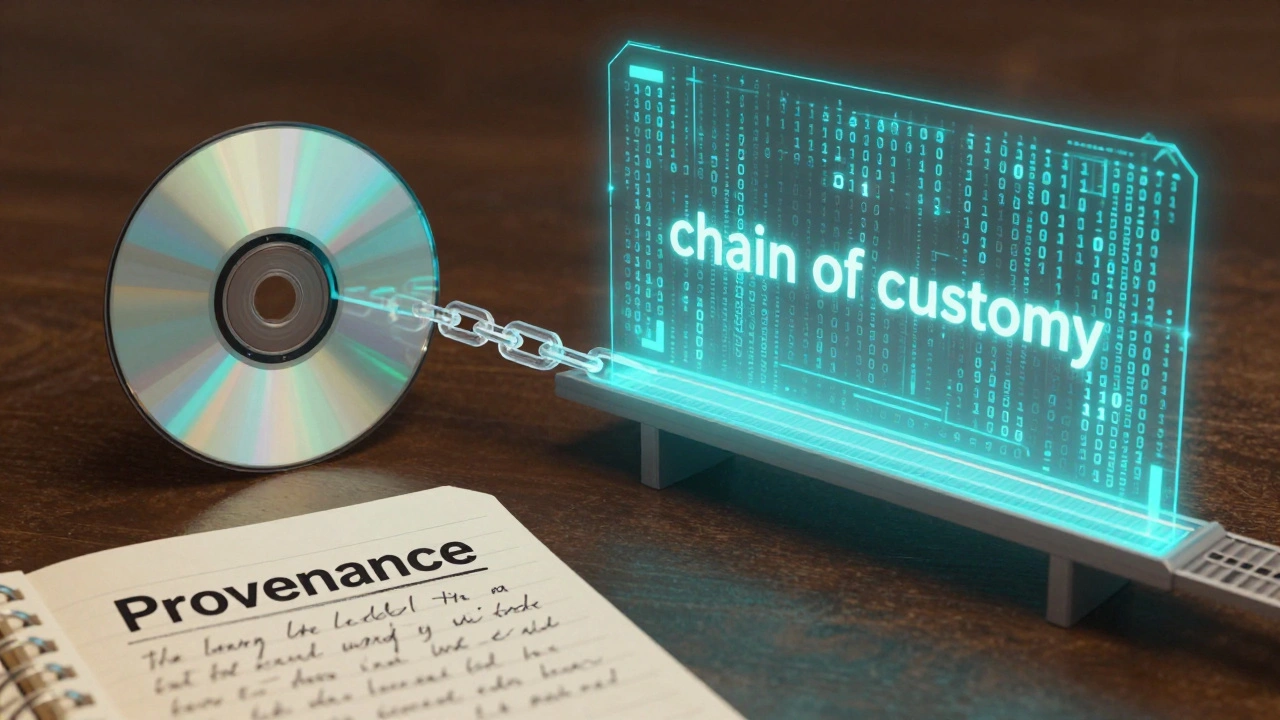
If condition is the "what," provenance is the "who, when, and where." In archival terms, this is called Preservation Description Information (or PDI). It's essentially a diary for the object. If a game passes through five different owners and three different restoration attempts, each of those events must be logged. Why? Because if a future researcher finds a bug in the code, they need to know if that bug was original or introduced by a poorly executed repair in 2015.
Effective provenance tracking relies on three pillars:
- Provenance Metadata: This tracks the chain of custody. Who owned it? How did it get from a warehouse in Osaka to a collector in Portland?
- Fixity Metadata: This is the technical proof of integrity. By recording cryptographic checksums (digital fingerprints), you can prove that the file hasn't changed by a single bit since it was first archived.
- Context Metadata: This explains the relationship between the game and its world. Was this a retail copy, a developer sample, or a demo disc given at a trade show?
For those working with high-value or sensitive materials, some use a "dark repository" model, similar to how CLASP (Center for Library and Archival Software Preservation) operates. They collect the original materials and document their provenance but restrict access until copyright issues are cleared. It's a way to save the item today while respecting the legal headaches of tomorrow.
Creating a Preservation Workflow
You don't need a million-dollar facility to document your collection, but you do need a process. The goal is to minimize human error by automating as much as possible. When a game is moved from one storage drive to another, a professional system logs that event with a timestamp automatically. For the home archivist, this means keeping a dedicated spreadsheet or database that is updated the moment a change occurs.
- Acquisition: Document the source. Take photos of the item exactly as it arrived. Log the date and the seller's claims about the item's history.
- Initial Assessment: Run a condition report. Check for physical damage. If it's a digital file, generate a SHA-256 checksum immediately.
- Intervention: If you clean the pins with isopropyl alcohol or replace a capacitor, log it. Note the materials used and the result.
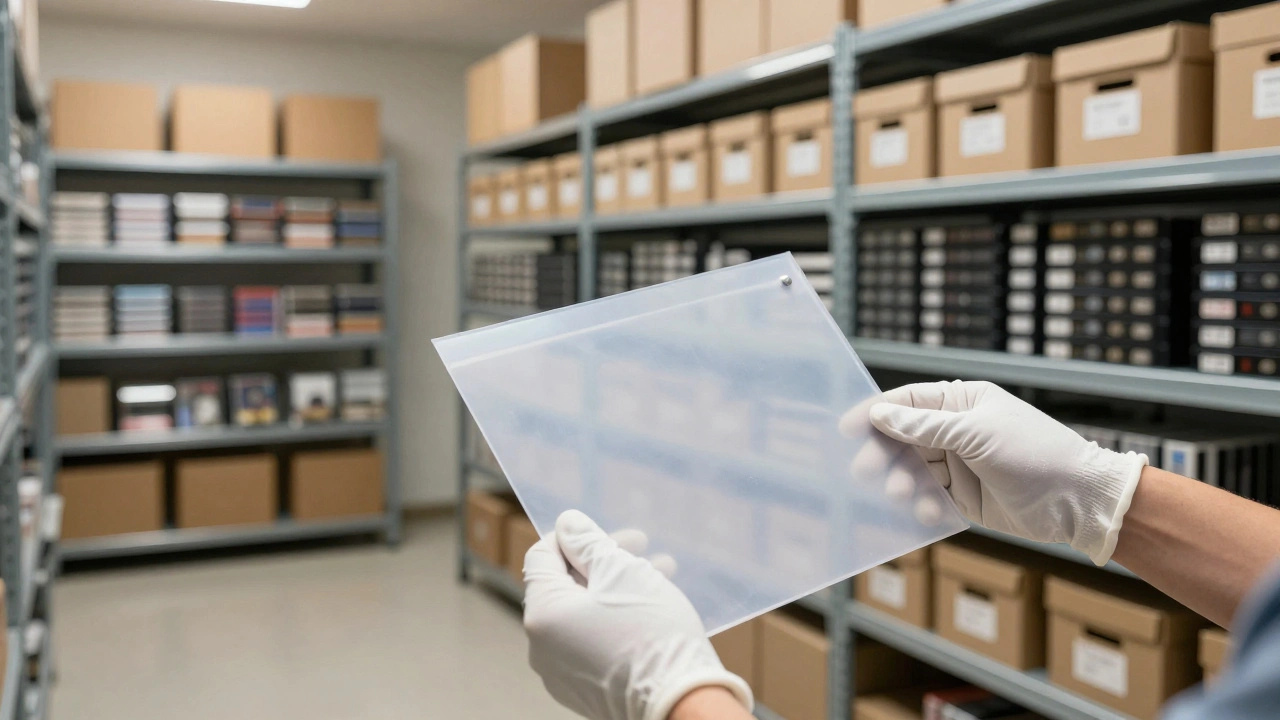
- Storage: Record where the item is kept (e.g., "Acid-free box 4, Shelf B"). Environmental factors like humidity and temperature should also be noted.
organizations like the Video Game History Foundation emphasize that this doesn't just apply to the game itself. Documentation, raw artwork, and even the original source code are critical. Source code is the "holy grail" of provenance; it proves exactly how the game was built before the final binary was compiled.
Navigating the Legal Paradox
Here is the frustrating part: most of the games we want to preserve are still under copyright, even if the company that made them went bankrupt in 1994. This creates a paradox where we have the technical means to save a game but not the legal right to distribute the backup. This is why the Digital Millennium Copyright Act (DMCA) granted an exemption in 2006, allowing libraries and archives to make preservation copies of obsolete software.
It's a common mistake to think that Emulators are a substitute for preservation. They aren't. An emulator is a tool for playing a game; preservation is about saving the actual medium and its history. If you only have the ROM and not the documentation of the original hardware's condition and provenance, you've lost the historical context of the object.
The Strong National Museum of Play has addressed this by creating a Digital Preservation Handbook. They suggest that preservationists should focus on "decision-making models"-basically, a set of rules to decide which format to save first when resources are limited. For example, if a game exists as both a floppy disk and a CD, the CD might be prioritized for its stability, but the floppy is documented for its historical accuracy to the original release.
What is the difference between a checksum and a condition report?
A condition report describes the physical state of the object (e.g., "labels are peeling, cartridge pins are oxidized"). A checksum is a digital value generated by an algorithm that proves the data inside the object hasn't changed. You need both: the report tells you if the plastic is rotting, and the checksum tells you if the data is corrupted.
Do I need to document every single game in my collection?
If you're a casual collector, probably not. But if you have prototypes, rare regional variants, or games from defunct studios, documentation is vital. The more unique the item, the more important its provenance becomes for future historians.
Can I use emulators as a form of preservation?
Emulators provide access, but they don't preserve the original artifact. True preservation requires saving the original media, documenting its physical condition, and tracking its ownership history (provenance). An emulator is a way to experience the game, not a way to archive the object.
What is bitrot and how do I document it?
Bitrot is the gradual decay of data on storage media. You document it by regularly running checksums on your archives. If the checksum changes between two scans, you have bitrot. The documentation should include the date of the first scan and the date the corruption was detected.
Why is source code considered part of provenance?
Source code is the original intent of the developers. Tracking its provenance-where it was stored, who edited it, and how it was compiled-allows archivists to verify the authenticity of the final game. Without it, we only have the "finished" product without the blueprint.
Next Steps for Archivists
If you're just starting, don't try to catalogue a thousand games in one weekend. Pick your most fragile or rare items first. Get a set of acid-free sleeves and a dedicated notebook or database for your provenance logs. If you're working with digital dumps, use a tool to generate SHA-256 hashes and store those hashes in a separate file from the game itself. This ensures that if the game file is corrupted, your "fingerprint" remains safe for comparison.
For those dealing with hardware, start a "maintenance log." Every time you open a console to replace a capacitor or clean a board, record the date, the tool used, and the specific part replaced. This might seem like overkill now, but in fifty years, that log will be the only way to know exactly how the hardware was modified to keep it running.