Listing video games on eBay isn’t just about snapping a photo and hitting "Post." If your listings aren’t getting views, let alone sales, the problem isn’t your inventory-it’s how you’re presenting it. eBay’s algorithm doesn’t guess what you’re selling. It reads what you type, sees what you show, and ranks you based on clarity, completeness, and consistency. To get your games seen by buyers actively searching, you need to treat each listing like a product page, not a garage sale sign.
Start with a Title That Grabs Attention
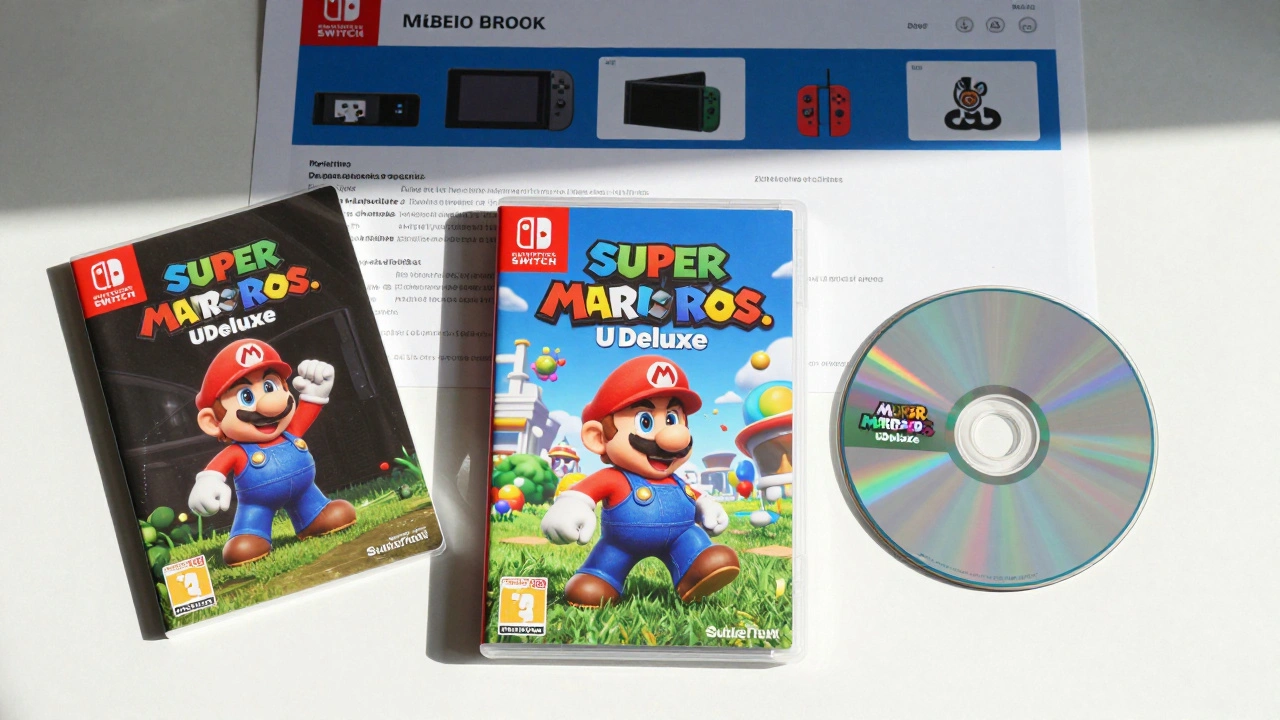
Your title is the first thing buyers see in search results. If it’s vague or buried in fluff, your listing disappears. eBay’s search engine prioritizes listings with clear, keyword-rich titles that match what people are typing. The winning formula? Game Title + Platform + Condition + Special Features.For example: Super Mario Bros. U Deluxe - Nintendo Switch - New Sealed - Includes Box and Manual.
Notice how the game name comes first? That’s intentional. Buyers searching for "Super Mario Bros U Deluxe" need to see it right away. Don’t waste space with "Amazing Deal!" or "Used but Great!"-those don’t help search. Stick to facts. Include the platform (PS5, Xbox Series X, Nintendo Switch, etc.), condition (New, Used Like New, Used, For Parts), and anything that makes it stand out: limited edition, collector’s box, bonus content, or bundled accessories.
Titles that follow this structure get 40% more clicks, according to eBay seller data from 2025. If you’re listing a rare import or a hard-to-find version, add that too: Metroid Dread - Nintendo Switch - Japanese Import - English Patch Available. Specificity beats cleverness every time.
Complete Every Single Item Specific
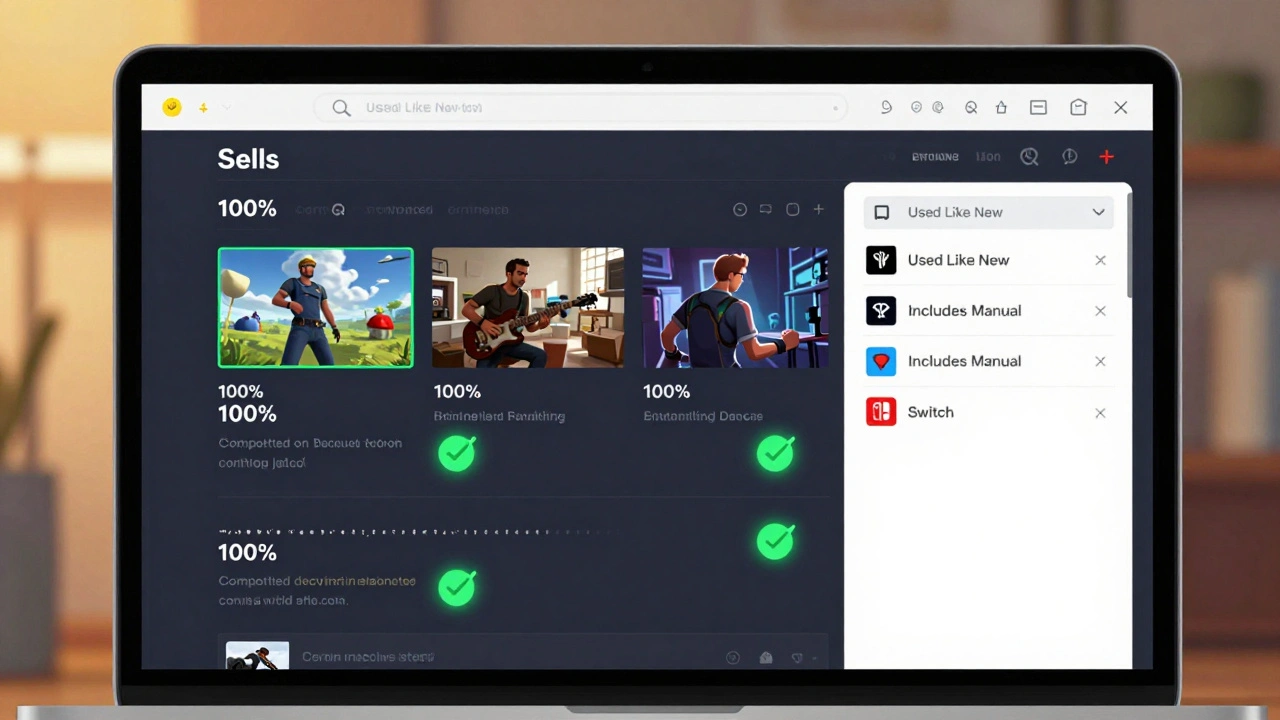
This is where most sellers fail-and why their listings never show up in filtered searches.eBay lets buyers narrow results by condition, region, edition, included items, and more. If you leave even one item specific blank, your listing won’t appear when someone filters for "Used" or "Includes Manual." That means you’re invisible to half the buyers looking for exactly what you’re selling.
For video games, these are the non-negotiable specifics:
- Platform (PlayStation 4, Xbox One, PC, etc.)
- Condition (New, Used Like New, Used, For Parts/Not Working)
- Region (NTSC-U/C, PAL, NTSC-J, etc.)
- Includes Box
- Includes Manual
- Includes Instructions
- Includes Extra Discs or DLC Codes
- Game Edition (Standard, Deluxe, Collector’s, Limited)
- Year Published
Don’t assume eBay "knows" what you mean. If you’re selling a game with a code for downloadable content, check "Includes DLC Code"-even if it’s unused. Buyers filter for that. If you don’t, your listing won’t show up when someone searches for "Animal Crossing New Horizons with DLC."
According to MyListerHub’s 2026 analysis, listings with 100% completed item specifics are 3x more likely to appear in filtered searches and 50% more likely to sell within 14 days. Don’t skip this step. It’s not busywork-it’s your listing’s lifeline.
Photography That Builds Trust
A blurry photo of a game case? Buyers skip it. A clean, well-lit shot showing every detail? They click.Take at least three photos:
- Front of the game case-clear, no glare, centered.
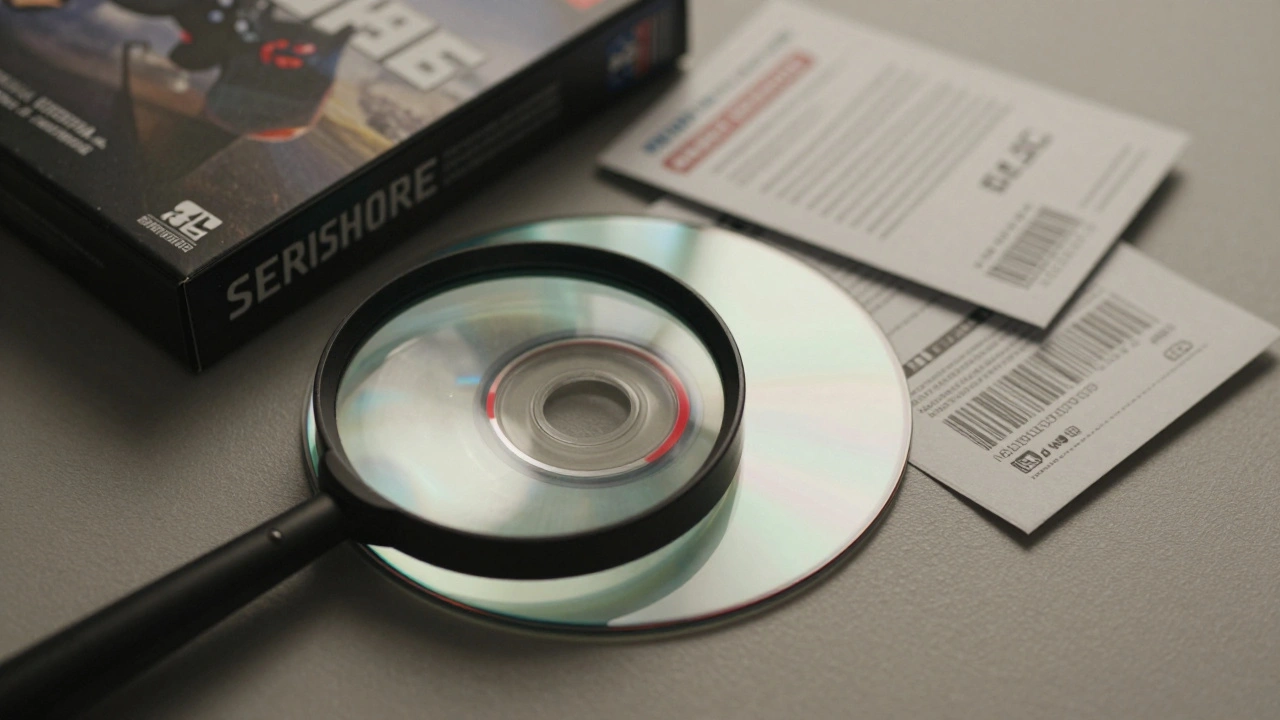
- Disc or cartridge-show the surface for scratches or wear. If it’s pristine, highlight that.
- All included items-manual, box insert, stickers, posters, or bonus content. Lay them out neatly.
Use natural light. Avoid flash-it creates harsh shadows and reflections. If you’re selling a used game, show the wear honestly. A small scratch on the disc is fine, but don’t hide it. Buyers appreciate transparency. In fact, listing the condition in the description and showing it in the photo creates redundancy that boosts search visibility. If someone searches for "used Pokémon Sword scratched disc," your photo helps the algorithm connect the dots.
Pro tip: Take a photo of the barcode or serial number on the case or disc. It proves authenticity and helps buyers feel confident they’re getting the real thing.
Pricing That Competes-and Converts
Price isn’t just about profit-it affects how eBay ranks your listing. Listings that are priced too high get ignored. Listings priced too low get flagged as "too good to be true."Check what similar listings are selling for. Filter eBay for the exact game, platform, and condition. Look at the last 30 days of sold items-not just current listings. Sold prices tell you what people actually paid. Don’t guess. Don’t copy the highest price. Aim for the middle.
For example: If 10 similar listings sold in the last month at $18-$24, list yours at $20. That’s competitive enough to get clicks, but still gives you room to profit. If your game is rare or sealed, you can go higher-but only if your photos and item specifics prove why.
Also, consider offering free shipping. Buyers prefer it. If you charge $4.99 for shipping, you’re adding friction. eBay’s algorithm favors listings with free shipping. You can build that cost into your price. Most buyers won’t notice-they just see "Free Shipping."
Consistency Beats Frequency
You’ve heard it: "List daily to rank higher." That’s true-but not because eBay loves new listings. It’s because consistency signals active, reliable sellers.Don’t just list one game and wait three weeks. List one game every day. Even if it’s just one. That daily activity tells eBay: "This seller is serious. Keep showing their stuff."
Use the "Sell Similar" button to copy existing listings. It saves time. But here’s the catch: if you just relist the same thing with no changes, you get the same poor results. The algorithm sees it as a loop, not an improvement. Instead, use "Sell Similar" as a starting point-then update the title, fix missing item specifics, swap out weak photos, or adjust the price.
For sellers with 50+ games, this becomes a system: every Monday, review your oldest listings. End any that have been live for 8+ weeks with zero views. Then, recreate them with improvements. Wait 48 hours before relisting. That cooldown helps avoid algorithmic flags.
When to Relist-and When Not To
Not every underperforming listing needs to be ended. Before you hit "End and Sell Similar," diagnose the problem.No views in 21 days? Fix your title and item specifics. That’s 90% of visibility issues.
Views but no sales? Look at your photos and price. Is the game damaged? Is the shipping cost too high? Is your return policy unclear? Fix those.
Zero activity for 8+ weeks? Now it’s time to end and relist-with upgrades. Don’t just copy-paste. Improve one thing at a time so you know what worked.
Big mistake? Editing everything at once. Change the title, the price, the photos, and the shipping policy all in one go. Now you have no idea what fixed it-or broke it. Test one variable at a time. It’s slower, but it’s smarter.
Use Multi-Variation Listings When You Can
If you’re selling the same game on multiple platforms-say, a copy of The Legend of Zelda for Switch, PS5, and Xbox Series X-don’t list them separately. Use eBay’s multi-variation listing.It creates one listing with dropdown options. Buyers choose the platform, and you manage inventory in one place. It looks more professional, and eBay treats it as a single high-quality listing instead of five low-performing ones. It also reduces clutter in your seller dashboard.
Not every game category supports it, but for popular titles with multiple versions, it’s a game-changer.
Final Checklist Before You Hit "Post"
Before you list your next game, run through this:- Is the game title the first three words of the title?
- Is the platform clearly stated?
- Is the condition accurate and specific?
- Have you filled out every item specific?
- Do you have at least three high-quality photos?
- Did you check sold prices for similar listings?
- Is shipping free or clearly priced?
- Does the description match what’s shown in the photos?
If you said yes to all eight, you’ve just made a listing that eBay’s algorithm will favor-and buyers will click.
How long does it take for a new eBay video game listing to get views?
Most new listings start getting views within 24 to 72 hours if the title and item specifics are complete. If there are no views after 21 days, the problem is almost always missing or inaccurate item specifics or a weak title-not the game itself. eBay’s algorithm needs clear signals to show your listing to buyers.
Should I list used games with scratches on the disc?
Yes-but be honest. List the condition as "Used" and show the scratches clearly in your photos. Buyers expect some wear on used games. Hiding damage leads to returns and negative feedback. A clear photo and accurate description build trust and reduce disputes.
Is it better to sell games individually or as bundles?
It depends. Selling games individually gives each listing its own visibility. Bundling works if you’re selling multiple games from the same series or console, especially if they’re low-value titles. But for popular or high-demand games, always list separately. Buyers want to find one specific game, not sift through a bundle.
Can I use the same photos for multiple listings?
Yes, but only if the games are identical in condition and packaging. If you’re selling two copies of the same game, same edition, same condition, reuse the photos. If one is used and the other is new, take new photos. eBay’s algorithm notices when identical listings have mismatched visuals-it can hurt trust.
What’s the best time of day to list video games on eBay?
There’s no magic hour. eBay’s algorithm doesn’t favor specific times. What matters is consistent daily activity. List your games at the same time each day to build a routine. This helps you stay organized and ensures you’re not forgetting to list new inventory.