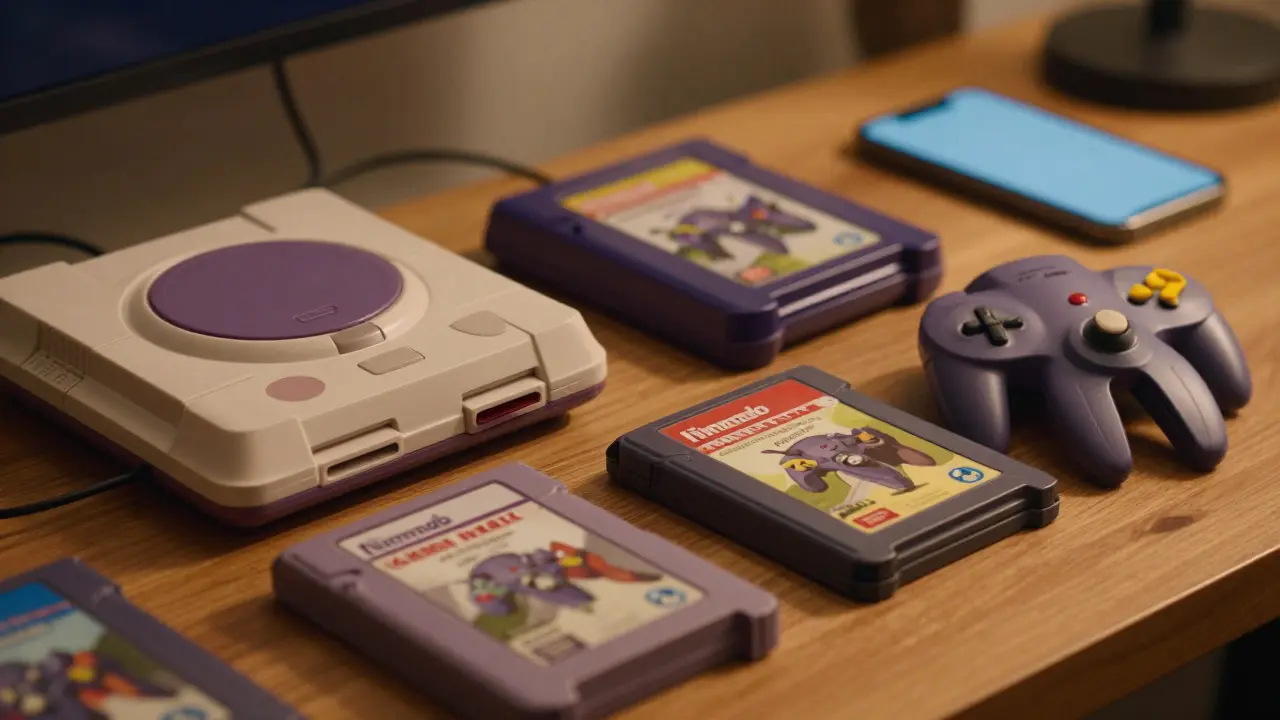
Walking into a retro game store is great, but the real magic happens online. If you are hunting for a specific cartridge or looking to sell your dusty shelf of old consoles, Discord has become the central hub for serious collectors. But finding the right server isn't just about searching "PS1" in the directory. You need to find the community that matches your specific console, region, and trading style.
Most people make the mistake of joining massive, general gaming servers where the chat moves too fast to spot a trade offer. Instead, you want niche, console-specific channels. This guide breaks down exactly how to locate these hidden gems, verify they are active, and navigate the social dynamics of digital trading without getting burned.
Why Niche Servers Beat General Marketplaces
General marketplaces like eBay have high fees and shipping risks. Local Facebook groups are often flooded with spam. Discord sits in the sweet spot: low friction, real-time communication, and a built-in reputation system through profile history. When you join a server dedicated specifically to, say, the Nintendo 64 or Sega Saturn, you are surrounded by people who care about the same hardware quirks and regional differences as you do.
The key advantage here is context. In a general server, asking if a *GoldenEye* cartridge works might get you ignored. In a dedicated N64 server, you will likely get three different answers from experts who know exactly which revisions exist. This shared knowledge makes trades faster because everyone speaks the same language regarding box condition, manual presence, and seal status.
Step-by-Step Method to Locate Active Servers
- Start with Official Channels: Check if the console manufacturer or major preservation projects have official Discords. For example, fan sites for defunct consoles often maintain active servers. These are usually the safest places to start because moderation is stricter.
- Use Dedicated Directories: Sites like Disboard.org or Top.gg allow you to search by tags. Use specific keywords like "Retro," "Trading," or the exact console name (e.g., "Dreamcast"). Filter by member count; aim for servers between 500 and 5,000 members. Too small means no activity; too large means your message gets buried.
- Leverage Social Media Cross-Promotion: Go to Reddit threads dedicated to your console (like r/Nintendo64 or r/SegaSaturn). Search for "Discord" in the thread titles or comments. Users frequently post invite links in weekly megathreads. These links are often fresher than those found in static directories.
- Check YouTube Community Tabs: Many retro gaming YouTubers have their own communities. If a creator reviews a specific rare title, check their channel’s Community tab or description box. They often link to a private or semi-private Discord for viewers who want to discuss that specific era of gaming.

Evaluating Server Health and Safety
Before you commit to a server, you need to vet it. A dead server is worse than no server because it wastes your time. Here is how to quickly assess if a community is worth your effort:
- Check Recent Activity: Look at the #general or #announcements channel. Are there messages from the last 48 hours? If the last post was weeks ago, move on.
- Look for Pinned Trade Rules: A well-moderated trading server will have clear rules pinned at the top of the trade channel. Look for requirements like "PM to trade," "No scamming," or "Region locked items must be labeled." Clear rules indicate active management.
- Observe Moderation Style: Watch how mods handle disputes. Do they step in quickly? Do they use evidence-based judgments? Chaotic moderation can lead to unfair bans or ignored scams.
- Verify Member Profiles: Click on a few random users in the trade channel. Do they have avatars? Have they been in the server for months or years? A high ratio of long-term members suggests a stable community rather than a transient one filled with bots or newbies.
Navigating the Social Dynamics of Trading
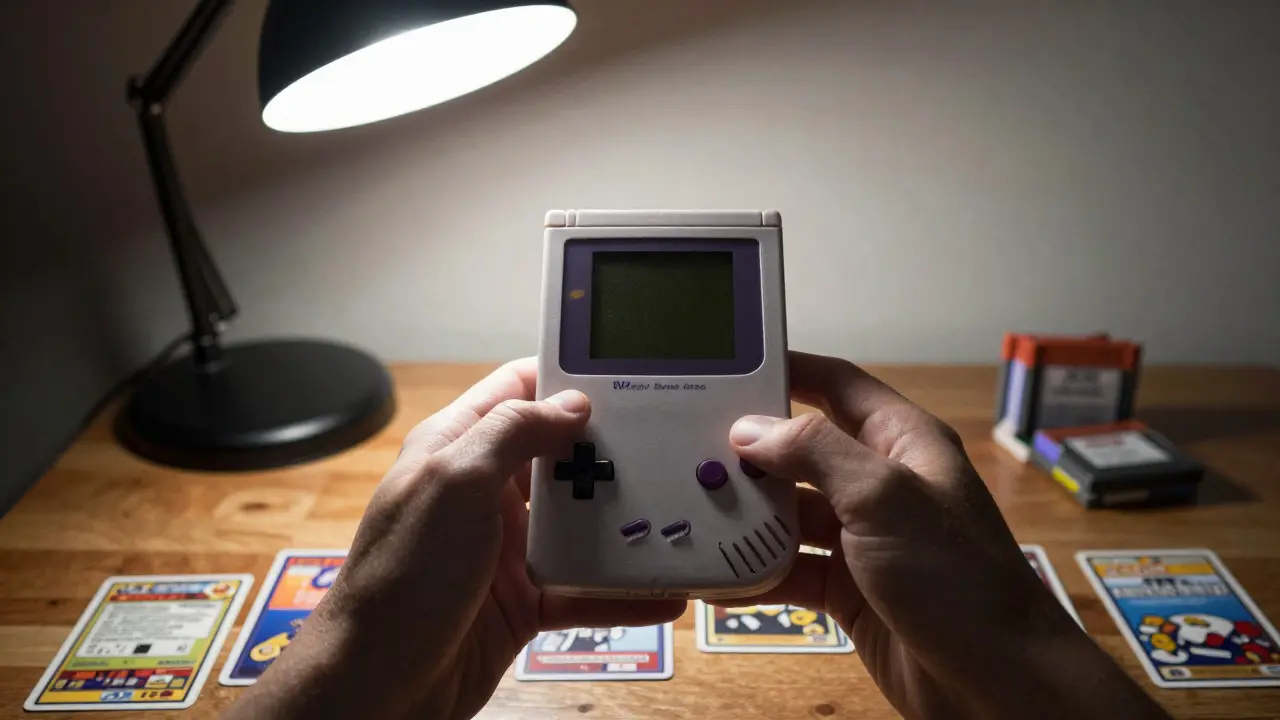
Finding the server is only half the battle. The other half is knowing how to behave within it. Retro trading cultures vary wildly by console. For instance, the PlayStation 2 community tends to be very data-driven, focusing heavily on disc condition and label type. The Game Boy Advance community, however, is more casual, often trading loose cartridges without much regard for boxes.
When you first join, lurk for a few days. Read the rules. Introduce yourself in the designated channel, not the trade channel. When you are ready to trade, follow the established protocol. Usually, this involves posting a clean photo of the item, its condition (Mint, Near Mint, Good, Poor), and what you are looking for in return. Be specific. "Looking for Zelda OoT