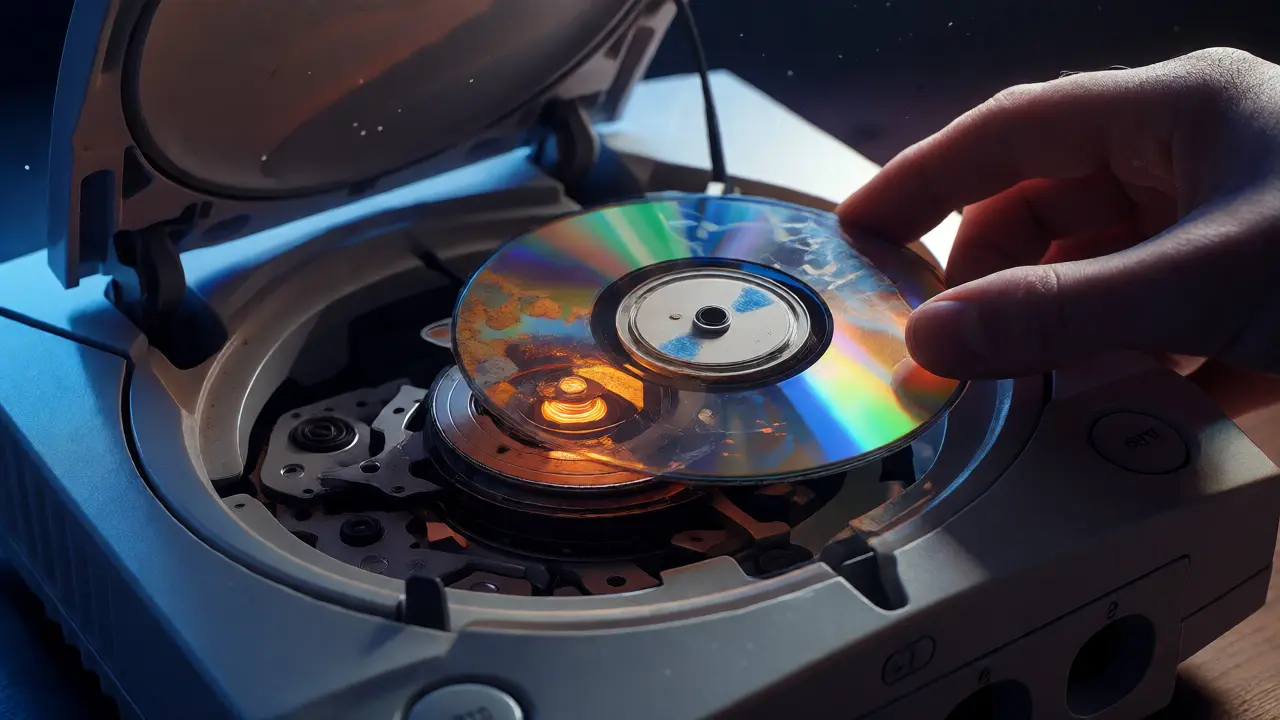
There is a specific kind of heartbreak known only to owners of original Sega Dreamcast or Sega Saturn consoles. You find a pristine copy of Sonic Adventure or Panzer Dragoon Saga, blow the dust off the GD-ROM or CD, slide it in, and hear that terrifying grinding noise. The laser lens has died. Or worse, the disc itself has degraded into unreadable plastic soup. For decades, this meant these consoles were ticking time bombs. But technology has finally caught up with nostalgia.
Optical drive emulators are small hardware devices that replace your console’s fragile physical disc drive with solid-state storage. Instead of spinning discs, you load games from SD cards or internal flash memory. This isn't just about convenience; it's about preservation. If you want to keep your Sega library playable without hunting for dying lasers every six months, understanding how these emulators work-and which one fits your budget-is essential.
Why Your Original Optical Drives Are Failing
Let’s be real: optical media was never designed to last forever. The reflective layer on CDs and DVDs oxidizes over time, leading to "disc rot." But the bigger culprit is usually the hardware. The laser assembly in a Dreamcast uses a mechanical arm that moves across the disc. Over thousands of hours, gears strip, belts snap, and the laser diode loses intensity. By 2026, finding a working OEM drive for a Saturn is becoming nearly impossible without paying a premium for refurbished units that might fail again next year.
Emulators bypass this entirely. They trick the console into thinking a disc is present while reading data from a static source. This eliminates mechanical wear on the drive mechanism and protects your original discs from further handling damage. It also solves the issue of slow load times inherent to early optical drives, though not always in the way you’d expect.
The Dreamcast Solution: GDEMU and Its Alternatives
If you own a Dreamcast, you’ve likely heard of GDEMU (GD-ROM Drive Emulator). Created by developer sanni, this is currently the gold standard for Dreamcast enthusiasts. Unlike software-based solutions like OPL (Open Disc Loader) which require burning special discs, GDEMU is a hardware replacement. It sits exactly where the original drive would go.
Here is why collectors prefer GDEMU over other options:
- No BIOS Modification Needed: Early versions required soldering wires to the motherboard to inject power and control signals. Newer models use a simple ribbon cable connection, making installation accessible to anyone comfortable with a screwdriver.
- SD Card Support: You can store hundreds of games on a single high-capacity SD card. Swapping games takes seconds-just change the file name or use a menu interface if your setup supports it.
- Compatibility: Most GDEMU boards support both NTSC-U and PAL regions, but you must match the firmware to your console’s region. Mismatched regions can cause boot issues or audio glitches.
However, GDEMU isn’t perfect. Some users report slight input lag compared to original hardware because the data stream is processed differently. For competitive fighting game players, this might matter. For RPG fans, it’s negligible. Also, ensure you buy from reputable sellers like RetroRGB partners or official distributors, as cheap knock-offs often have poor voltage regulation that can fry your console’s mainboard.
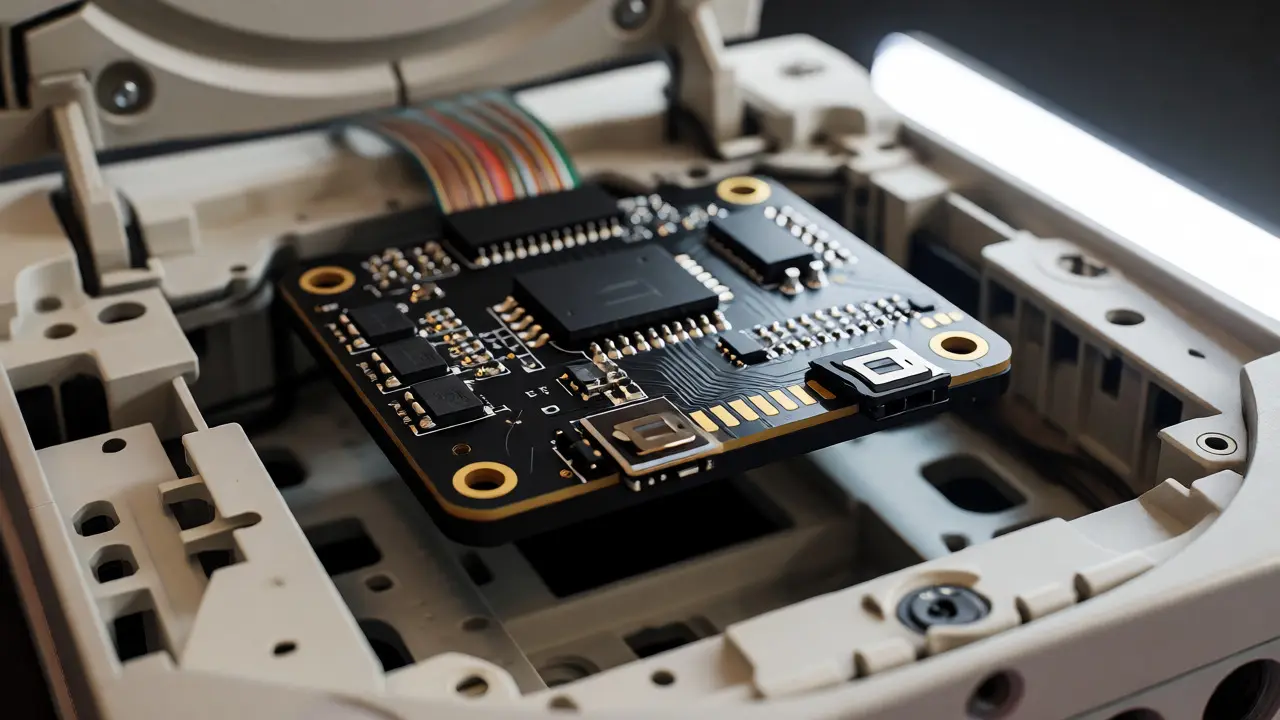
The Sega Saturn Challenge: Complexity and Cost
The Sega Saturn presents a different beast. Because the Saturn relies heavily on direct access to CD sectors for certain games, early emulation attempts failed miserably. Games like Night Into Dreams crashed instantly when using basic ISO loaders.
The current best-in-class solution is the RetroDream or the newer Yabause-based hardware mods. However, the most popular standalone hardware emulator is the Sega Saturn SD2SATURN adapter combined with a modified BIOS chip. This method doesn't replace the drive physically but intercepts the signal between the drive and the CPU.
| Device | Console | Installation Difficulty | Storage Medium | Avg. Price (USD) |
|---|---|---|---|---|
| GDEMU Pro | Dreamcast | Moderate (Solder-free options available) | MicroSD Card | $45 - $60 |
| SD2SATURN | Sega Saturn | Easy (Cartridge slot + Chip mod) | SD Card | $35 - $50 |
| UltraDreamcast | Dreamcast | Hard (Full motherboard replacement) | eMMC Flash | $180+ |
| ODEN77 | PS1/PS2/Saturn/Dreamcast | Varies | USB/SD | $80 - $120 |
Notice the price disparity. Dreamcast mods are cheaper because the architecture is simpler. Saturn mods often require flashing a new BIOS onto a PLCC socket or desoldering the old chip. If you aren't confident in your soldering skills, look for pre-flashed BIOS chips sold alongside the adapters. It saves hours of troubleshooting.
Software vs. Hardware: Which Route Should You Take?
You might wonder why not just use software hacks? On the Dreamcast, tools like OPL (Open Disc Loader) allow you to play backups via burned CD-Rs. This is free if you already have a working drive. But remember our premise: the drive is failing. Relying on OPL means you still need a functional laser.
Hardware emulators remove the dependency on the laser entirely. Once installed, they work regardless of the original drive’s condition. In fact, many users install GDEMU specifically because their original drive is dead. This makes hardware emulators the superior choice for long-term preservation. Software solutions are great for testing compatibility before buying expensive hardware, but they don't solve the root problem of mechanical failure.
For the Saturn, software-only solutions are rare and buggy. The Saturn’s dual-CPU architecture requires precise timing that software emulators on modern PCs handle easily, but implementing that within the Saturn’s limited RAM is tough. Hardware interception remains the most reliable path.
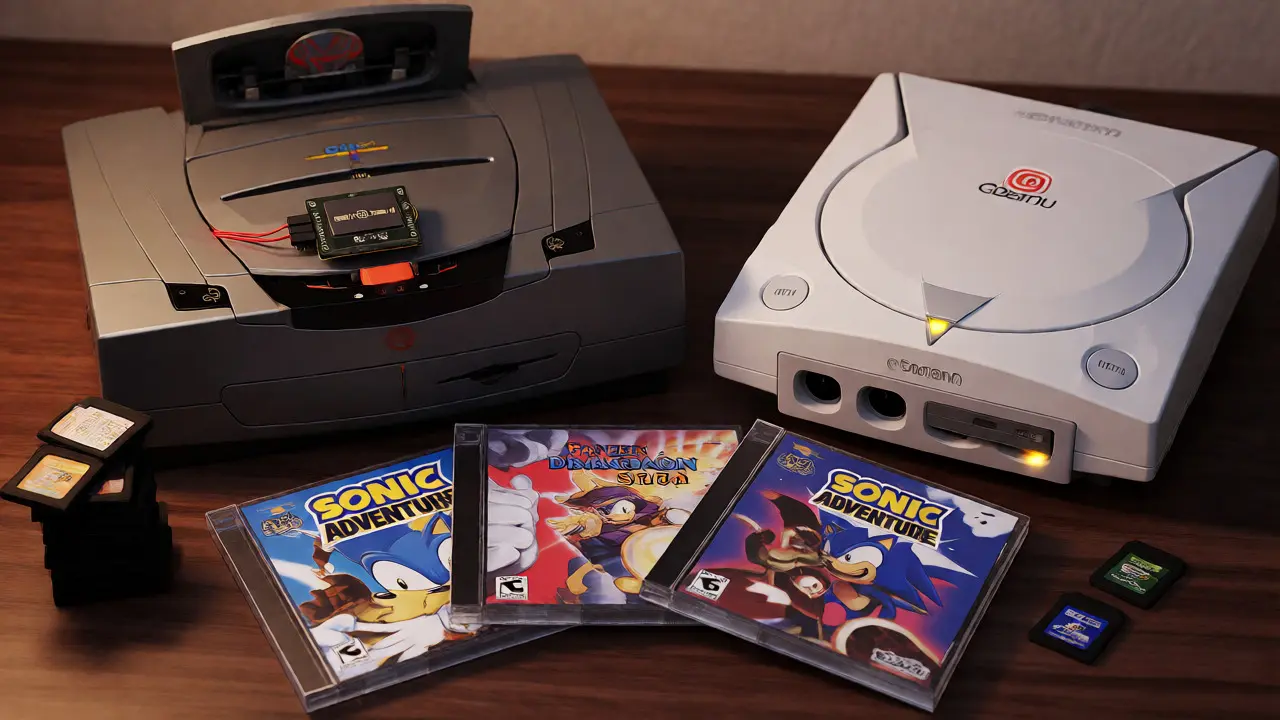
Installation Pitfalls and Pro Tips
Before you crack open your console, take note of these common mistakes collectors make:
- Static Discharge: Both the Dreamcast and Saturn use CMOS components sensitive to ESD. Always ground yourself before touching circuit boards. One spark can kill the video encoder chip.
- Power Supply Quality: Emulators draw slightly more power than idle optical drives. If your console’s PSU capacitors are bulging (common in Saturns), replace them first. An unstable voltage rail causes random crashes during gameplay.
- Firmware Updates: Manufacturers release firmware updates to fix game-specific bugs. Keep an eye on community forums like Neo-Geo.com or Reddit’s r/retrobattlestations. A quick USB update can turn an unplayable game into a stable one.
- Disc Rotation: When setting up GDEMU, ensure the SD card is formatted correctly (usually FAT32). Large exFAT volumes may not be recognized by the older bootloader logic used in some emulator versions.
Also, consider aesthetics. GDEMU boards come in various colors-black, white, transparent. Matching your console shell color adds a nice touch for display purposes. Since you’re opening the case anyway, cleaning out ten years of dust with compressed air is non-negotiable.
Future-Proofing Your Collection
Is investing in optical drive emulators worth it in 2026? Absolutely. As original drives become scarcer, their value increases. But playing a game on a $300 refurbished drive versus a $50 emulator yields the same experience, with less risk. Plus, digital distribution hasn't fully embraced these legacy platforms yet. While Sega has released some titles on Steam and Switch, the full catalog remains locked behind physical media or emulation.
By installing an emulator, you create a self-contained archive. If you ever sell the console, the emulator stays with it, adding value. Buyers today actively seek out "modded" systems because they know the hassle of maintaining old tech. You’re not just fixing a console; you’re upgrading its lifespan indefinitely.
Will an optical drive emulator affect my save files?
No. Save files are stored on the console’s internal VMU (for Dreamcast) or memory cards (for Saturn), independent of the drive emulator. The emulator only handles game data loading. Your progress remains intact unless you manually delete the save data.
Can I play original discs after installing an emulator?
Generally, no. Devices like GDEMU replace the physical drive interface. To play original discs, you would need to uninstall the emulator and reinstall the original drive, or use a hybrid solution like the ODEN77 which offers switchable modes. Most users stick to digital images once they switch.
Do I need to burn ISOs to CD-Rs for GDEMU?
No, that is the main benefit. GDEMU reads directly from an SD card. You convert your original discs to .ISO or .CHD format on a PC, then copy those files to the SD card. No burning process is required, saving time and preventing disc degradation.
Is GDEMU compatible with all Dreamcast games?
Compatibility is around 95-98%. A handful of games that rely on specific laser reflection patterns or anti-piracy checks may have issues. Developers regularly update the firmware to address these edge cases. Check the latest compatibility list on the manufacturer's website before purchasing.
How do I choose the right SD card size?
Use a high-quality brand like SanDisk or Samsung. Avoid ultra-cheap generic cards. Capacity-wise, 32GB is usually sufficient for hundreds of games. Larger cards (64GB+) are supported but must be formatted to FAT32, which limits individual file sizes. Ensure the card speed is Class 10 or UHS-I for smooth streaming.