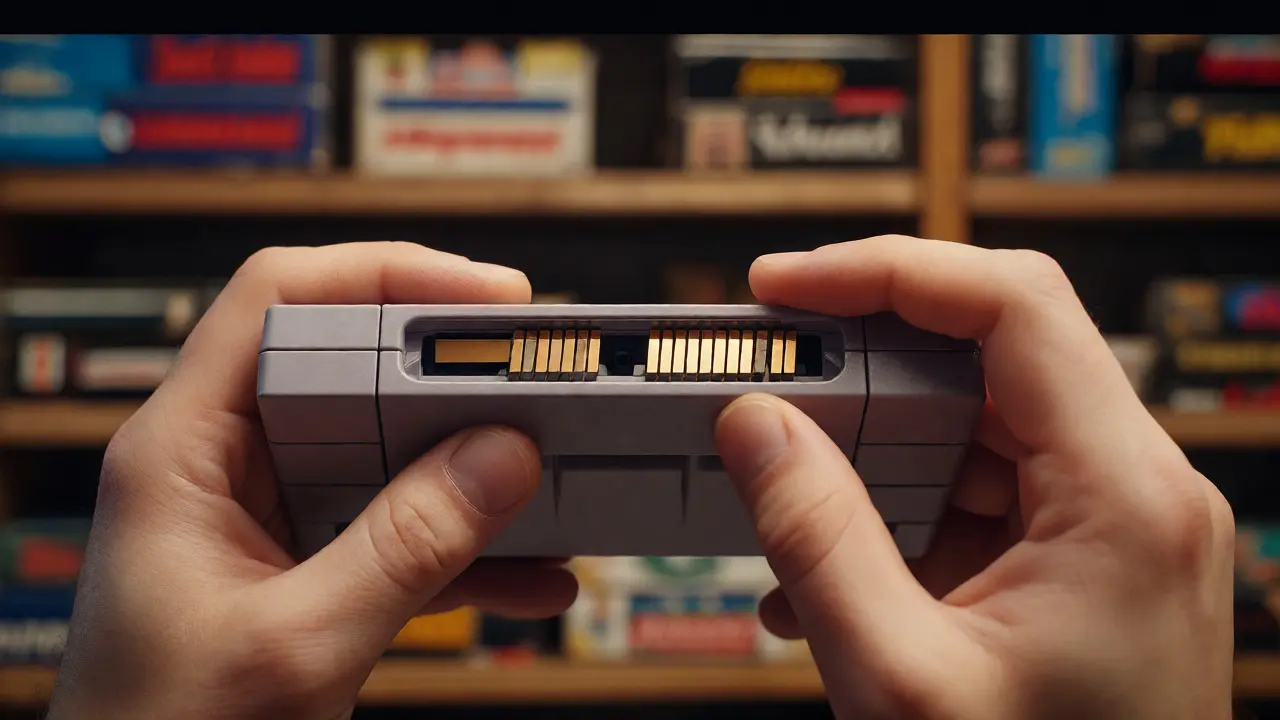
Imagine spending years hunting down that pristine copy of EarthBound or a sealed Super Mario Bros. only to find out the plastic has yellowed or the manual is missing. It hurts more than finding out you missed a rare drop in a raid. If you collect video games, you know the thrill of the hunt, but you also know the quiet dread of neglect. A messy shelf isn't just an eyesore; it's a liability. Without a structured annual audit checklist for video game collections, your assets can degrade, lose value, or simply vanish into the chaos of cardboard boxes.
Why bother with an annual review? Because time is the enemy of physical media. UV light fades labels, humidity warps discs, and dust chokes connectors. But it’s not just about preservation. An audit tells you what you actually own versus what you think you own. It helps you decide whether to sell duplicates, insure high-value items, or finally organize that pile of loose cartridges from the 90s. This guide breaks down exactly how to run a comprehensive check-up on your library, ensuring every cartridge, disc, and box stays in top shape.
Why Your Collection Needs a Yearly Health Check
Think of your collection like a garden. You wouldn't plant seeds and never water them, right? Physical games are organic materials-plastic, paper, metal, and vinyl-that react to their environment. According to archival standards used by institutions like the Library of Congress, improper storage can reduce the lifespan of optical media by up to 50%. That means a CD-ROM stored in a hot attic might fail in ten years, while one kept in a cool, dark basement could last fifty.
Beyond chemistry, there’s economics. The secondary market for retro games fluctuates wildly. A complete-in-box (CIB) copy of The Legend of Zelda: Ocarina of Time might be worth $100 today, but if you discover during your audit that the manual is torn, its value drops instantly. Catching these issues early lets you source replacements or adjust insurance valuations before you try to sell. Plus, let’s be honest: seeing your entire library organized brings a sense of satisfaction that no digital achievement ever will.
Pre-Audit Preparation: Setting the Stage
Before you pull a single game off the shelf, you need a system. Doing this randomly leads to burnout and incomplete records. Start by gathering your tools. You don’t need fancy equipment, but you do need consistency.
- Inventory Software: Use apps like GGDB, Backloggery, or a simple Excel spreadsheet. Digital databases allow you to track condition notes and purchase prices.
- Cleaning Supplies: Microfiber cloths, distilled water, and isopropyl alcohol (90%+). Avoid household cleaners which leave residues.
- Lighting: Work under bright, neutral light. Yellow bulbs hide scratches and mold.
- Workspace: Clear a large table. You’ll need space to lay out rows of games without stacking them precariously.
Decide on your scope. Are you auditing everything? Or just specific platforms? For most collectors, breaking it down by console generation or genre makes the task manageable. If you have over 500 titles, consider auditing 20% each month instead of all at once. Consistency beats intensity here.
The Physical Inspection Process
This is the core of your retro gaming preservation routine. Pick up each item and inspect it methodically. Don’t just look at the cover art; check the structural integrity.
For cartridges (NES, SNES, Genesis, N64, Game Boy), focus on the contacts. Oxidation looks like green or white powder on the gold pins. Light oxidation can be cleaned with isopropyl alcohol and a Q-tip. Heavy corrosion might mean the save battery is leaking, which can destroy the PCB. Check the shell for cracks, especially near the hinges on clamshell cases. If the case is broken, note it. You can often find replacement shells cheaply online.
For optical media (CDs, DVDs, Blu-rays, PS1-PS5 discs), hold the disc up to the light. Look for "disc rot," which appears as pinholes or brown spots on the reflective layer. Scratches are common, but deep gouges that cross multiple tracks cause read errors. Gently clean fingerprints with a microfiber cloth moving radially from the center to the edge, never in circles.
For manuals and inserts, check for foxing (brown spots caused by fungal growth) and creases. Missing pages? Note them immediately. A missing manual can devalue a CIB game by 30-50% depending on rarity. If you have loose papers, use acid-free sleeves to protect them from further damage.
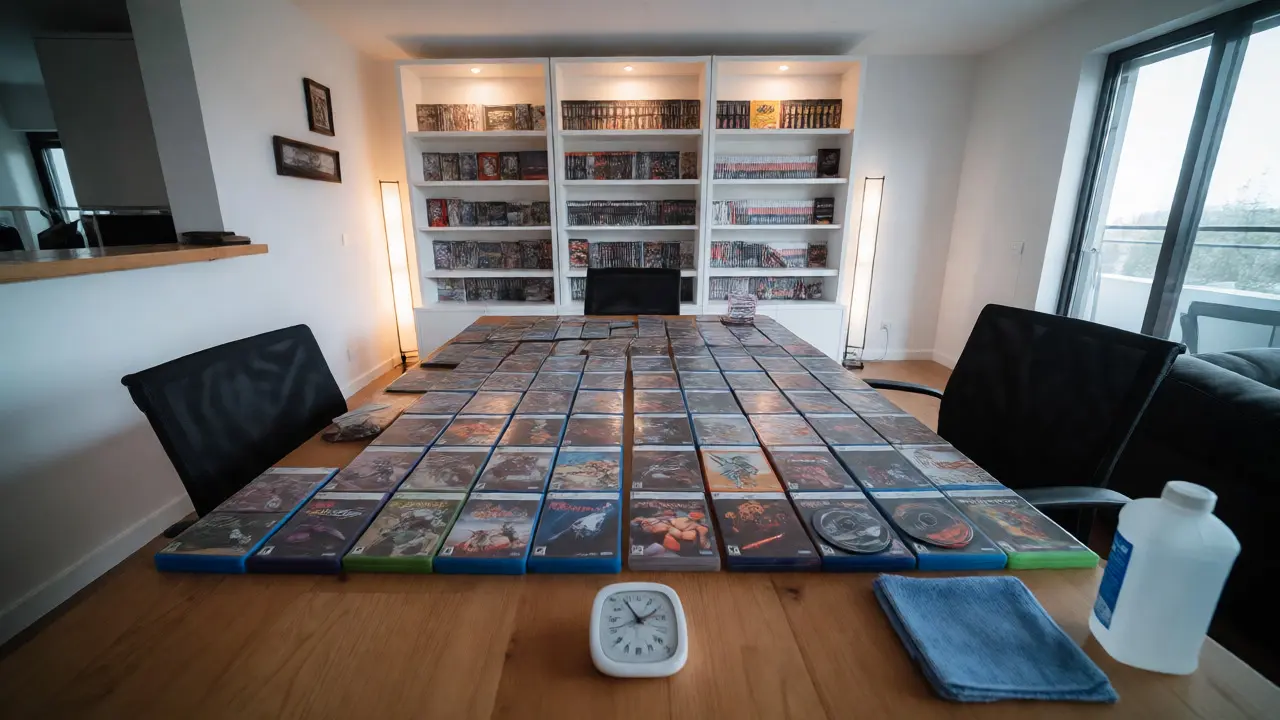
Environmental Assessment and Storage Solutions
Your inspection revealed problems, so now you need to fix the root cause: where they live. Most collections die because of poor storage conditions. Heat, humidity, and light are the three killers.
| Factor | Ideal Range | Risk Level | Action Item |
|---|---|---|---|
| Temperature | 65-70°F (18-21°C) | High | Avoid attics/garages; use climate-controlled room. |
| Humidity | 40-50% | Medium | Use silica gel packs in boxes; monitor with hygrometer. |
| Light Exposure | Darkness | High | Store away from windows; use opaque bins. |
| Position | Vertical | Low | Shelve upright like books; avoid horizontal stacking. |
Notice the position row. Storing games horizontally puts pressure on the bottom discs or cartridges, causing warping over time. Always store them vertically. If you use plastic bins, ensure they are acid-free. Standard plastic bins can off-gas chemicals that react with PVC cases, creating a sticky residue known as "PVC degradation." If your cases feel sticky, separate them immediately.
Digital Backup and Metadata Cleanup
Physical audits are great, but data loss is real. If you keep digital copies or ROMs alongside physical media, back them up. Cloud storage services like Dropbox or Google Drive offer redundancy, but local backups on external hard drives are faster for restoration. Follow the 3-2-1 rule: three copies of your data, two different media types, one offsite.
While you’re auditing, update your metadata. Did you buy a game as a "complete" set but later realize the box was a reprint? Update your database. Accurate records help when selling. Platforms like eBay or PriceCharting require precise condition descriptions. Vague terms like "good condition" lead to disputes. Be specific: "Case has minor hairline crack on spine; manual intact; disc plays perfectly."

Valuation and Insurance Review
Once your physical and digital records are clean, look at the money. Prices for retro games have surged since 2020. A quick check on PriceCharting or Wata Games guides can tell you if your collection’s total value has changed significantly.
If your collection exceeds $5,000, standard homeowner’s insurance might not cover theft or fire adequately. Consider adding a rider for collectibles. Document your high-value items with photos showing serial numbers and unique markings. During your audit, take clear pictures of any new acquisitions or recently graded items. This visual proof speeds up claims processes dramatically.
Common Pitfalls to Avoid
Even experienced collectors make mistakes. Here are the most frequent ones found during annual reviews:
- Over-cleaning: Rubbing too hard removes print from labels. Clean gently.
- Mixing Materials: Storing paper manuals directly against PVC cases causes ink transfer. Use separators.
- Neglecting Loose Items: Boxers often forget loose controllers or cables. These add value to bundles but get lost easily.
- Ignoring Pest Control: Silverfish love paper glue. Check corners of boxes for droppings or holes.
By addressing these issues annually, you prevent small problems from becoming catastrophic losses. Remember, the goal isn't perfection-it's sustainability. A well-maintained collection lasts decades, preserving both memories and monetary value.
How long does an annual audit take?
It depends on size. For 100 games, expect 2-3 hours. For 1,000+, spread it over a weekend or do 50 games per week. Speed comes with practice, but accuracy matters more.
Can I clean my own cartridges safely?
Yes, using 90%+ isopropyl alcohol and a soft brush or Q-tip. Never use water on electronics unless fully dried. Avoid acetone as it melts plastic.
What is disc rot and can it be fixed?
Disc rot is oxidation of the reflective layer. Early stages can sometimes be polished, but advanced rot is permanent. Prevention via proper storage is key.
Should I grade my games professionally?
Only if the potential profit outweighs the cost ($20-$100+). Grading is best for rare, high-value titles in mint condition. Common games rarely justify the expense.
How do I handle sticky plastic cases?
This is PVC degradation. Isolate the affected cases. You can try rubbing with baking soda paste or specialized cleaners, but replacing the case is often the safest long-term solution.