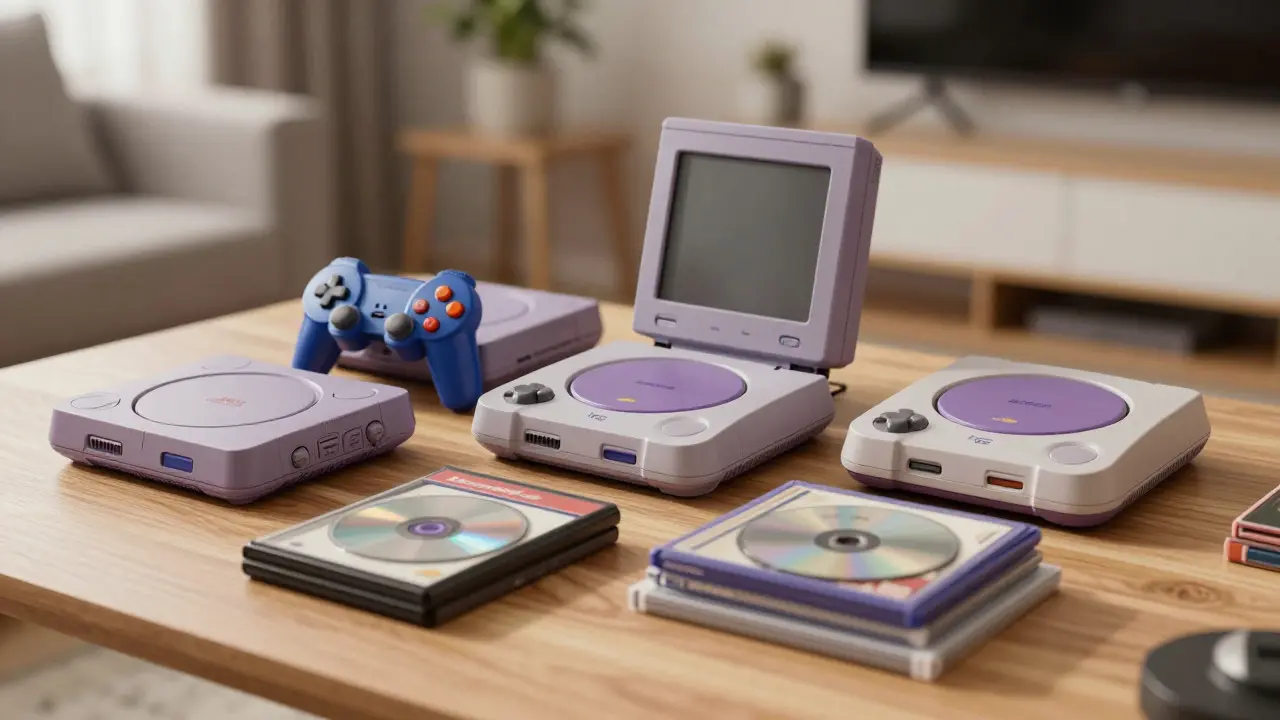
Buying a console today isn't just about playing games; it's about securing a piece of interactive history. If you want to start a video game collection, the hardware you pick defines your entire trajectory. A bad choice means fighting compatibility issues, struggling with preservation, or buying games that are impossible to find later. The right choice aligns with your budget, your preferred era, and how much effort you're willing to put into maintenance.
This guide cuts through the noise of "best consoles" lists and focuses specifically on what makes a system viable as a starting point for a serious collector. We will look at the practical realities of owning old technology in 2026, from battery drain to disc rot, so you don't waste money on a system that becomes a headache rather than a hobby.
Define Your Collection Goal Before You Buy
Most new collectors make the mistake of picking a console because they liked one specific game. Instead, ask yourself what kind of library you want to build. Do you want the deep RPG libraries of the PlayStation 2 era? The competitive multiplayer titles of the Xbox 360? Or the indie renaissance of the Nintendo Switch?
Your goal dictates the ecosystem. For example, if you are interested in Japanese role-playing games (JRPGs), the PlayStation 2 is a DVD-based home video game console developed by Sony Computer Entertainment. It has one of the largest libraries in history, with over 4,900 titles released worldwide. However, if you prefer portable gaming, the Nintendo DS is a dual-screen handheld game console released by Nintendo in 2004. Each platform has its own quirks, price points, and community support levels.
- Budget-Friendly Entry: Nintendo Wii, Sega Dreamcast, or PlayStation 1. These systems have cheap accessories and abundant used games.
- Middle-Tier Stability: PlayStation 2, Xbox 360, or Nintendo Switch. Better graphics, larger communities, but higher entry costs for complete sets.
- Premium/Niche: Nintendo 64, Sega Saturn, or original Xbox. Higher risk due to technical fragility or limited game availability.
The Hardware Reality: What Actually Breaks?
When collecting, you aren't just buying a toy; you are buying a machine that has likely been sitting in a closet for decades. Understanding failure points is crucial for long-term enjoyment.
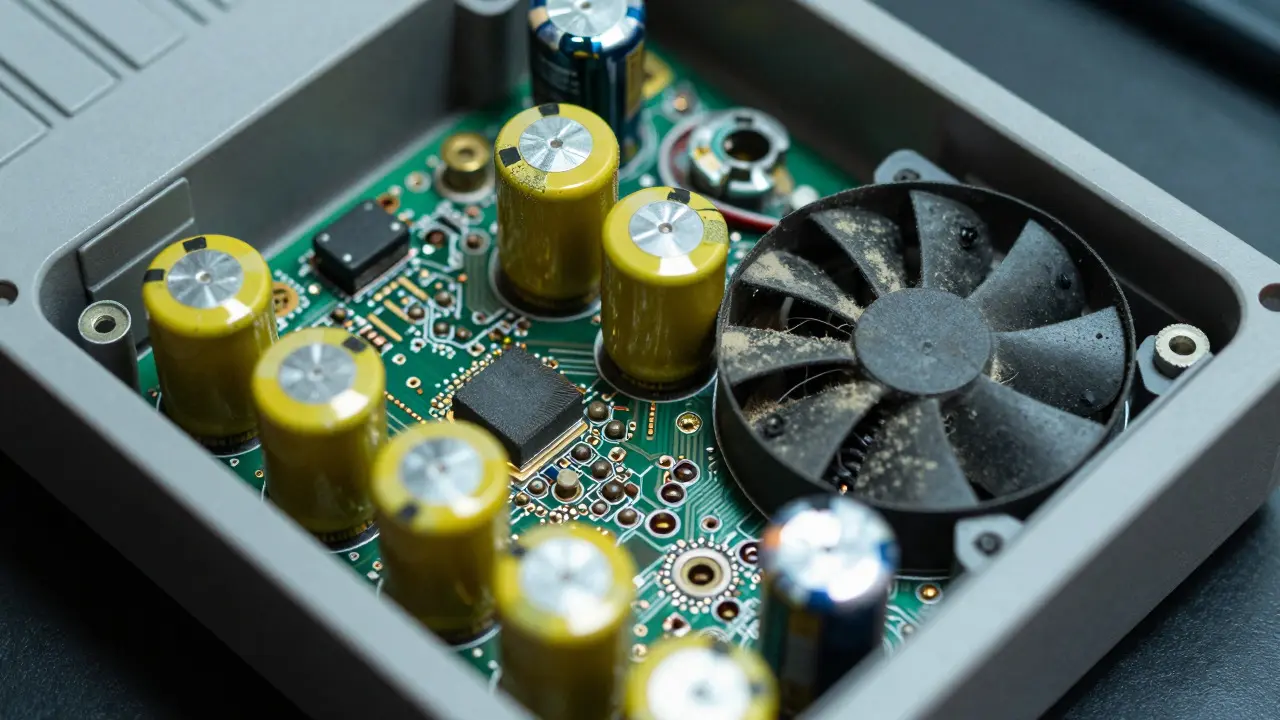
One of the most common issues across all older consoles is Capacitor Leaks is the degradation of electrolytic capacitors which can cause power failures or visual artifacts. This is particularly prevalent in the Sega Dreamcast and early PlayStation 2 models. If you buy a unit that powers on but shuts down randomly, this is often the culprit. Replacing these capacitors is a known repair process, but it requires soldering skills or a professional technician.
Another major factor is storage media. Optical drives in consoles like the Xbox 360 suffer from laser degradation over time. If the drive can't read discs consistently, you'll need to replace the laser assembly. For cartridge-based systems like the Nintendo GameCube is a mini-DVD based home video game console released in 2001., the physical cartridges are generally more durable than discs, making them a safer bet for long-term storage if kept in protective cases.
| Console Era | Primary Weakness | Repair Difficulty | Typical Cost to Fix |
|---|---|---|---|
| PS1 / N64 (90s) | Dust in optical drives, dead batteries | Low | $20 - $50 |
| PS2 / GC / DC (Early 2000s) | Capacitor leaks, laser wear | Medium | $50 - $150 |
| Xbox 360 / PS3 (Mid 2000s) | HDD failure, fan dust, GPU cracks | High | $100 - $300+ |
| PS4 / Switch (Modern) | Thermal paste drying, stick drift | Medium | $50 - $100 |
Regional Lockouts and Compatibility
A critical aspect of choosing your first console is understanding region coding. Unlike modern digital storefronts, many physical games are locked to specific geographic regions. This affects both what you can play and what you can resell later.
Region Coding is a system that restricts media playback to specific geographic areas. For instance, a PAL version of a game may not work on a North American NTSC console, though exceptions exist. The Sony PlayStation 2 was famously region-free for most games, making it a favorite for international collectors who wanted to access Japanese-exclusive titles without modding. In contrast, the Nintendo Wii is a hybrid home video game console released in 2006 featuring motion controls. strictly enforced region locks on its proprietary discs, requiring a modchip for cross-region play.
If you plan to collect globally, choose a system with a loose region policy or be prepared to invest in a modded console. Always check the back of the game case for the region label (NTSC-U/C, PAL, NTSC-J) before purchasing.
Preservation: Keeping Your Investment Safe
Collecting isn't just about playing; it's about preserving. Once you bring a console home, you need a strategy to keep it functional for the next decade.
- Clean the Ports: Use compressed air to clear dust from controller ports and memory card slots. Dust buildup is the leading cause of connection errors in older hardware.
- Replace Batteries: If your console uses a coin cell battery for saving settings, replace it immediately. Leaking batteries corrode the motherboard and can kill the board permanently.
- Store Properly: Keep cartridges and discs in anti-static bags. Avoid leaving them in direct sunlight, which warps plastic and fades labels.
- Test Regularly: Electronics hate sitting idle. Power up your console once every two weeks to keep components lubricated and prevent oxidation.
For optical media, consider backing up your games using a PC drive if the console supports dumping. While purists argue against backups, having a digital copy ensures you never lose a rare title to disc rot.
Where to Find Reliable Units
The source of your console matters as much as the console itself. Buying from a random online marketplace without inspection is risky. Here is a hierarchy of trustworthiness for buyers:
- Local Game Stores: Often test units before selling them. You can inspect the physical condition in person.
- Specialized Retro Shops: These stores usually offer warranties on repairs. They know the specific failure modes of each model.
- Online Marketplaces (eBay/AZB): Look for sellers with high feedback scores and detailed photos. Ask for a video of the console booting up and loading a game.
- Community Swaps: Local meetups allow face-to-face trades. Great for finding niche titles, but verify the hardware thoroughly.
Avoid "untested" listings unless you are comfortable doing your own diagnostics. An untested console might work, or it might have a cracked GPU that costs more to fix than the console is worth.
Building Your First Library
Once you have your console, resist the urge to buy everything at once. Start with a core set of 5-10 games that represent the best of the platform. This approach keeps your initial investment low while allowing you to learn the system's strengths.
For example, if you chose the Sega Dreamcast is a home video game console released by Sega in 1998., start with *Shenmue*, *Sonic Adventure*, and *Crazy Taxi*. These titles showcase the system's unique features and are relatively easy to find compared to obscure imports. As you become more comfortable, expand into rarer titles.
Keep an eye on local sales and clearance events. Prices fluctuate based on demand spikes, often driven by YouTube reviews or nostalgia cycles. Buying during a dip saves money for future acquisitions.
Is it better to buy a console with a controller included?
Yes, always try to buy a bundle if possible. Controllers for older consoles are often cheaper when sold as part of a set than individually. Additionally, matching the serial number of the console and controller can sometimes increase resale value among strict collectors, though functionality is the primary concern for most players.
Do I need to mod my console to play imported games?
It depends on the system. The PlayStation 2 did not require mods for most games. The Nintendo Wii and Xbox 360 required hardware mods or specific regional versions. Check the region lock status of your specific console model before purchasing imported titles to avoid wasted spending.
What is the safest console for a beginner to maintain?
The Nintendo GameCube and PlayStation 2 are widely considered the easiest to maintain. They have simple internal layouts, readily available replacement parts, and large communities dedicated to troubleshooting. Avoid the Xbox 360 if you are not tech-savvy, as its failure rates were notoriously high.
Should I clean my games before storing them?
Yes. Fingerprints and dust can scratch optical discs and degrade cartridge contacts. Use a microfiber cloth for discs and isopropyl alcohol (90% or higher) on a cotton swab for cartridge pins. Never use water or household cleaners, as they can leave residue that attracts more dirt.
How do I know if a console is running hot?
If the casing feels too hot to touch comfortably after 30 minutes of play, it may be overheating. Clean the vents with compressed air and ensure the console is placed in a well-ventilated area. Overheating shortens the lifespan of electronic components and can lead to permanent damage.