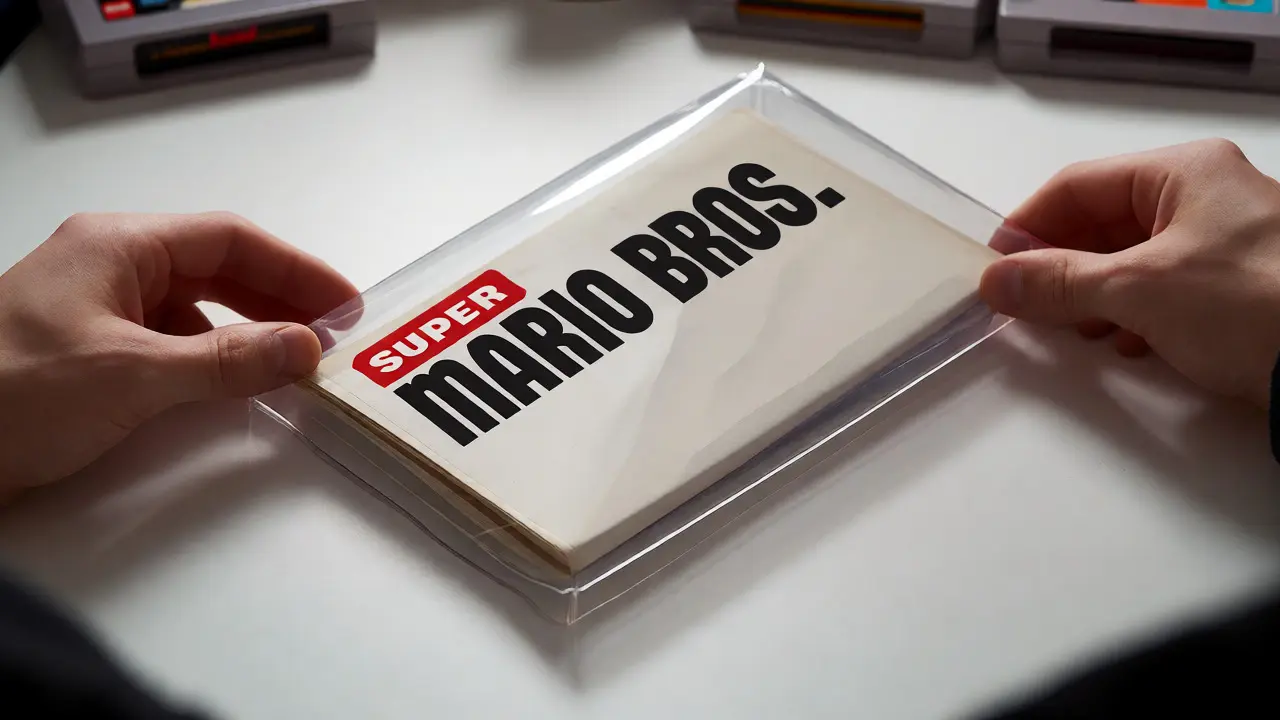
You just scored a complete-in-box (CIB) copy of Super Mario Bros. on eBay. The cartridge works, the box is crisp, but when you open it up, the instruction manual is loose, folded awkwardly, and threatening to tear at every crease. You want to display it or store it safely, but shoving it back into the box feels like asking for damage. This is where proper archival storage comes in. Choosing the right binder and sleeve system isn't just about tidiness; it's about preserving paper integrity against light, humidity, and physical stress. Whether you are a casual player or a serious collector, understanding the difference between polypropylene sleeves and acid-free pages can save your manuals from yellowing over the next decade.
Why Standard Binders Fail Retro Manuals
Most people grab the nearest three-ring binder from an office supply store. Big mistake. Standard vinyl binders often contain plasticizers that migrate into the paper over time, causing it to stick or discolor. Worse, the metal rings can rust if the environment gets humid-something Portland folks know well. If you use cheap clear pockets, they might be made from PVC (polyvinyl chloride). PVC off-gasses hydrochloric acid as it degrades. That acid eats away at ink and paper fibers. Your 1985 NES manual could literally dissolve inside a $3 binder within five years. Always check for the "PVC-free" label. If it doesn't say it, assume it isn't safe for long-term archival storage.
The Case for Polypropylene Sleeves
If you prefer the flexibility of standard binders, Polypropylene (PP) sleeves are your best friend. They are chemically stable, non-off-gassing, and resistant to moisture. Unlike PVC, PP won't turn sticky or cloudy quickly. When shopping, look for sleeves labeled "archival safe" or "acid-free." These usually cost a bit more per pack than generic office supplies, but they are worth it for anything with sentimental or monetary value.
There are two main types of PP sleeves to consider:
- Clear Front/Back: Allows you to see both sides of the manual page. Great for double-sided prints common in older games.
- Opaque Back: Often white or black. Better for displaying art-heavy covers because the solid background makes colors pop. However, you lose visibility of the reverse side unless you flip the page.
A pro tip: avoid sleeves with heavy textures or gloss finishes if you plan to scan your manuals later. Glare ruins digital archives. Matte or semi-gloss finishes offer the best balance of protection and readability.
Binder Sizes and Ring Mechanisms
Video game manuals come in all shapes and sizes. A Nintendo DS manual is tiny, while a PC strategy guide from the late '90s might be massive. Using one binder size for everything leads to wasted space or damaged edges. Here is how to match the hardware to the media.
| Manual Type | Typical Dimensions | Recommended Binder | Ring Size |
|---|---|---|---|
| NES/SNES/Game Boy | ~4.25" x 6.75" | Personal/A5 Binder | 0.75" - 1" |
| N64/PS1/Xbox | ~5.5" x 8.5" | Letter/Half-Letter | 1" - 2" |
| PC Strategy Guides | ~8.5" x 11" | Standard Letter | 2" - 3" |
| Collector Booklets | Varies widely | Custom/A4 | Depends on bulk |
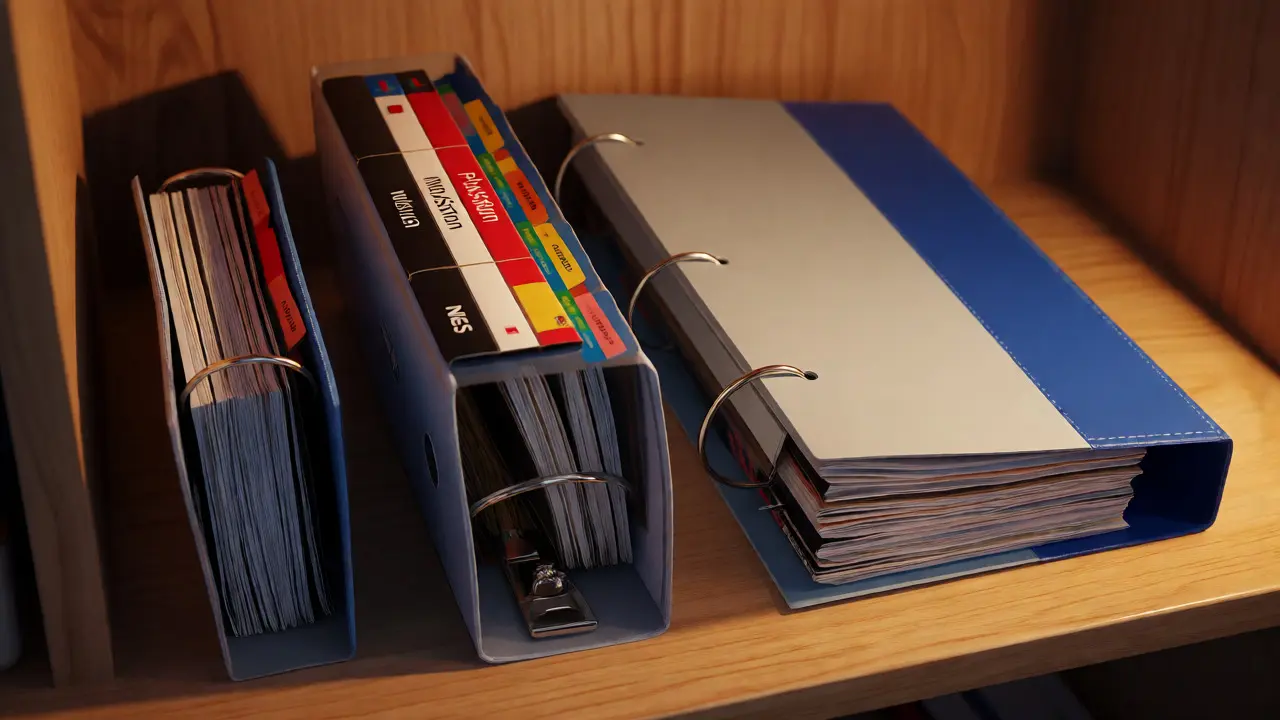
Don't underestimate ring size. A 1-inch ring sounds small until you try to fit twenty thick, laminated sleeves plus the manual itself. The pages will bulge out, making the binder hard to close flat. For collections exceeding fifty pages, go for 2-inch or 3-inch D-rings. D-rings hold contents flatter than round rings, reducing stress on the punched holes. Also, ensure the binder has a locking mechanism. If you stack these on a shelf, a loose lid means dust gets in, or worse, the whole thing springs open during transport.
Alternative: Acid-Free Protectors and Top-Loaders
Not everyone wants a binder. Some collectors prefer individual protection, especially for rare first-print runs. In this case, skip the binder entirely and use Mylar or Polyester top-loaders. These are rigid, transparent cases that slide over the entire manual like a trading card holder. They offer superior protection against bending and tearing.
However, Mylar is expensive and bulky. It’s not practical for storing hundreds of manuals. Use it for your crown jewels-the signed Zelda II manual or the first edition Halo booklet. For everyday items, stick to soft sleeves. Another option is using acid-free envelopes. Fold the manual carefully along original creases (never new ones) and slip it into a buffered envelope. This method takes up minimal space and protects against light exposure better than clear sleeves, which let UV rays through.
Organization Strategies That Actually Work
Owning the right gear is half the battle. Organizing it so you can actually find what you need is the other half. Randomly stuffing manuals into a binder based on when you bought them creates chaos. Try these sorting methods instead:
- By Platform: Separate NES, SNES, Genesis, etc. This keeps similar-sized manuals together, preventing the "small manual in big sleeve" problem.
- By Genre: Good if you browse by mood. RPGs in one binder, Shooters in another.
- Alphabetical: Best for large libraries. Label tabs clearly with a fine-tip permanent marker.
Use divider tabs with writeable surfaces. Avoid adhesive tabs that leave residue when removed. Instead, opt for tabbed dividers that slot onto the rings. If you have multiple binders for one platform, color-code them. Red for action, blue for adventure. Visual cues speed up retrieval significantly.

Environmental Factors in Storage
Paper hates fluctuating temperatures and high humidity. Since I live in Portland, Oregon, humidity control is a constant battle. Even archival sleeves won't save a manual if it sits in a damp basement. Aim for a relative humidity of 30-50%. If you don't have a climate-controlled room, consider adding silica gel packets to the bottom of your binder or storage bin. Replace them every six months.
Light is another enemy. Direct sunlight fades ink rapidly. Store your binders vertically on a shelf rather than stacking them horizontally. Stacking puts pressure on the spines and can cause sleeves to crack over time. Vertical storage also allows air circulation around each spine, reducing mold risk. Keep them out of direct sun paths. A closed cabinet is ideal. If you must display them, use UV-filtering glass or acrylic frames, not standard window glass.
Cleaning Before You Archive
Never put a dirty manual into a fresh sleeve. Dust, fingerprints, and grime get trapped inside, creating permanent stains. Gently wipe covers with a dry, microfiber cloth. For stubborn spots, slightly dampen the cloth with distilled water-never tap water, which contains minerals that leave deposits. Let the manual air dry completely before sleeving. Trapping moisture inside a sealed pocket invites mold growth. Check for staples or paperclips left from factory binding. Remove them carefully with tweezers to avoid tearing the paper edge.
Frequently Asked Questions
Can I use regular office sheet protectors?
Only if they are explicitly labeled PVC-free and acid-free. Most cheap office brands contain PVC, which releases acids that degrade paper over time. For long-term preservation, invest in archival-grade polypropylene sleeves specifically designed for document storage.
How do I remove old tape residue from a manual?
Apply a small amount of naphtha-based lighter fluid (like Zippo fluid) to a cotton swab and gently dab the residue. Test on a hidden corner first. Do not soak the paper. Let it evaporate fully before placing the manual in a sleeve. Avoid alcohol-based cleaners as they can lift ink.
Is it better to fold or unfold the manual for storage?
Always store manuals unfolded if possible. Folding along existing creases is acceptable if space is tight, but repeated folding weakens the paper. Unfolded manuals stored in appropriately sized binders experience less stress and remain in better condition for resale or display.
What size binder should I buy for PlayStation 1 manuals?
PlayStation 1 manuals typically measure around 5.5 inches by 8.5 inches. A personal-sized binder (often called A5 or Half-Letter) with 1-inch D-rings is usually sufficient. Ensure the sleeves are sized correctly to prevent the manual from sliding around, which causes edge wear.
Do I need to worry about static electricity in sleeves?
Static can attract dust particles to the surface of the manual inside the sleeve. Archival-quality polypropylene sleeves are generally anti-static or low-static. If you notice excessive static, lightly mist the outside of the sleeve with an anti-static spray before inserting the manual. Never spray directly on the paper.