
You just spent three hours replacing the joystick on your PS4 controller. It works perfectly now. But when you list it on eBay or Facebook Marketplace, do buyers trust you? Probably not. They see a used item with no history. That lack of proof costs you money. In the secondary market for video games and consoles, documentation is currency. A well-documented repair or modification can increase the perceived value by 15% to 30%, turning a "maybe" into a "yes."
This isn't about hiding flaws. It's about transparency. When you document what you did, why you did it, and how it performs, you remove the risk from the buyer's mind. Whether you are flipping broken units for profit or clearing out your collection, treating every transaction like a professional audit pays off. Here is how to build a paper trail that makes your gear sell faster and for more cash.
The Psychology of Trust in Secondary Markets
Buyers of used electronics live in fear. They worry about hidden defects, water damage, or cheap aftermarket parts that fail within weeks. When you hand over a console with a fresh battery but no receipt, they assume the worst. Did you use an original Sony part or a $5 knockoff from AliExpress? Without proof, they price your item at the lowest possible tier.
Documentation shifts this dynamic. It signals professionalism. It tells the buyer, "I care enough about my gear to track its life." This builds immediate credibility. For high-end items like limited edition consoles or rare handhelds, this trust is worth hundreds of dollars. Even for standard controllers, a clear record distinguishes you from the dozen other sellers offering identical-looking black boxes.
Think of it as insurance against haggling. If a buyer says, "I'll give you $80," and you show them photos of the new micro-switches you installed, complete with the brand name and installation date, they have less room to argue. You aren't just selling a controller; you're selling peace of mind.
Categorizing What Needs Documentation
Not every tweak needs a dossier. Replacing a faceplate because it was scratched? Maybe skip the paperwork unless it's a rare colorway. But structural changes, electronic fixes, and performance upgrades require records. The goal is to highlight work that impacts functionality or aesthetics significantly.
- Hardware Repairs: Screen replacements, battery swaps, port soldering, and internal cleaning (like removing thermal paste buildup).
- Modifications: LED installations, custom shell swaps, button remapping, or adding cooling fans.
- Upgrades: Installing larger SSDs in consoles, upgrading RAM in PCs, or swapping mechanical switches in keyboards.
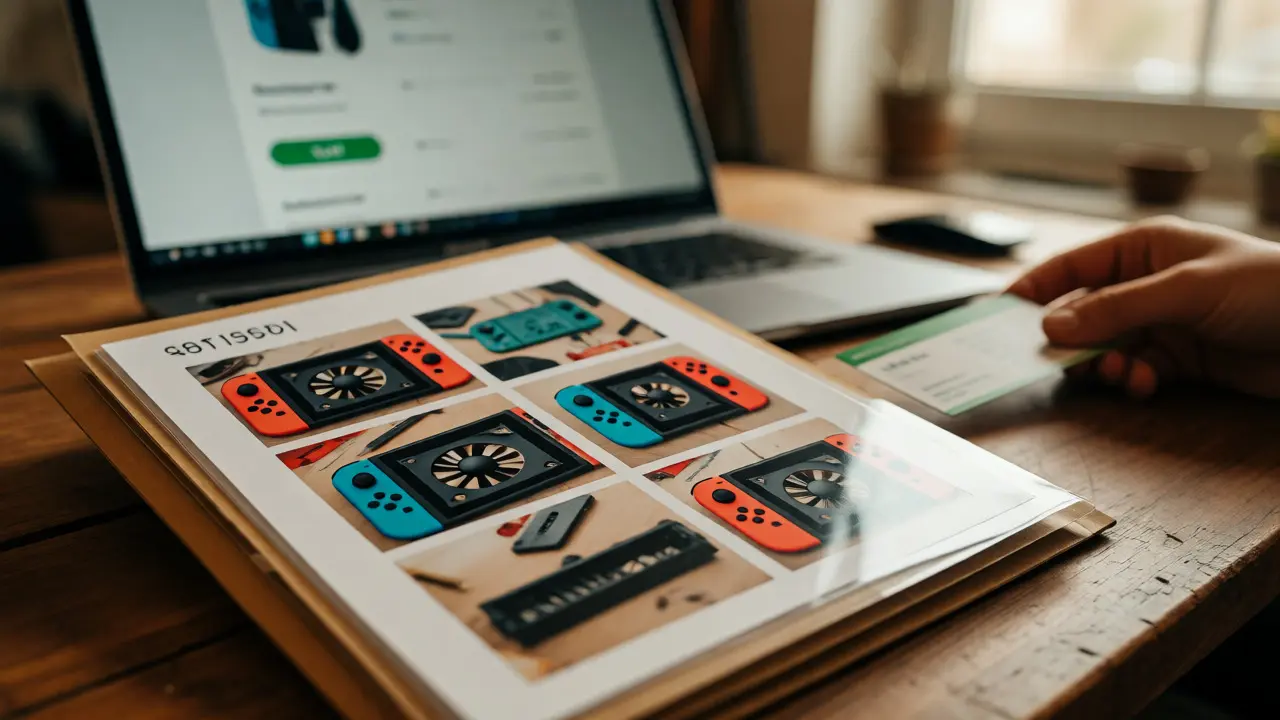
Focus on the "invisible" work. Buyers can see a cracked screen was fixed if it looks new. They cannot see that you cleaned the fan blades inside a Switch dock. Documenting that cleaning proves the device won't overheat during their first marathon session. That specific detail justifies a higher asking price.
The Essential Toolkit for Documentation
You don't need expensive equipment. Your smartphone camera and a free note-taking app are sufficient. However, consistency matters more than resolution. Create a simple template before you start working on any device. Having a standardized format saves time and ensures you don't forget critical details.
Here is what belongs in your log:
- Before State: Photos of the issue. Show the crack, the dead pixel, or the wobbly stick. Include a reference object (like a coin) for scale.
- Parts Used: Take a photo of the packaging or label of the replacement part. Note the manufacturer (e.g., iFixit, Genuine Nintendo, generic).
- Process Shots: One or two images of the internals during disassembly. This proves you actually opened the device and didn't just slap tape over it.
- After State: Clean photos of the finished product. Test it on video if possible. A 10-second clip of a newly repaired headphone jack clicking securely into place is powerful evidence.
- Date and Cost: When did you do it? How much did the parts cost? This helps justify your pricing later.
Store these files in a cloud folder named after the device's serial number. When it’s time to sell, you can drag and drop the relevant folder directly into the listing description or attach it as a PDF summary.
Drafting the Listing Description
Now comes the translation of technical data into sales copy. Don't just dump raw data. Contextualize it. Instead of saying "Replaced battery," say "New OEM Battery Installed - Holds 6+ Hours Charge." Connect the action to the benefit.
| Scenario | Buyer Perception | Typical Price Impact |
|---|---|---|
| No documentation, vague description | High risk, likely hidden issues | -10% to -20% |
| Brief mention of repair, no proof | Skeptical, assumes cheap fix | Neutral |
| Photos of parts + installation | Trustworthy, professional care | +5% to +10% |
| Video proof + Receipts + Warranty offer | Premium quality, low risk | +15% to +30% |
Use bullet points for readability. Shoppers scan listings quickly. Highlight the key improvements at the top. "Why buy this one?" should be the first question you answer. Mention if the mod voided the warranty (if applicable) or if you provide a short personal guarantee. Offering a 7-day return window on documented repairs can dramatically increase conversion rates, even if few people actually use it.
Handling Modifications vs. Repairs
Repairs restore function. Modifications change it. These require different messaging strategies. A repair implies the item is back to factory standards. A mod implies customization. Some buyers love mods; others hate them because they complicate future repairs.
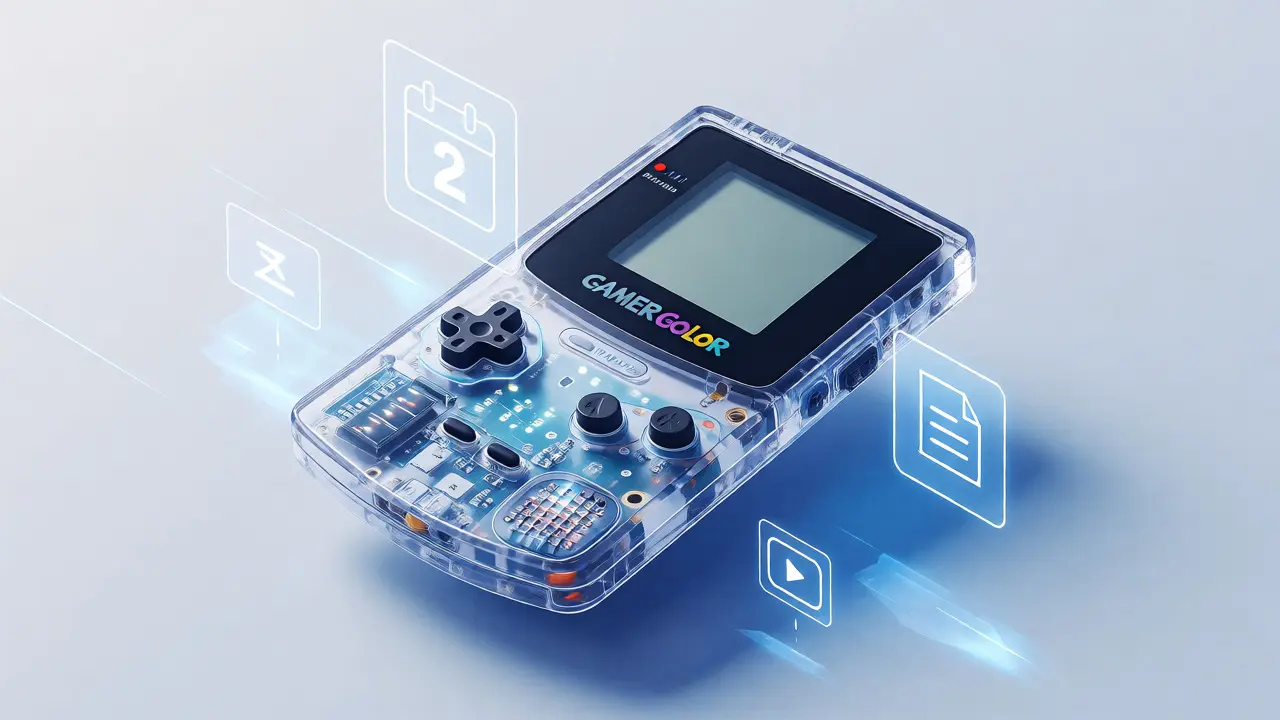
For modifications, be explicit about reversibility. Can the buyer uninstall the custom LED strip easily? Is the new shell snap-on or glued? If you drilled holes in the casing, admit it clearly. Hidden modifications surprise buyers and lead to returns. Visible, well-executed mods, however, can add aesthetic value. A cleanly installed transparent shell on a Game Boy Color, for example, appeals to collectors who want to show off the circuit board. Documenting the source of that shell (e.g., "Official Nintendo Transparent Case") adds authenticity.
Always disclose if a mod affects battery life or ergonomics. If you added a cooling fan to a laptop, note that it runs quietly. If you swapped keyboard switches for louder clicky ones, warn the user. Honesty prevents negative reviews, which hurt your seller rating long-term.
Legal and Ethical Considerations
When dealing with proprietary hardware, especially from companies like Nintendo or Sony, be careful with terminology. Avoid claiming your item is "New" if it has been opened. Use terms like "Refurbished," "Serviced," or "Modified." Mislabeling can lead to disputes where platforms side with the buyer.
Also, consider intellectual property. If you printed a custom case using a copyrighted design, ensure you have the right to sell it. For most individual flippers, this is rarely an issue, but if you are doing volume sales, keep receipts for all third-party parts. This protects you if a buyer claims the part was counterfeit.
Privacy is another factor. If you wiped a hard drive or reset a console, state that explicitly. "Factory Reset Performed - No Personal Data Remains" reassures buyers worried about leftover save files or account links. It shows you respected the previous owner's data and will respect theirs.
Creating a Standard Operating Procedure
If you plan to sell regularly, stop improvising. Create a checklist. Before you pick up a screwdriver, decide what you will document. After the work, upload the media immediately while the device is still on your desk. Procrastination leads to lost photos and forgotten details.
Keep a digital inventory spreadsheet. Columns should include: Item Name, Serial Number, Date Acquired, Repair Details, Mod Details, Total Cost, Sale Price, and Status. This data helps you analyze profitability. You might discover that repairing Joy-Cons yields a 40% margin, while fixing PS4 disc drives only nets 10%. Adjust your buying strategy based on real numbers, not guesses.
Finally, archive your documents. Keep the folders for at least six months after the sale. If a buyer opens a dispute claiming the repair failed, you can instantly send back the original photos proving the unit was in perfect working order when shipped. This evidence often resolves conflicts without needing platform intervention.
Do I need to include receipts for every small part?
No, receipts for major components like screens, batteries, or motherboards are valuable. For minor items like screws or glue, a photo of the package is usually sufficient. Focus on parts that significantly impact performance or cost.
Will documenting a mod lower the value for purist collectors?
It depends on the collector type. Purists prefer stock condition, so a mod might lower value for them. However, the general market often values functional upgrades. Clearly labeling the item as "Modified" allows both groups to self-select, preventing mismatched expectations.
How many photos are too many for a listing?
Aim for 5-10 high-quality images. Include front, back, ports, and specific close-ups of the repair/mod area. Too many cluttered photos can overwhelm buyers. Curate the best shots that prove quality rather than dumping every step of the process.
Should I offer a warranty on my documented repairs?
Yes, a short personal warranty (e.g., 14 days) can significantly boost buyer confidence and justify a higher price. Since you know the work was done correctly, the risk is low. Just specify what is covered (the repair itself) and what isn't (new accidental damage).
What if I lost the original box but have good repair docs?
Repair documentation partially compensates for missing packaging. While collectors prefer full-in-box sets, functional buyers prioritize reliability. Emphasize the health of the hardware in your description to shift focus away from the missing box.