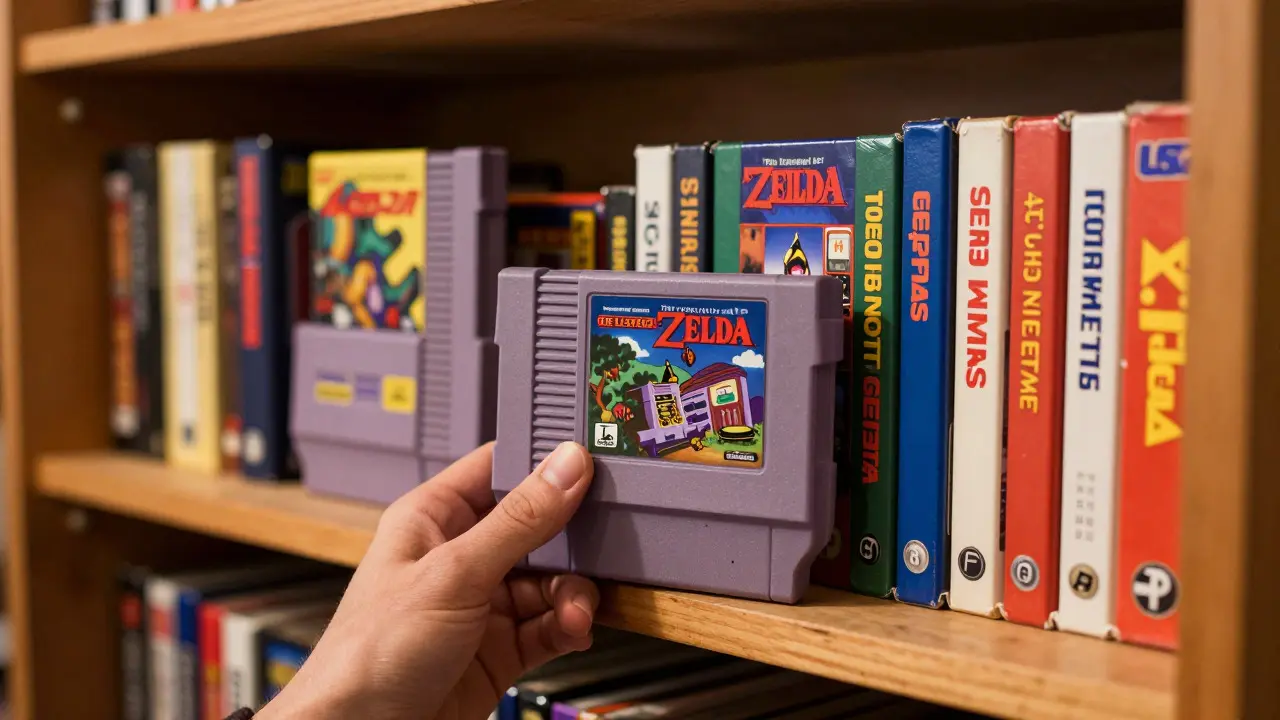
Imagine you have a shelf full of Retro Video Games is a collection of physical media from consoles like the NES, SNES, and Sega Genesis that hold both nostalgic value and potential financial worth. You know you own a rare copy of The Legend of Zelda: A Link to the Past, but do you remember if it was a Japanese import or a North American release? Do you know which games are in mint condition versus those with scratched discs? Without a system, your collection is just a pile of boxes. With a proper cataloging tool, it becomes an organized asset.
This is where CLZ Games is a specialized online platform designed for organizing, tracking, and valuing retro video game collections through detailed metadata and community-verified data. Unlike generic spreadsheet tools, CLZ Games understands the specific quirks of gaming history, such as region locks, version differences, and print runs. If you are serious about preserving your hobby, moving from manual notes to a dedicated digital database is the single most impactful step you can take.
Why Generic Spreadsheets Fail for Gamers
You might think a simple Excel sheet or a Notion board is enough. For a few items, maybe. But once you pass fifty titles, problems emerge. The biggest issue is standardization. In one row, you might write "Mario 64." In another, "Super Mario 64 (NTSC-U)." In a third, just "SM64." When you try to sort by console or search for a specific title, these inconsistencies break your workflow.
Furthermore, spreadsheets lack context. They don't tell you that the 1985 release of Super Mario Bros. had a different box art than the 1986 re-release. They don't flag when a game has multiple revisions that affect its market price. CLZ Games solves this by using standardized identifiers and structured fields. This means every entry for a game carries consistent data points, making sorting, filtering, and valuation accurate without manual guesswork.
Setting Up Your CLZ Games Profile
Getting started with CLZ Games is straightforward, but doing it correctly saves hours later. Here is how to approach the initial setup:
- Create your account: Sign up using your email. Most users find the free tier sufficient for personal collections unless they plan to sell large volumes regularly.
- Define your primary platforms: Indicate which consoles you focus on. Whether it's the Nintendo Entertainment System (NES), Super Nintendo Entertainment System (SNES), or PlayStation, tagging your main interests helps the algorithm suggest relevant games.
- Import existing data: If you have a CSV file from a previous tracker, use the import function. Map your columns carefully. Ensure that "Title" maps to "Game Name" and "Condition" maps to the specific grading scale used by CLZ.
A pro tip: Don't rush the import. Spend ten minutes checking the mapping preview. If you mislabel "Region" as "Language," you’ll spend weeks fixing individual entries later. Accuracy at the start compounds over time.
Cataloging Individual Titles: The Core Workflow
The heart of using CLZ Games is adding each item to your inventory. This process is faster than manual logging because of auto-fill features. When you type a partial name, the system suggests matches based on its database of thousands of releases.
For each game, you need to specify several key attributes. These are not optional; they define the true identity of the item:
- Console: The hardware the game runs on.
- Region: NTSC-U (North America), PAL (Europe/Australia), or NTSC-J (Japan). This is critical for pricing.
- Version/Revision: Some games have multiple cartridge versions. For example, early Metroid cartridges differ from later ones. Selecting the correct revision ensures accurate valuation.
- Condition: Rate the game, box, and manual separately. A game in "Mint" condition with no box is valued differently than one in "Good" condition with a complete set.
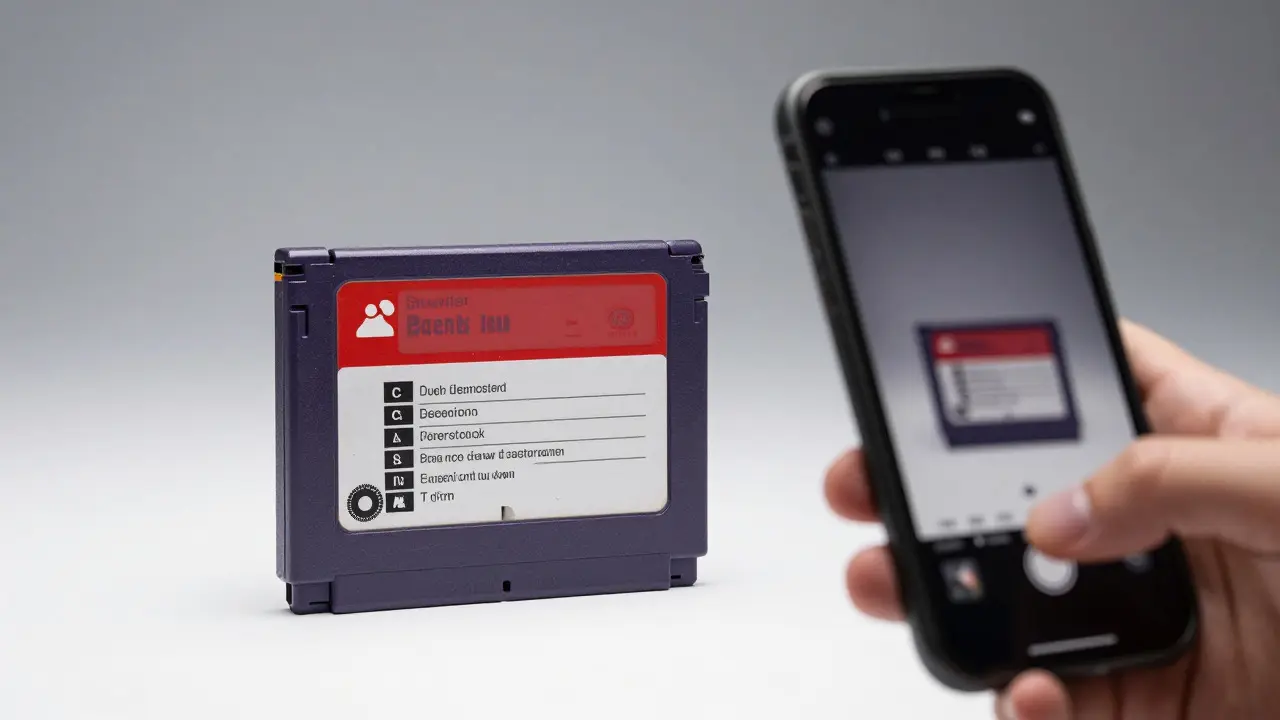
Take a moment to photograph each item. CLZ allows you to upload images directly to the entry. High-quality photos of the label, back cover, and any unique markings help verify authenticity if you ever decide to sell. It also makes browsing your own collection visually satisfying.
Leveraging Metadata for Valuation and Organization
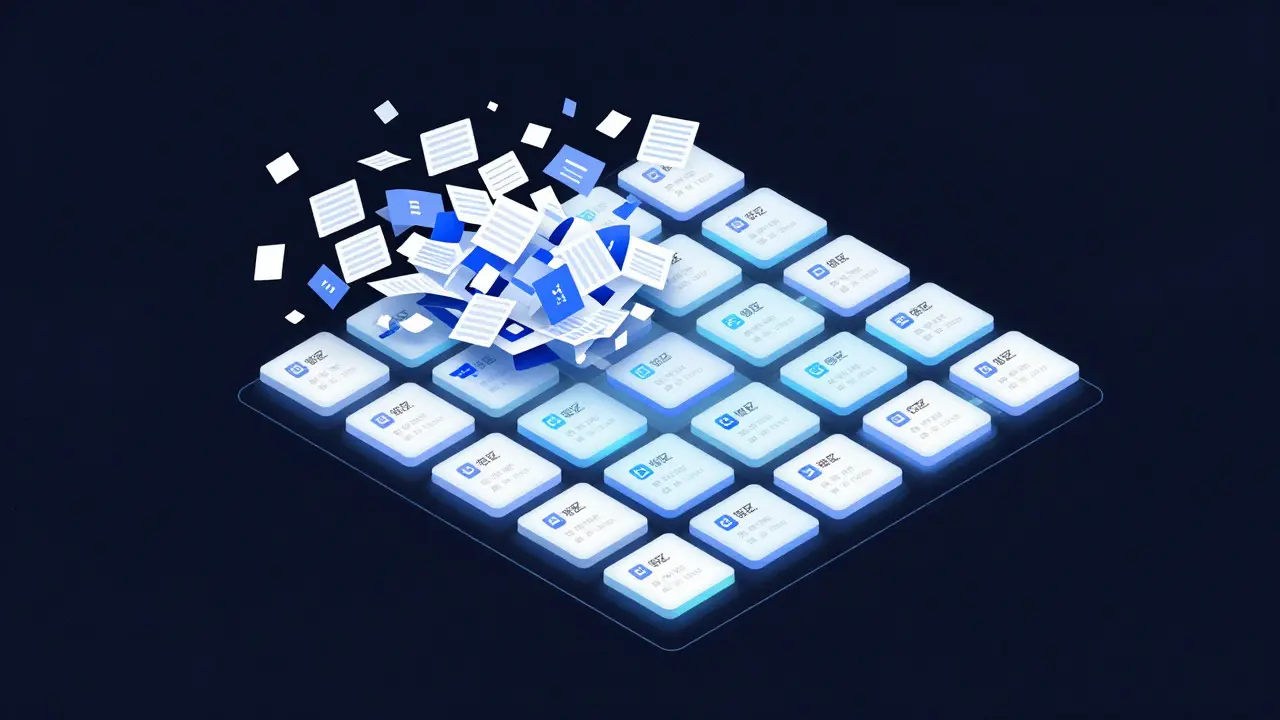
Once your data is clean, the real power of CLZ Games emerges. The platform uses aggregated sales data to provide estimated market values. However, these estimates rely heavily on the precision of your metadata.
Consider two copies of Pokémon Red. One is a first-print Japanese version with a holographic sticker. The other is a late-run North American version. If you catalog both simply as "Pokémon Red," the average value will be misleading. By specifying the region and print run details, CLZ can pull comparable recent sales from auction sites and private listings. This gives you a realistic range rather than a vague number.
| Feature | Manual Spreadsheet | CLZ Games |
|---|---|---|
| Data Standardization | User-dependent, prone to errors | Enforced via dropdowns and IDs |
| Valuation Accuracy | Static, requires manual updates | Dynamic, based on live market data |
| Image Management | External links or attachments | Integrated cloud storage per item |
| Search Capability | Basic text search | Advanced filters by region, year, genre |
Managing Condition and Authenticity
Condition is subjective, which is why consistency matters more than perfection. Create a personal rubric and stick to it. For example, define "Very Good" as having minor wear on corners but no scratches on the label. Define "Mint" as looking factory-fresh, even if unsealed.
Authenticity is another layer. The retro market is flooded with counterfeit cartridges and reprinted manuals. When cataloging, note any signs of tampering. Did the seal look off? Is the font on the label slightly wrong? Add these notes to the item description in CLZ. While the platform doesn't authenticate items for you, keeping a detailed log of observations protects you from future disputes and helps you spot patterns in fake stock you might encounter in the future.
Syncing with Other Tools and Selling
Your catalog isn't just for storage; it's a launchpad for selling. When you decide to part with a game, exporting the data from CLZ Games makes listing creation faster. You can generate a pre-filled description including the title, console, region, condition, and estimated value. This reduces the friction of creating eBay or Mercari listings.
Additionally, many collectors link their CLZ profiles to social media or forum posts. Sharing a snippet of your collection-perhaps your top five highest-value items-can attract trading partners. The visual nature of the profile, combined with the depth of data, signals to other collectors that you are knowledgeable and serious.
Troubleshooting Common Issues
Even with a robust tool, hiccups happen. Here are common issues and how to resolve them:
- Duplicate Entries: This happens if you accidentally add the same game twice under slightly different names. Use the search function to find duplicates and merge them. Keep the entry with the better photos and more detailed notes.
- Inaccurate Valuations: If a value seems too high or low, check the "Comparable Sales" section. Sometimes, outliers skew the average. You can manually adjust your internal estimate while noting the discrepancy.
- Missing Images: If an image fails to upload, check your internet connection or file size. Compress large photos before uploading to ensure smooth performance.
By treating your collection as a structured dataset rather than a random assortment, you unlock insights you never had before. You can see trends, identify gaps in your collection, and make informed decisions about what to buy, sell, or keep. CLZ Games provides the framework; your attention to detail fills it with value.
Is CLZ Games free to use?
Yes, CLZ Games offers a free tier for personal collections. Paid plans typically unlock advanced analytics, bulk editing tools, and priority support, which are useful for professional dealers or very large collections exceeding 1,000 items.
Can I track games that are not commercially released?
Yes. You can create custom entries for homebrew games, prototypes, or unreleased titles. While these won't have automatic market valuations, you can assign your own estimated value and tag them with specific categories like "Prototype" or "Homebrew" to distinguish them from retail releases.
How often does the valuation data update?
Market data is updated regularly, often daily, based on completed sales from major auction houses and peer-to-peer marketplaces. However, for niche titles with low transaction volume, the data may refresh less frequently. Always check the "Last Updated" timestamp on the valuation page for accuracy.
Do I need to scan my entire collection at once?
No. Start with your most valuable or favorite items. Cataloging is a gradual process. Many collectors aim to add 5-10 games per week. Consistency is more important than speed. Over six months, you will have a comprehensive database without burning out.
What should I do if I find a mistake in the official database?
Use the "Suggest Edit" feature within the game's public profile. Provide evidence, such as photos or references to reliable sources. Community moderators review suggestions, and corrections are usually applied within a few days. This keeps the collective knowledge base accurate for everyone.