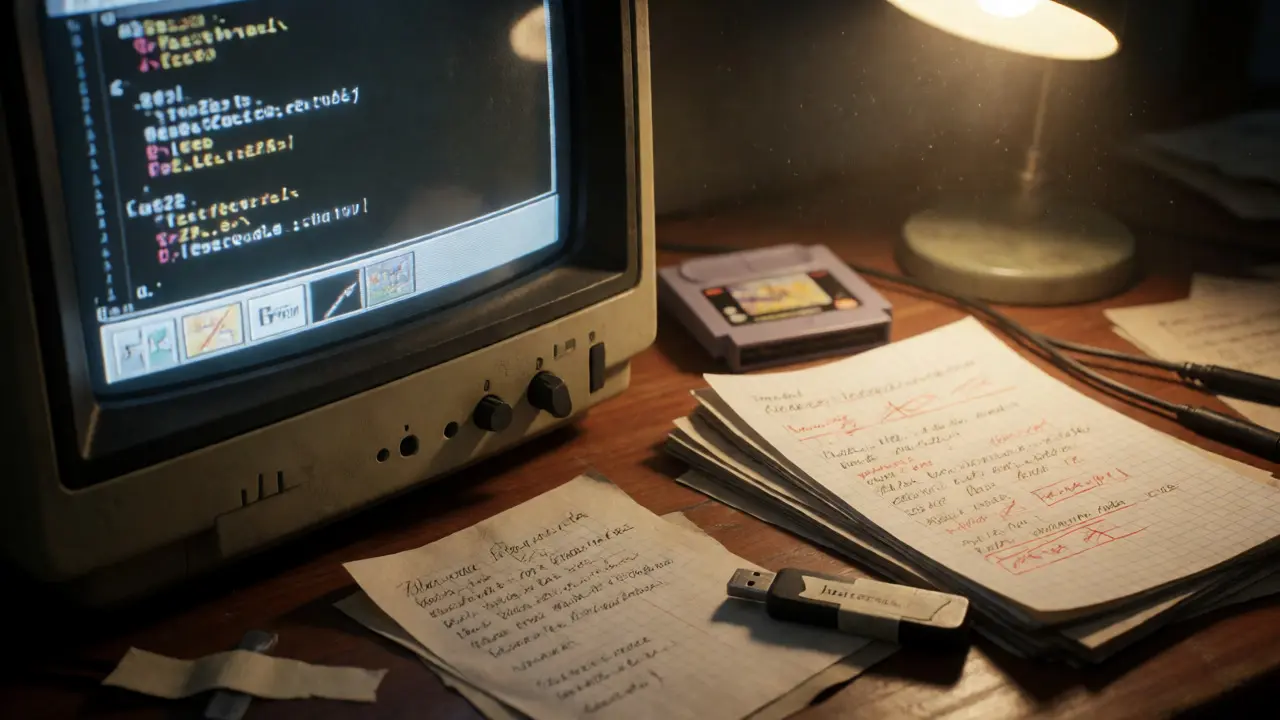
You’ve spent months translating a niche RPG or fixing bugs in a retro shooter. The code is clean, the text flows, and your community loves it. Then, three years later, someone asks where they can find that specific v1.2 hotfix you posted on a forum thread that’s now dead. If you haven’t archived your work properly, it’s gone. Not just the file, but the context. Why did you change that line? Which emulator version broke the audio sync? Video game archiving isn’t just about dumping files into a folder; it’s about preserving the digital lineage of your creation.
This guide walks you through building a robust archive for patch files and translation notes. We’re talking to hobbyist hackers, professional localization teams, and anyone who wants their work to survive beyond the next server migration. By the end, you’ll have a system that makes finding old fixes as easy as grabbing a coffee.
Why Context Matters More Than Code
Most people think archiving means saving the `.ips` or `.bps` file. That’s only half the battle. A patch file tells you *what* changed, but it doesn’t tell you *why*. Imagine opening a translation note from 2018 that says "Fix typo." Great. What typo? In which dialogue box? Was this a critical error that broke the plot, or a minor spelling mistake?
Without metadata, future users (or you, with amnesia) will waste hours reverse-engineering your own logic. Proper archiving preserves the ROM hacking workflow. It captures the decision-making process. This is crucial because games are complex systems. A single byte change in a script table might require a pointer shift in the header. If you don’t document that dependency, the patch might break on a different regional release.
- Reproducibility: Can someone else apply your patch and get the exact same result?
- Maintainability: Can you update the patch when a new emulator core comes out?
- Historical Value: Does the archive explain the state of the game at that time?
Choosing the Right File Formats
The landscape of patch formats has shifted. You need to choose formats that are widely supported by modern tools like Lunar IPS, LIPS, or Beat. Avoid proprietary formats unless absolutely necessary.
| Format | Best For | Pros | Cons |
|---|---|---|---|
| IPS | Small edits, older consoles | Universal support, simple structure | No checksums, prone to corruption if base ROM changes |
| UPS | Large patches, bug fixes | Includes CRC32 checks, smaller than IPS | Slightly less universal than IPS |
| BPS | Complex translations, headers | Handles header removal, efficient compression | Requires specific tools (e.g., Beat) |
| PPF | CD-based games (PS1, Saturn) | Designed for optical media, handles sectors | Bulky, slower to apply |
For most modern projects, BPS is the gold standard. It allows you to strip headers from ROMs automatically, which solves one of the biggest headaches in emulation: header mismatches. If you’re working with PS1 games, stick to PPF or BPS. Never use raw binary diffs unless you’re a developer with a version control system handling the binaries.
Structuring Your Translation Notes
Translation notes are messy by nature. They start as scribbles in a spreadsheet, evolve into comments in a script editor, and end up in a README file nobody reads. To archive them effectively, you need a structured format that machines can parse and humans can read.
Use a combination of Markdown files and CSV exports. Markdown is perfect for high-level documentation: installation instructions, known issues, and credits. CSV is ideal for the actual translation data, including original text, translated text, speaker IDs, and context notes.
Here’s a recommended folder structure for each project release:
/Project_Name_v1.0/
├── /patches/
│   ├── Game_English_v1.0.bps
│   └── Game_Japanese_v1.0.bps
├── /docs/
│   ├── README.md
│   ├── Changelog.txt
│   └── Translation_Notes.csv
├── /tools/
│   ├── beat.exe
│   └── apply_patch.bat
└── /source/
    └── source_code.zip (if applicable)
In your `README.md`, explicitly state the base ROM hash required. Don’t just say "US Version." Give the MD5 or SHA-1 checksum. If a user tries to apply your patch to a European release with a different header, they’ll fail silently or crash. Providing the hash saves them-and you-support tickets.
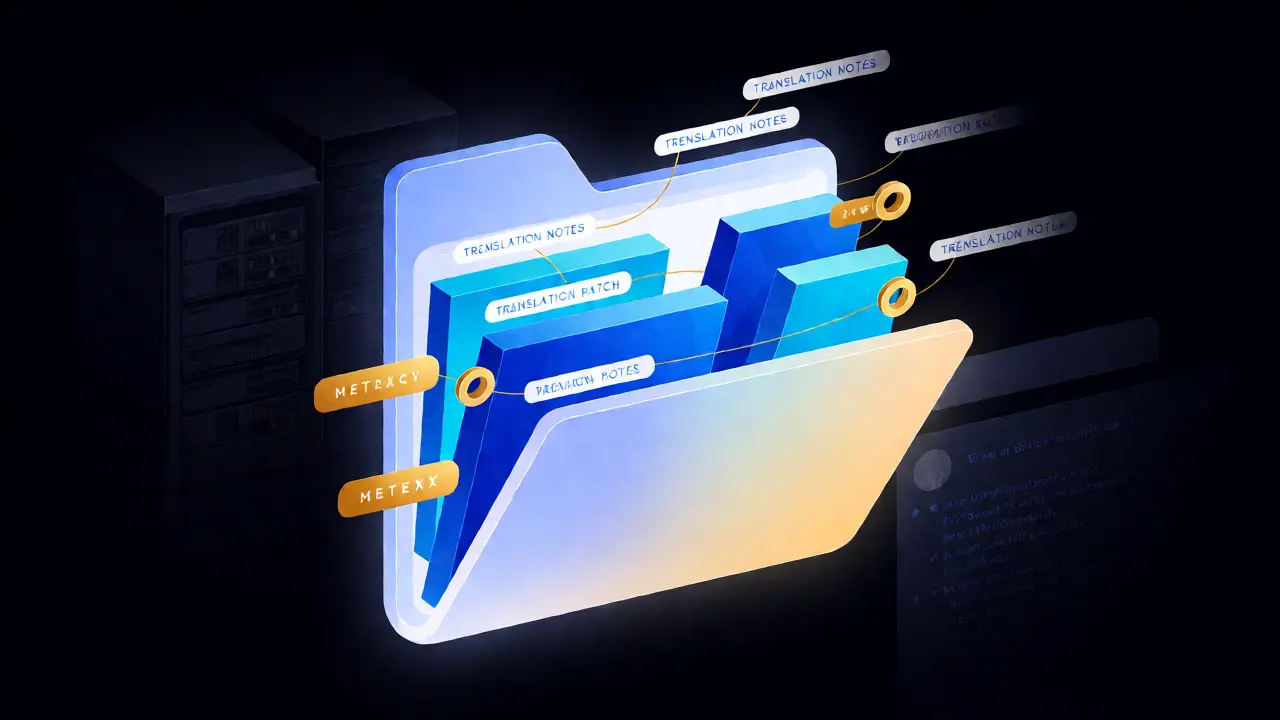
Metadata and Documentation Standards
Documentation is the bridge between your patch and its usability. When archiving, treat every release as a standalone product. Here’s what must be included in your documentation package:
- Compatibility Matrix: List tested emulators (e.g., RetroArch, DuckStation, PCSX2) and versions. Note any special settings required, such as disabling CPU overclocking or enabling specific graphics plugins.
- Known Bugs: Be honest. If the menu text glitches on screen 4, write it down. Users appreciate transparency more than perfection.
- Credits and Licensing: Who wrote the translation? Who created the graphics? Under what license is the patch released? Use standard licenses like CC BY-NC-SA to avoid legal ambiguity.
- Installation Guide: Step-by-step instructions. Assume the user knows nothing. Include screenshots if possible.
For translation notes specifically, add a column for "Context" in your CSV. This should describe the scene, the character’s emotional state, or technical constraints (e.g., "Max 12 characters per line"). This context is invaluable for future translators who might want to create alternative versions or fix errors you missed.
Version Control and Release Hygiene
If you’re serious about archiving, use Git even if you’re not writing code. Treat your translation scripts and notes as code repositories. Commit messages should follow a convention: `feat: added boss battle dialogue`, `fix: corrected typo in intro cutscene`.
When you release a new version, tag it clearly. Use semantic versioning (Major.Minor.Patch).
- Major: Full re-translation or engine overhaul.
- Minor: New features, additional language support.
- Patch: Bug fixes, typo corrections.
Store your Git repository on a platform like GitHub or GitLab. These platforms offer issue tracking, which doubles as a public changelog. Even if you don’t use issues, the commit history serves as an immutable record of your work. Link this repository in your final release package. This ensures that even if your personal website dies, the source of truth remains accessible.
Long-Term Storage Strategies
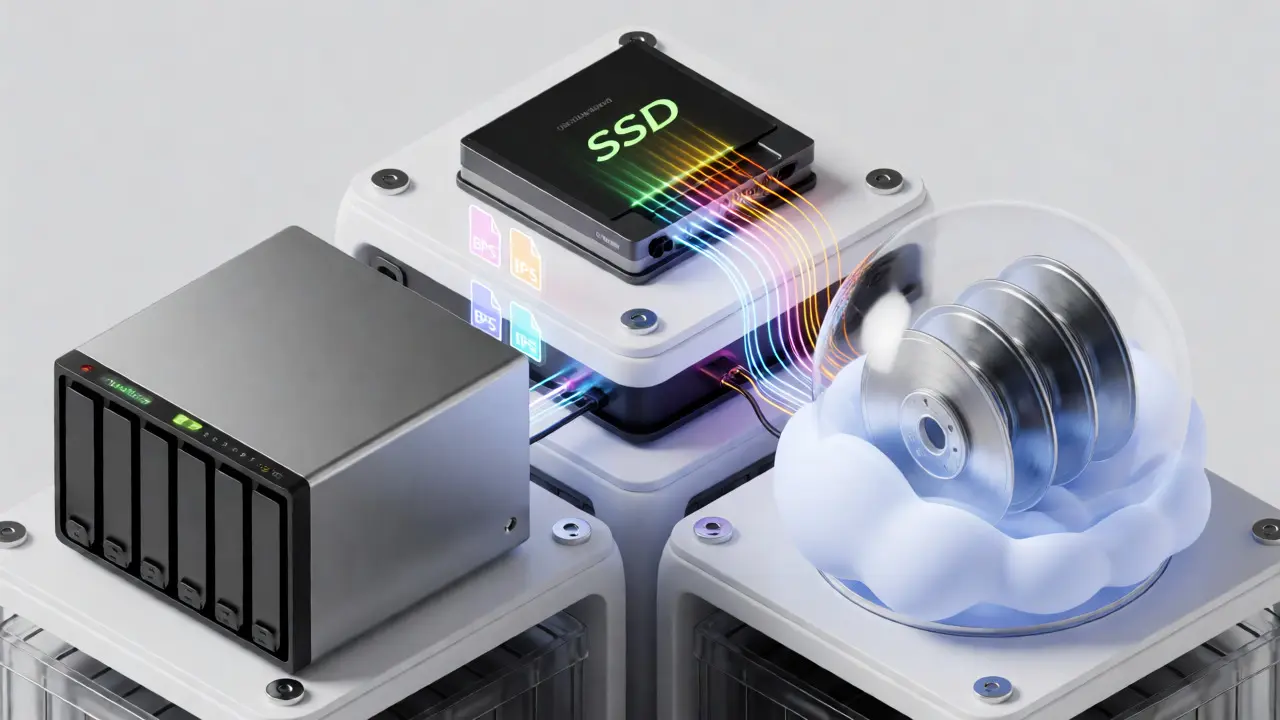
Digital rot is real. Hard drives fail, cloud services shut down, and file formats become obsolete. Your archive needs redundancy. Follow the 3-2-1 rule: keep three copies of your data, on two different types of media, with one copy offsite.
For video game archives, consider these storage layers:
- Active Layer: Your current working directory on an SSD. Fast access for ongoing development.
- Local Backup: An external HDD or NAS (Network Attached Storage) updated weekly. This protects against accidental deletion.
- Cloud Archive: Services like Internet Archive or Backblaze. Internet Archive is particularly good for gaming content because it provides permanent URLs and community visibility.
- Physical Media: Yes, physical. Burn important releases to archival-grade M-DISC DVDs or Blu-rays. While not perfect, they resist magnetic decay better than hard drives over decades.
Additionally, register your project with databases like No-Intro or Redump if applicable. These organizations maintain verified sets of ROMs and patches, ensuring long-term accessibility within the emulation community.
Troubleshooting Common Archiving Issues
Even with a solid plan, things go wrong. Here are common pitfalls and how to fix them:
Issue: Patch applies but crashes. Solution: Check the base ROM hash. Ensure the user isn’t using a "dumped" version with extra padding or missing headers. Provide both patched and unpatched ROM hashes in your documentation.
Issue: Text looks broken or garbled. Solution: Verify the character encoding. Many older games use custom font tables. Document the table used in your notes. If you modified the font, include the modified font file in the archive.
Issue: Emulator compatibility varies. Solution: Test across multiple cores. Some patches rely on specific timing quirks. Document which emulators are "certified" and which are "known to have issues."
What is the best file format for archiving video game patches?
The BPS format is generally considered the best for modern projects due to its efficiency and ability to handle header stripping. For CD-based games, PPF is also widely accepted. Avoid raw binary diffs unless you have a robust version control system.
Why do I need to include ROM hashes in my archive?
ROM hashes (MD5 or SHA-1) uniquely identify the specific version of the game file. Different regions or dumps may have slight variations in headers or padding. Including the hash ensures users apply the patch to the correct base file, preventing crashes or graphical glitches.
How should I store translation notes for long-term access?
Use open, plain-text formats like CSV or JSON for data, and Markdown for documentation. These formats are human-readable and machine-parseable, ensuring they remain accessible regardless of software changes. Avoid proprietary spreadsheet formats like .xlsx for primary archives.
Can I archive patches without the source code?
Yes, but it limits future maintenance. Without source code, you cannot easily update the patch for new languages or fix deep bugs. However, if you document the translation notes thoroughly and provide the patch file, the project remains usable for players, even if it's harder to modify.
What is the 3-2-1 backup rule for game archiving?
Keep three copies of your data: one active copy on your computer, one local backup on an external drive or NAS, and one offsite copy in the cloud or at another physical location. This protects against hardware failure, theft, and natural disasters.