Ever watched a rare Game Boy cartridge fly away at the last second because you hesitated?
You’re not alone. The eBay marketplace is a goldmine for collectors, but it’s also a high-speed race where hesitation costs money. Whether you’re hunting for a sealed copy of Super Mario Bros. or just looking for a used PlayStation 2 game, knowing how to navigate the platform efficiently is the difference between a great deal and buyer’s remorse.
This guide breaks down the exact tools power users rely on: advanced filters, automated saved searches, and the art of sniping. We’ll skip the fluff and get straight to the tactics that save time and money in 2026.
Key Takeaways
- Saved Searches are your best friend for finding hidden gems before they hit the main feed.
- Use Advanced Filters to exclude sellers with low feedback scores and shipping delays.
- Sniping works best when combined with a strict budget cap and a reliable internet connection.
- Always check the seller’s feedback score and recent reviews, not just their star rating.
- Set price alerts for specific titles to catch underpriced listings from casual sellers.
Mastering eBay Search Filters
Most buyers make the mistake of typing a title and hitting enter. This floods your results with junk, duplicates, and overpriced items. Instead, start with the Advanced Search tab. Here, you can narrow down by condition (New, Used, Refurbished), format (Auction, Buy It Now), and location.
For video games, the Condition filter is critical. A "Used" game might have a scratched disc, while "Refurbished" often implies the seller tested it. If you’re buying physical media, look for keywords in the description like "tested" or "no scratches."
Don’t ignore the Seller filter. You can set a minimum feedback percentage (e.g., 98%) and a minimum number of transactions. This instantly removes new accounts and unreliable sellers. In 2026, many top collectors only buy from sellers with over 1,000 positive feedbacks to minimize risk.
| Filter Category | Recommended Setting | Why It Matters |
|---|---|---|
| Condition | New / Sealed / Used (Tested) | Avoids broken discs or missing manuals |
| Seller Feedback | Min 98% Positive | Filters out risky or new accounts |
| Shipping Cost | Free Shipping / Under $5 | Prevents total cost surprises |
| Item Location | Domestic Only (for speed) | Faster delivery and easier returns |
| Price Range | Set Max Bid/Buy It Now Cap | Prevents impulse overspending |
The Power of Saved Searches
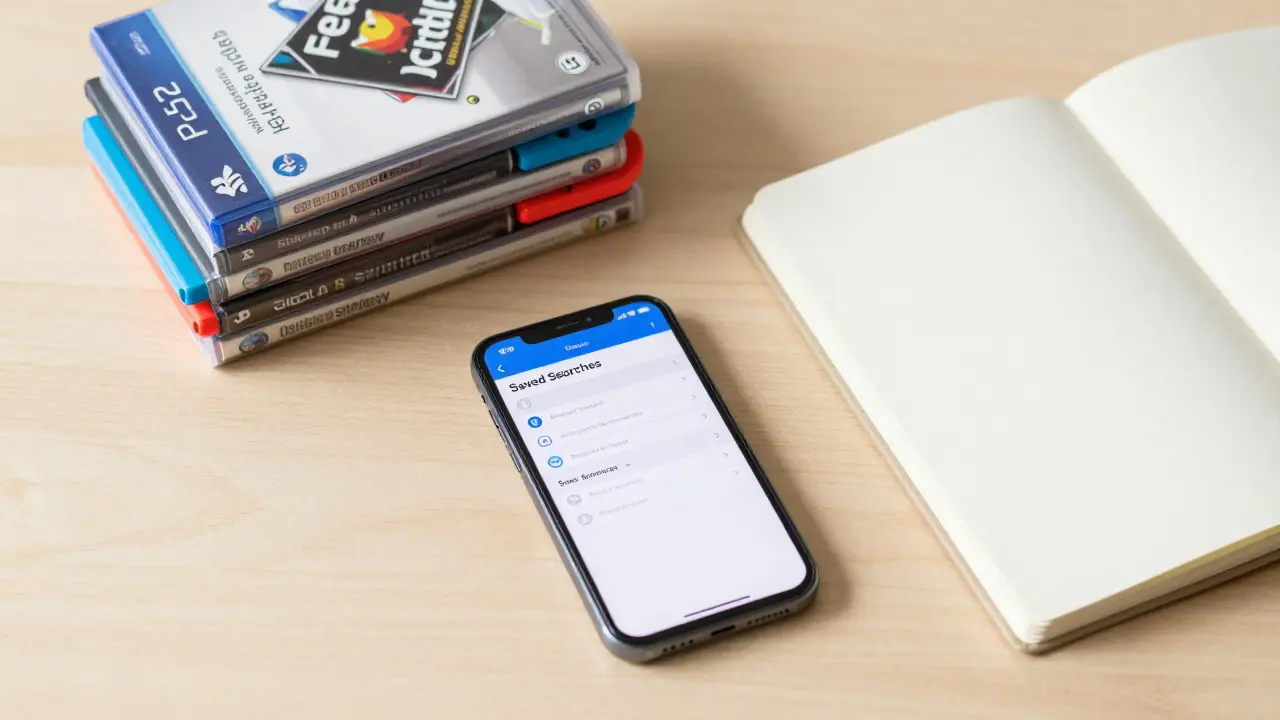
If you want to find deals without refreshing your browser every hour, Saved Searches are non-negotiable. This feature lets you create a custom search query, save it, and receive email notifications whenever a matching item goes live.
Here’s how to set one up effectively:
- Perform your initial search using the Advanced Filters mentioned above.
- Click the "Save Search" button near the top of the results.
- Name the search clearly (e.g., "PS1 Ratchet & Clank Used").
- Choose your notification frequency (Daily is usually best; Hourly can be spammy).
Pro tip: Create multiple saved searches for different genres or consoles. For example, have one for "Nintendo Switch Sports Games" and another for "Retro PC DOS Games." This way, you get targeted alerts instead of a generic flood of emails.
In 2026, many serious collectors use third-party tools that integrate with eBay API to automate this further, but the native feature is free and highly effective if you stay organized.
Sniping: Winning the Last Second
Sniping is the practice of placing your highest bid in the final seconds of an auction. Why? Because it prevents other bidders from reacting to your bid. If you bid early, others see it and counter-bid, driving the price up. By bidding at the end, you keep the competition blind until the clock runs out.
However, manual sniping is stressful. Your internet must be fast, and your timing must be perfect. That’s why most experienced buyers use auto-sniping tools or eBay’s own Auto-Bid feature.
eBay’s Auto-Bid allows you to set a maximum amount you’re willing to pay. The system bids incrementally for you, staying below the current high bidder until the final moments. If no one outbids you, you win at the lowest possible price. If someone does, you lose-but you never paid more than your cap.
When should you snipe?
- Rare Items: Where demand is high and prices fluctuate rapidly.
- Competitive Auctions: When there are many watchers or bidders.
- Budget Constraints: When you need to stick to a strict limit.
When should you avoid sniping?
- Low-Competition Items: If there are few bidders, bid early to secure the item.
- Buy It Now Listings: No sniping here-speed matters more.
Evaluating Sellers and Condition
Even with perfect filters, you can still get burned by a dishonest listing. Always read the item description carefully. Look for phrases like "as-is" or "no returns." These are red flags.
Check the seller’s profile page. Don’t just look at the overall percentage. Read the last 10-20 comments. Are people complaining about slow shipping? Missing parts? Poor packaging? One bad review can tell you more than a 99% rating.
For physical games, ask questions before buying. Use the "Ask a Question" feature to request photos of the disc label or the case corners. Most reputable sellers will respond quickly. If they don’t, walk away.
Pricing Strategy and Budget Management
Know what you’re paying for. Before you bid, check the Completed Sales section on eBay. This shows you what similar items actually sold for, not just what sellers are asking. Many beginners overpay because they only look at active listings.
Set a hard budget for each purchase. Stick to it. The excitement of bidding can cloud your judgment. If a game is worth $50, don’t let emotion push you to $75. Use the completed sales data as your anchor.
Also, factor in shipping and taxes. A $40 game with $15 shipping and $3 tax is really a $58 purchase. Keep a spreadsheet if you’re buying frequently. This helps you track spending and identify trends in pricing.
Common Pitfalls to Avoid
Even seasoned buyers make mistakes. Here are the most common ones:
- Ignoring Shipping Costs: A cheap game with expensive shipping isn’t a good deal.
- Trusting Photos Over Descriptions: Photos can be misleading. Read the text.
- Not Checking Return Policies: Some sellers offer "no returns." Make sure you’re comfortable with that.
- Bidding Without a Plan: Never bid without knowing your max limit beforehand.
- Ignoring Seller Communication: Slow responses can indicate poor customer service.
Avoid these traps, and you’ll save both money and frustration.
Next Steps for Serious Collectors
Once you’ve mastered the basics, consider expanding your strategy. Join online communities dedicated to specific consoles or eras. Members often share tips on spotting fakes, negotiating prices, and identifying undervalued items.
Keep an eye on seasonal trends. Prices for certain games drop during holidays or after new console releases. Use saved searches to monitor these fluctuations.
Finally, document your purchases. Keep records of invoices, shipping confirmations, and communication with sellers. This protects you in case of disputes and helps you track the value of your collection over time.
What is the best time to place a sniping bid on eBay?
The best time is in the final 10-30 seconds of the auction. This minimizes the chance of other bidders reacting to your bid. Using auto-bid features ensures precision without manual stress.
How do I know if a video game listing is legitimate?
Check the seller’s feedback history, read recent reviews, and verify the item details against known authentic versions. Ask for additional photos if unsure. Reputable sellers respond promptly and transparently.
Are saved searches free to use on eBay?
Yes, saved searches are a free feature available to all eBay users. You can create unlimited searches and receive email notifications based on your chosen frequency.
Should I buy from international sellers on eBay?
It depends. International sellers may offer lower prices, but shipping costs and times are higher. Returns can be difficult. Check the seller’s feedback specifically for international transactions before committing.
What is the difference between 'Used' and 'Refurbished' video games?
'Used' means the item was previously owned and may show wear. 'Refurbished' implies the seller has tested or restored the item to working condition. Always check the description for specifics on testing and warranty.