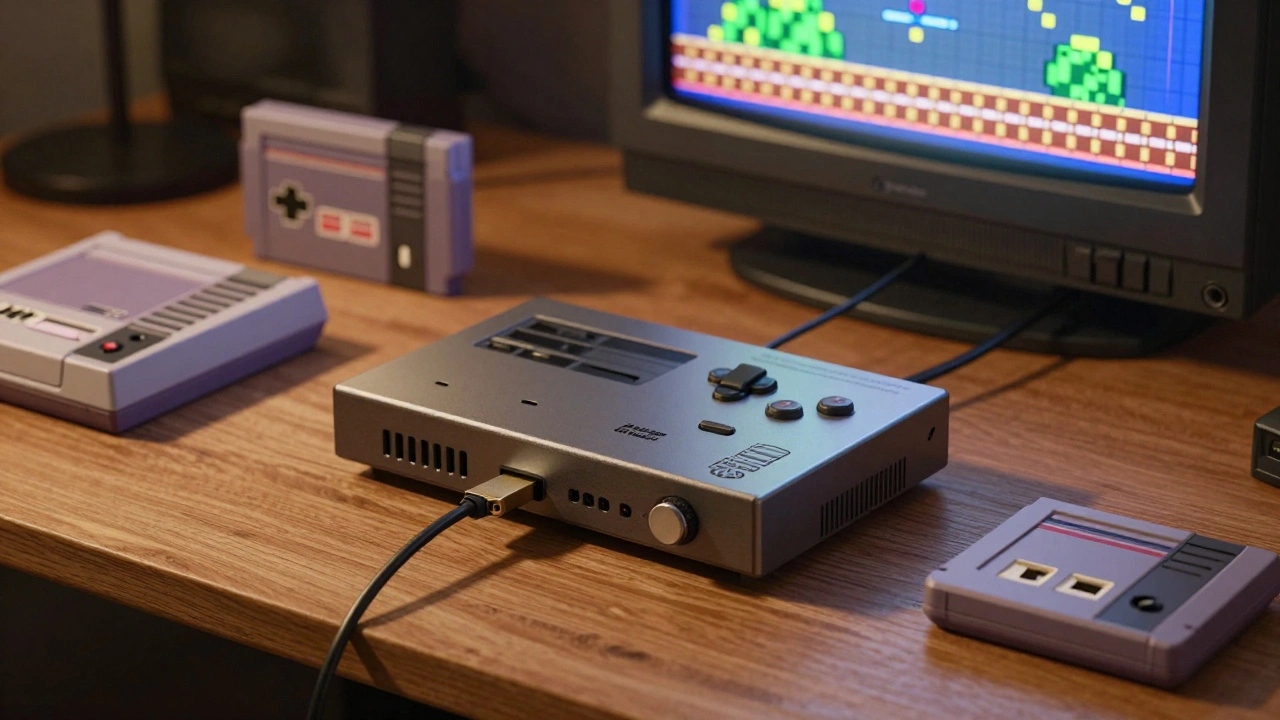
When you want to play your old NES, SNES, or Sega Genesis games today, you have two real choices: a FPGA console or a software emulator. They both get the job done, but they work in completely different ways-and that changes everything about how the games feel, how much they cost, and how easy they are to set up.
How FPGA Consoles Actually Work
FPGA stands for Field-Programmable Gate Array. Think of it as a tiny, reprogrammable chip that physically rebuilds the original console’s hardware inside itself. Instead of pretending to be a Super Nintendo like software does, an FPGA chip is a Super Nintendo. It runs the exact same logic, at the exact same speed, using the same timing signals as the original 1991 system. That’s why games like Super Mario World or EarthBound respond instantly to your inputs-no lag, no delay.
Devices like the Analogue Pocket, MiSTer, Super Nt, and Mega Sg use this tech. They plug directly into modern TVs via HDMI, but they accept original cartridges. No adapters. No file transfers. You just pop in your old game, and it runs like it did 30 years ago. That’s why collectors and purists swear by it. If you care about frame-perfect timing in rhythm games like Dance Dance Revolution or precise aiming with a light gun in Wild Gunman, FPGA is the only way to get it right.
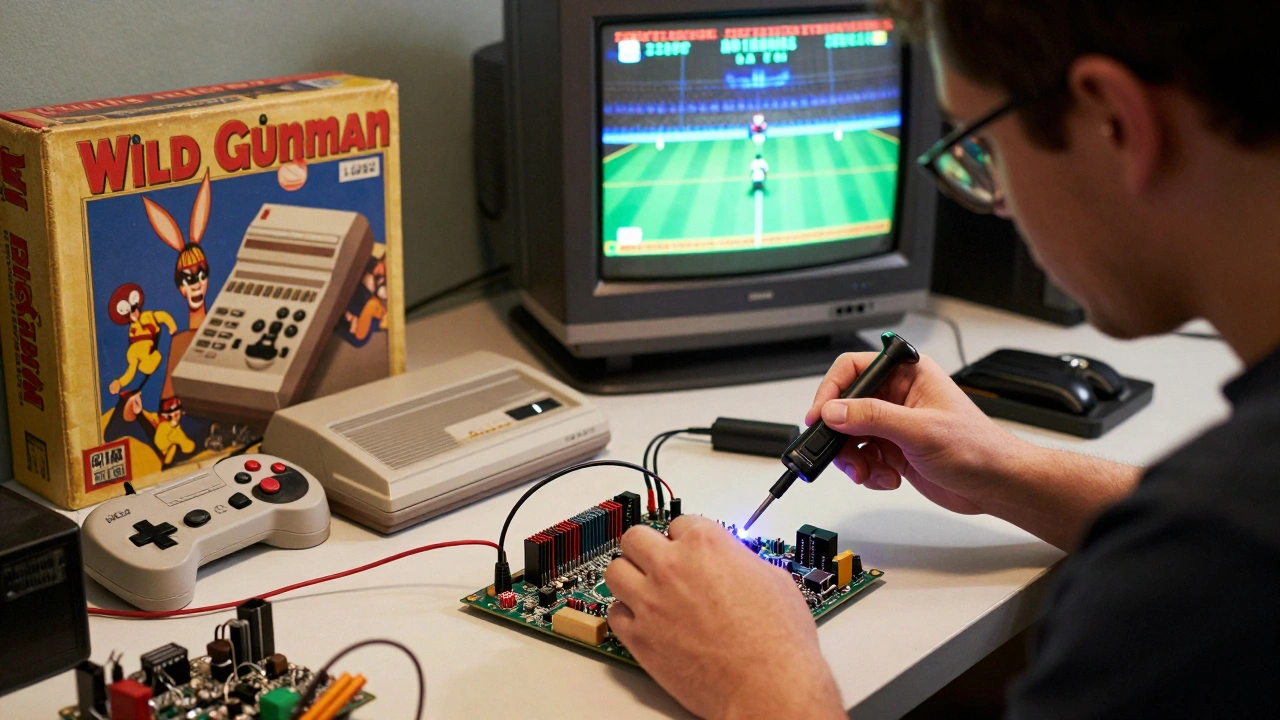
But there’s a catch. These devices cost anywhere from $200 to $500. That’s more than the original console ever sold for. And setting one up? It’s not plug-and-play. You need to download core files, configure settings, sometimes solder accessories, and deal with firmware updates. It’s for people who like tinkering-not for people who just want to play.
How Software Emulators Work
Software emulators are programs. They run on your laptop, phone, or even a Raspberry Pi. Instead of rebuilding the hardware, they simulate it. They take instructions from a game ROM and translate them into commands your modern processor can understand. It’s like having a translator explain a foreign movie to you instead of letting you hear the original audio.
This means you can run PlayStation 2 games on your phone, Dreamcast games on a Windows PC, or even Nintendo Switch games on a high-end tablet. Emulators like RetroArch, EmuDeck, and Dolphin let you play hundreds of systems from one interface. You can upscale graphics to 4K, apply CRT filters, enable online multiplayer, or even earn achievements with RetroAchievements. It’s customizable, flexible, and free.
And setup? Download the emulator, drop in a ROM, and you’re playing in under five minutes. No hardware to buy. No firmware to flash. Just your existing phone or laptop. That’s why most people start here. You don’t need to be a tech expert. You don’t need to spend hundreds of dollars. You just need curiosity.
Latency: The Silent Killer of Retro Gaming
One of the biggest differences between FPGA and software emulation is input latency. That’s the delay between pressing a button and seeing the character move on screen. On original hardware, it’s almost zero. On FPGA, it’s still almost zero. On software? It can be 30 to 100 milliseconds. That’s barely noticeable for casual players-but in a game like Mega Man or Contra, where you’re dodging bullets and shooting on the exact frame, that lag breaks the rhythm.
There’s a reason rhythm game players refuse to use software emulators. One user told a forum: "I tried playing PaRappa the Rapper on my phone. I missed every note. On the original PS1, it felt perfect. On the emulator, it felt drunk." That’s not a bug. That’s how software works. It polls your controller, processes the input, renders the frame-it adds layers of delay. FPGA skips all that. It reads your button press and reacts in real time, just like the original hardware.
Accuracy: What Gets Lost in Translation
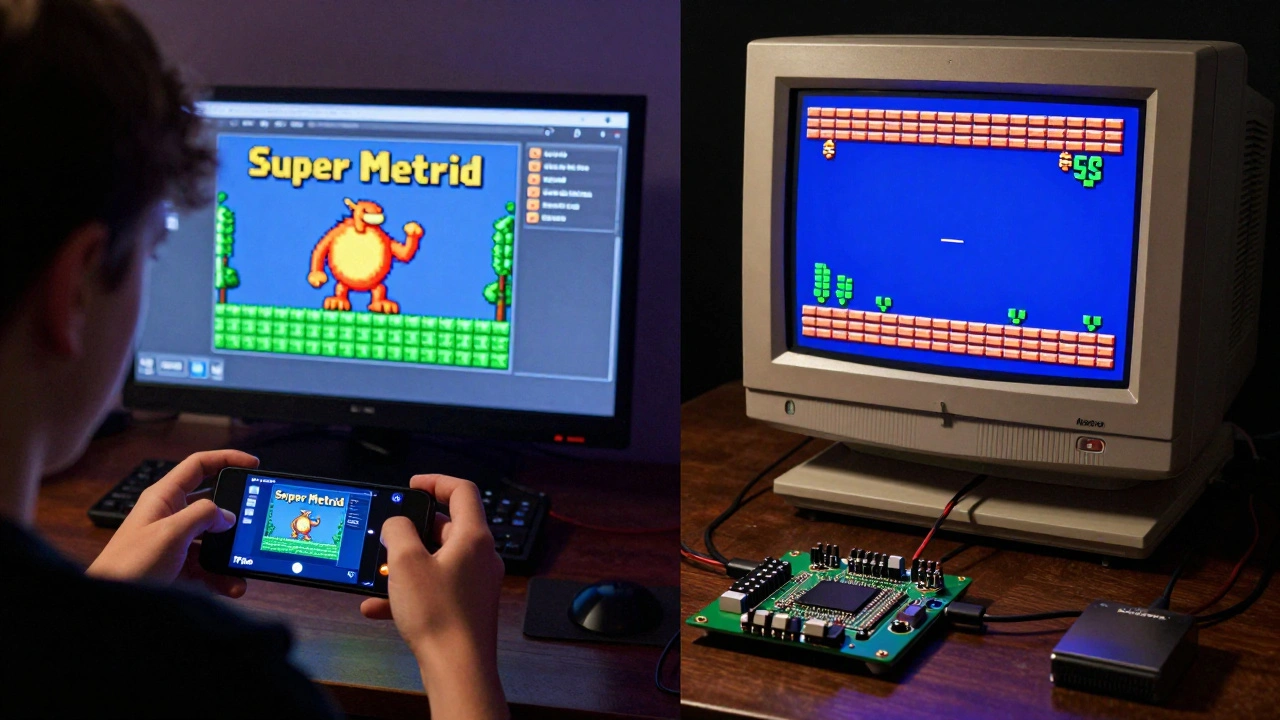
Software emulators aren’t bad-they’re just approximations. They get 95% of the behavior right. But the other 5%? That’s where the magic (and the bugs) live.
Take the Nintendo 64. Its unique memory architecture and audio processor were hard to replicate. Early emulators had audio crackling, texture glitches, or physics bugs. Even today, some games like Perfect Dark have minor timing issues that affect multiplayer sync. FPGA doesn’t have these problems because it doesn’t simulate-it recreates.
Same with the Sega Saturn. Its dual-CPU design made it a nightmare for software emulators. For years, games like Shenmue or Panzer Dragoon II ran poorly. FPGA cores for Saturn are still in development, but when they work, they’re flawless. Software emulation is always playing catch-up. FPGA? It’s built from the original schematics.
Cost and Accessibility: Who Gets Left Out?
FPGA devices are expensive. A MiSTer board costs $150, and you still need a case, power supply, and screen. An Analogue Pocket? $300. That’s out of reach for most people, especially teens, students, or casual collectors.
Software emulation? You probably already have the hardware. If you have a 2020 smartphone or a five-year-old laptop, you can emulate NES, SNES, Game Boy, and even PS1 games with zero cost. That’s why software is the backbone of preservation. It’s how people in countries with no access to original hardware, or limited budgets, experience these games. Publishers like Nintendo and Sega now license classic games through software emulators on the Switch Online service-not because FPGA is popular, but because software is scalable.
Which One Should You Choose?
There’s no single answer. It depends on what you want.
- If you want authentic feel-perfect timing, original cartridges, zero lag, CRT output-go FPGA. You’re chasing the real thing.
- If you want easy access, customization, or to play on your phone, go software. You’re chasing convenience.
- If you have a CRT TV and want to use original light guns, FPGA is your only option. Software can’t replicate analog signals.
- If you’re new to retro gaming, start with software. Try RetroArch on Android. It’s free. It works. You’ll get hooked.
- If you’re a collector who owns original cartridges and hates the idea of digital ROMs, FPGA lets you keep your collection alive without risking broken hardware.
Some people use both. They have a MiSTer for their core collection and a phone running RetroArch for quick sessions. That’s not cheating. That’s smart.
The Future of Preservation
FPGA isn’t going to replace software emulation. And software won’t replace FPGA. They serve different needs. FPGA is for the purist, the tinkerer, the collector who wants the past to feel exactly as it did. Software is for the millions who just want to play Super Mario Bros. on their commute.
What’s clear is that both are helping preserve games that would otherwise vanish. Original consoles break. Cartridges degrade. Memory chips fail. Without FPGA and software emulation, these games would become unplayable artifacts in museums. Now, they’re alive-in your hands, on your screen, wherever you are.
And that’s what matters-not whether it’s 100% perfect, but whether you can still feel the joy of pressing start after all these years.
Is FPGA better than software emulation for retro games?
FPGA is better if you want maximum accuracy, zero input lag, and authentic hardware behavior. It’s ideal for rhythm games, precision platformers, or users who own original cartridges. But software emulation is better for accessibility, customization, and cost. Neither is universally "better"-it depends on what you value most.
Can I use original cartridges with software emulators?
No. Software emulators only run ROM files copied from cartridges. To use original cartridges, you need an FPGA console like the Analogue Pocket or Super Nt, which have physical slots for cartridges and read them directly. Software emulators can’t interface with physical hardware like that.
Why do some games run poorly on software emulators?
Some consoles, like the Nintendo 64 and Sega Saturn, had complex, custom hardware that’s hard to simulate accurately. Software emulators have to guess how those chips worked, which can cause glitches, audio errors, or timing issues. FPGA systems rebuild the original circuitry, so they handle these systems more reliably.
Do I need a powerful computer for software emulation?
For 8-bit and 16-bit systems (NES, SNES, Genesis), even old phones work fine. For PlayStation 2, Dreamcast, or GameCube, you need a decent modern PC or flagship smartphone. For Nintendo Switch emulation, you need a high-end gaming laptop or desktop. FPGA consoles handle all this on their own, so your computer doesn’t matter.
Are FPGA consoles legal?
Yes, FPGA consoles themselves are legal. They’re just hardware devices. However, using ROMs you didn’t own originally may violate copyright laws in some countries. The legality depends on how you obtain the game files, not the console you use to play them.
Can I use original controllers with FPGA consoles?
Yes. Many FPGA consoles, like the MiSTer and Analogue devices, support original controllers via adapter or direct connection. Some even support light guns and analog controllers, which is impossible with most software emulators due to latency and signal incompatibility.