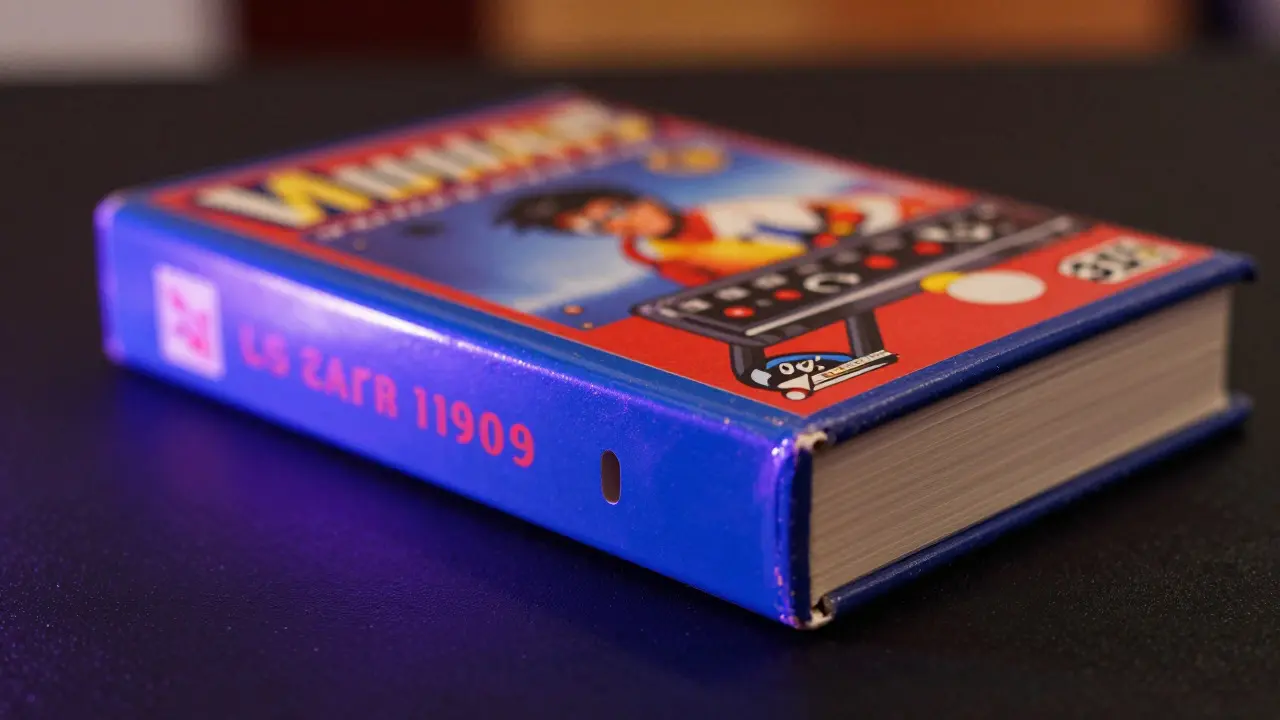
Imagine holding a pristine copy of Sonic the Hedgehog from 1991. The box is sharp, the manual is uncreased, and the cartridge looks like it just came off the assembly line. Now imagine that same item sitting on your shelf for another decade. Without proper care, the vibrant blue artwork will fade to a dull gray, and the plastic case might crack under its own weight. This is where graded video game storage comes in. It isn't just about keeping things safe; it’s about preserving value while letting you enjoy the visual appeal of your collection.
Many collectors treat their games like furniture-just something to sit there. But high-value items require a different approach. You need to understand how light, heat, and humidity interact with old plastics and paper. The goal is simple: keep the item looking exactly as it did when it was graded, so the investment holds its worth.
Why UV Light Is the Silent Killer
Ultraviolet (UV) radiation is invisible, but its damage is permanent. Think of UV light as a slow-acting bleach. It breaks down the chemical bonds in dyes and pigments used in game boxes and manuals. Once those bonds break, the color doesn’t come back. No amount of cleaning or polishing can fix faded art.
This issue hits retro gaming hard because many early titles used cheaper inks and papers that weren’t designed to last centuries. A 1980s Super Mario Bros. box left near a south-facing window can lose up to 30% of its original color saturation within five years. For a collector aiming for a PSA 10 grade, even a slight fade can drop the value significantly. Grading companies look for "original condition," and faded colors are a major red flag.
It’s not just sunlight. Modern LED lights emit less UV than old incandescent bulbs, but they still contribute over time. If you have a dedicated display case, check the bulb type. Look for labels that say "UV-free" or "50K+ hours." These bulbs emit minimal UV radiation, making them much safer for long-term display.
The Role of Grading Companies in Preservation
When you send a game to a grading service like PSA is a leading third-party grading company that authenticates and grades collectibles including video games. Also known as Professional Sports Authenticator, it has expanded into pop culture memorabilia since the 1990s. Their grading scale ranges from 1 (Poor) to 10 (Gem Mint). A PSA 10 indicates no visible flaws under 5x magnification. This standard gives buyers confidence that the item is in top shape.
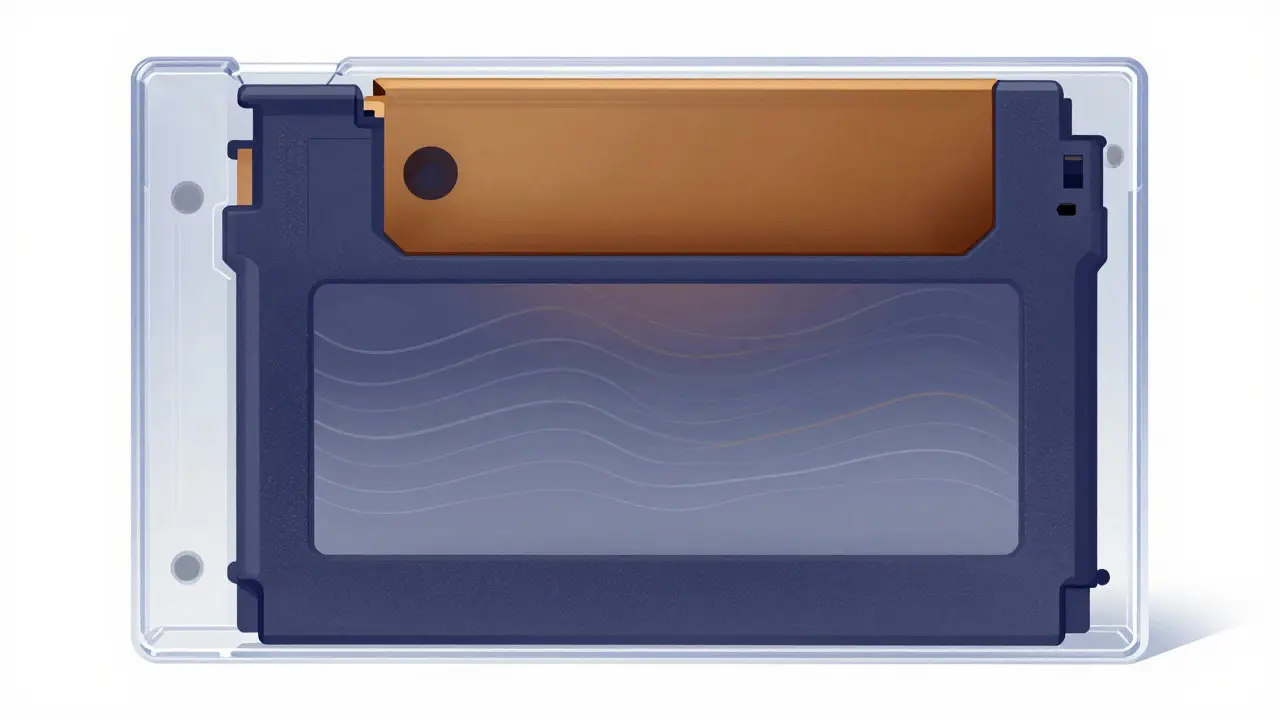
However, grading only captures the state of the item at one moment. After it returns in its slab, the job shifts to you. The slab itself offers physical protection against dust and fingerprints, but it does nothing to stop UV rays if the slab is placed in direct sunlight. Many collectors make the mistake of thinking the acrylic slab blocks all light damage. It doesn’t. Standard acrylic transmits most UV wavelengths. To protect the interior, you need external UV filtering or specific archival-quality cases.
Choosing the Right Storage Environment
Storage isn’t just about a box; it’s about controlling the environment. Three factors matter most: temperature, humidity, and light exposure. Ideally, you want a stable room temperature between 65°F and 70°F (18°C-21°C). Fluctuations cause expansion and contraction in plastic cases, which can lead to warping or cracking over time.
Humidity is equally critical. Aim for 40% to 50% relative humidity. Too dry, and cardboard spines can become brittle. Too humid, and you risk mold growth or adhesive failure in the packaging. In Portland, Oregon, where humidity can swing wildly during the summer months, using a dehumidifier in your storage area is a smart move. Keep a hygrometer nearby to monitor levels daily.
Light exposure should be minimized. If you must display games, rotate them every three to six months. This ensures no single item takes all the UV hit. Use UV-filtering glass or acrylic for display cases. These materials block 99% of UV radiation. They cost more upfront, but compared to the loss in value from fading, it’s a cheap insurance policy.
Display vs. Long-Term Storage Strategies
You have two main options: displaying your collection or storing it away. Each has trade-offs. Displaying lets you enjoy the aesthetic value and impress guests, but it exposes items to environmental risks. Storing keeps them safe but hides them from view. The best approach? A hybrid model.
For long-term storage, use acid-free boxes. Acidic materials release compounds that yellow paper and degrade glue. Archival-quality boxes are made from lignin-free paperboard. Line them with acid-free tissue paper to cushion the games. Store these boxes in a cool, dark closet. Avoid attics or basements unless they are climate-controlled. Attics get too hot in summer, and basements tend to be damp.
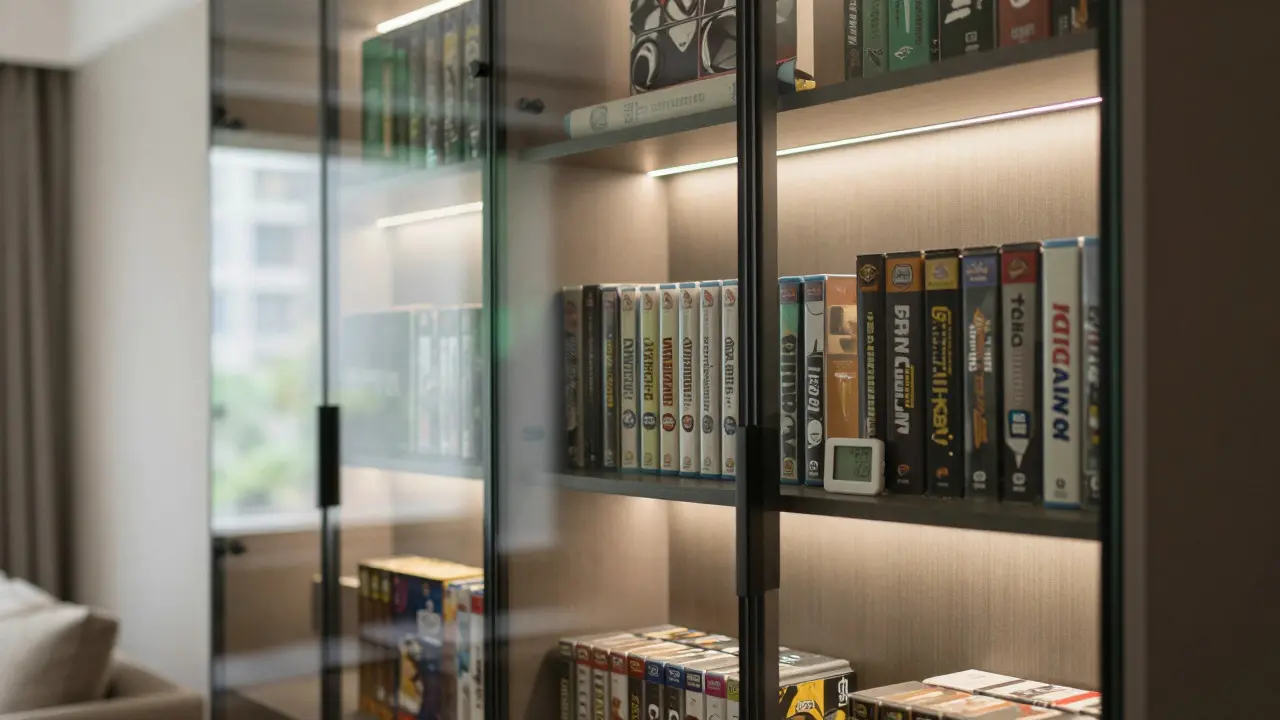
For display, create a dedicated zone. Use a cabinet with UV-filtering panels. Keep the lights on for limited hours-say, four to six hours a day. Turn them off when the room isn’t in use. This reduces cumulative UV exposure without sacrificing the visual impact. Consider using a timer switch for your display lights to automate this process.
| Method | UV Protection Level | Cost Estimate | Best For |
|---|---|---|---|
| Standard Closet Box | High (if dark) | $5-$15 per box | Bulk storage, non-display items |
| Archival Drawer System | High | $100-$300 | Organized storage, easy access |
| UV-Filtered Display Case | Medium-High | $200-$800 | Showpiece collections |
| Vault with Climate Control | Maximum | $1,000+ | High-value investments |
Maintaining Your Slabs and Cases
Your graded slabs are protected by acrylic, but that material isn’t invincible. Acrylic scratches easily. Use microfiber cloths for cleaning. Avoid paper towels, which contain wood fibers that can leave fine scratches. Never use glass cleaner on acrylic; the ammonia content can cloud the surface over time. Instead, use a mild soap solution and lukewarm water. Dry immediately with a soft cloth to prevent water spots.
Check the seals on your slabs periodically. Over time, the adhesive tape can weaken, allowing dust or moisture to enter. If you see any gaps, consider having the slab re-sealed by a professional. Don’t try to open it yourself unless you’re experienced. Opening a slab can void the certification or damage the internal components.
Also, watch out for static electricity. Static attracts dust and can pull particles onto the game’s surface. Ground yourself before handling items. Wear cotton gloves if possible. Cotton reduces friction and prevents oils from your skin from transferring to the plastic or paper. Oils can create permanent stains that are nearly impossible to remove.
Common Mistakes Collectors Make
Even experienced collectors slip up. Here are the most common errors and how to avoid them:
- Leaving items in direct sunlight: Even brief daily exposure adds up. Move display cases away from windows or install UV-blocking film.
- Using cheap plastic bags: Some plastics contain plasticizers that migrate into cardboard, causing yellowing. Always use polyethylene or Mylar sleeves rated for archival use.
- Ignoring humidity spikes: A rainy season in the Pacific Northwest can spike indoor humidity. Run a dehumidifier proactively, not reactively.
- Stacking heavy items: Weight can warp thin cardboard boxes. Store games vertically or in sturdy drawers, never stacked horizontally in piles.
- Assuming "new" means safe: New releases use modern materials, but they aren’t immune to UV. Treat new games with the same care as vintage ones if you plan to hold them long-term.
Future-Proofing Your Collection
Technology changes, but physics doesn’t. UV degradation is inevitable if exposed. The key is managing exposure. As LED technology improves, we’re seeing more "museum-grade" lighting options for home use. These lights mimic natural daylight without the harmful UV spectrum. Investing in such lighting now can save you headaches later.
Also, keep records. Take photos of each item’s condition annually. Note any changes in color or texture. This documentation helps if you ever sell or insure the collection. It provides proof of careful maintenance, which can boost buyer confidence.
Finally, stay informed. Follow industry news on preservation standards. Organizations like the International Center for the Study of American Art and Design (ICSAAD) publish guidelines on archival materials. While focused on art, their principles apply directly to video game collectibles. Adapting these professional standards to your home setup ensures your collection remains valuable for generations.
Does acrylic block UV light?
Standard acrylic does not block UV light effectively. It transmits most UV wavelengths, so you need UV-filtering glass or special coatings to protect items inside slabs from fading.
What is the ideal humidity for storing video games?
The ideal relative humidity range is 40% to 50%. Below 40%, cardboard can become brittle. Above 50%, you risk mold and adhesive failure. Use a hygrometer to monitor levels consistently.
Can I clean my graded slabs with glass cleaner?
No. Glass cleaners often contain ammonia, which can cloud acrylic surfaces over time. Use a mild soap solution and lukewarm water instead, followed by immediate drying with a microfiber cloth.
How often should I rotate my displayed games?
Rotate displayed games every three to six months. This distributes UV exposure evenly across your collection, preventing any single item from fading faster than others.
Are LED lights safe for video game displays?
Yes, especially if labeled "UV-free" or "50K+ hours." LEDs emit significantly less UV than incandescent bulbs. However, limit display time to four to six hours daily to minimize cumulative exposure.