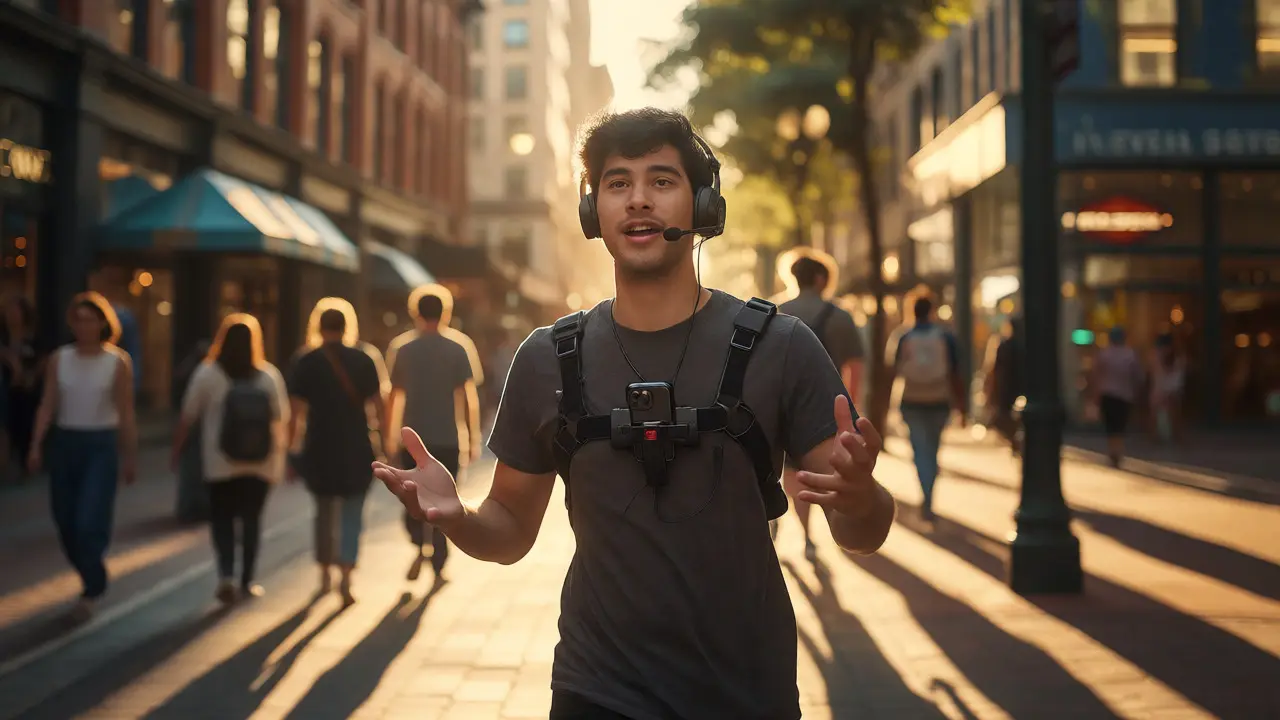
You’re walking down a busy street in Portland, phone mounted to your chest rig, talking to three hundred people on Twitch. You spot a rare item spawn-or maybe you’re just trying to find the best burger joint for a food review-and suddenly, a stranger steps into your frame. Do you stop? Do you blur them out? Do you keep talking?
If you’ve ever tried livestreaming an outdoor activity like Pokémon GO raids, geocaching, or urban exploration, you know the thrill. But you also know the chaos. It’s not just about hitting record; it’s about navigating public spaces while being a digital performer. One wrong move can lead to doxxing, legal trouble, or just plain awkwardness.
This isn’t about sitting at a desk with RGB lights. This is about taking the stream outside. Whether you’re a casual player looking to boost engagement or a pro building a brand around real-world gameplay, you need a playbook. We’re breaking down how to stay safe, respect the locals, and actually grow your audience without burning out or getting banned.
The Reality of Outdoor Streaming
Streaming from home is controlled. The lighting is fixed. The background is curated. When you step outside, you lose that control. You gain authenticity, sure, but you also introduce variables that can tank a stream if you aren’t prepared. The core challenge here is balancing immersion for the viewer with awareness of your physical surroundings.
Think about the last time you saw someone filming in public. Did they seem aware of their environment, or were they tunnel-visioned on their screen? Viewers notice this. A streamer who bumps into a lamppost because they’re checking chat looks unprofessional. A streamer who acknowledges a funny interaction with a passerby creates a memorable moment. The difference is preparation.
Before you even leave your house, consider the type of IRL Gaming (In-Real-Life Gaming) is a genre where players interact with physical locations through mobile apps or augmented reality overlays you’re doing. Are you playing a location-based game like Pokémon GO? Or are you doing a tech-heavy AR hunt using tools like Niantic Lightship? Each requires different gear and different social contracts with the people around you.
Safety First: Protecting Your Data and Body
Let’s get the scary stuff out of the way first. When you broadcast live, you are broadcasting your location in real-time. If you’re standing still for five minutes waiting for a raid boss to spawn, anyone watching knows exactly where you are. For many creators, this is fine. For others, especially women and minorities who face higher rates of harassment, it’s a risk.
Doxxing is the act of publicly revealing previously private personal information about an individual, often via the internet happens when viewers use visual cues-street signs, unique buildings, weather conditions-to pinpoint your exact coordinates. Here is how to mitigate that risk:
- Blur sensitive signage: Use software features to blur street names or business logos that give away your specific block.
- Avoid static streams: Keep moving. If you must stand still, change angles frequently so viewers can’t triangulate your position easily.
- Use a delay: Most platforms allow a 30-to-60-second delay. This gives you time to react if someone approaches you aggressively before they appear on the stream.
- Watch your audio: Background noise can reveal neighborhood sounds-train whistles, school bells, local construction. Be mindful of what you’re leaking.
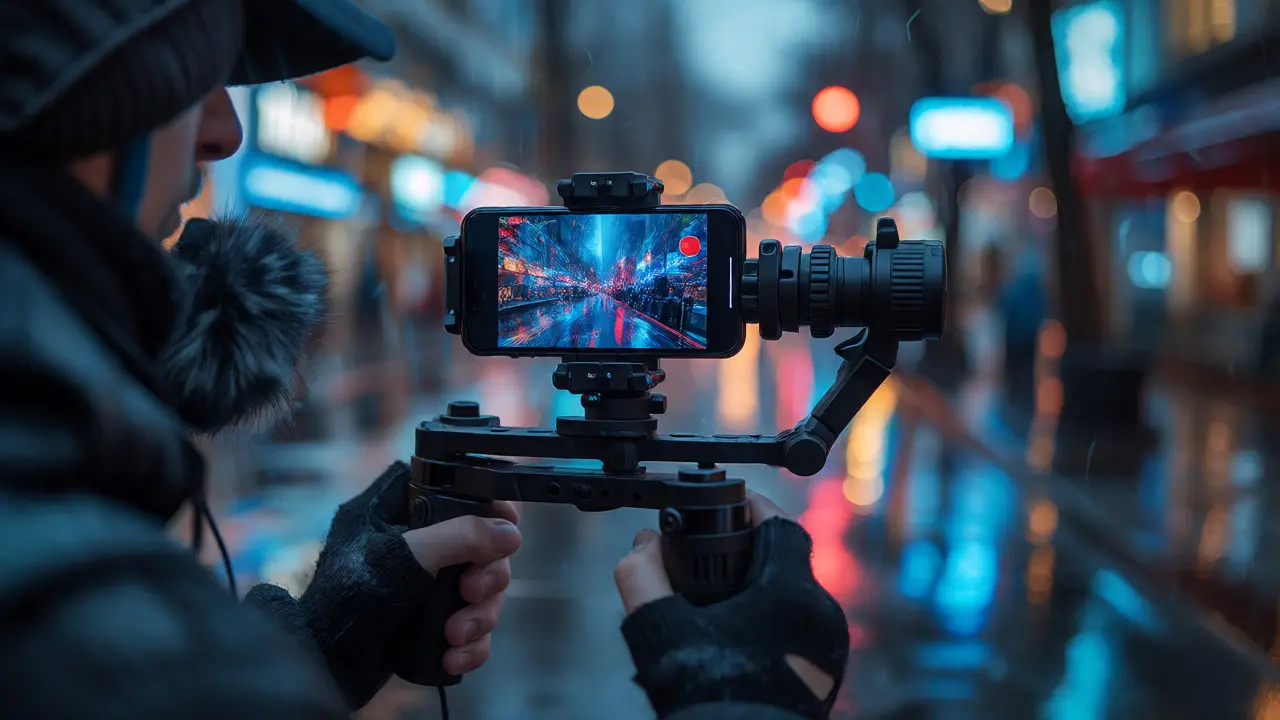
Physical safety is equally important. Walking while staring at a phone screen makes you a target for pickpockets or distracted drivers. Invest in a good harness. Not the cheap chest straps that slip every ten minutes, but a proper stabilizer rig. Brands like Peak Design or specialized streaming rigs offer mounts that keep your phone steady and hands-free. If you’re using a dedicated camera, ensure it has a secure strap. Dropping a $1,000 lens on concrete hurts more than just your wallet; it ends the stream.
Etiquette: Being a Good Neighbor
Nothing kills vibe faster than a streamer who treats public spaces like their personal stage. Imagine trying to eat lunch while someone screams about "shiny encounters" three feet from your table. That’s what you look like to non-gamers if you don’t practice basic etiquette.
The golden rule of Streamer Etiquette refers to the unwritten social rules governing behavior during broadcasts, particularly regarding privacy and public space usage is consent and awareness. In many jurisdictions, filming in public is legal, but capturing identifiable faces of people who expect privacy (like inside a cafe or a park bench) can be tricky. Always have a plan for blurring faces if requested. Some viewers will ask you to mute or blur certain areas; having a quick shortcut button ready shows professionalism.
Consider the context of your location. Are you near a hospital? Keep your voice down. Is it a quiet library zone? Mute your microphone unless you’re speaking directly to chat. Are you blocking a sidewalk? Step aside. It sounds obvious, but adrenaline from finding a rare item can make you forget spatial awareness.
| Location Type | Audio Level | Camera Movement | Interaction Rule |
|---|---|---|---|
| Busy Downtown | Moderate | Slow pans only | Acknowledge bystanders briefly |
| Park/Recreation | High allowed | Dynamic tracking | Ask permission before close-ups |
| Cafe/Restaurant | Low/Muted | Static/Tight shots | No filming other patrons |
| Residential Area | Low | Wide angles | Avoid filming private yards |
Another key aspect is battery and data management. Nothing is ruder than cutting a stream mid-sentence because your phone died. Bring a power bank. And check your data cap. Streaming 1080p video consumes roughly 1.5GB per hour. If you’re on a limited mobile plan, running a two-hour hunt could wipe your monthly allowance. Wi-Fi calling off, hotspot mode on, and always have a backup carrier SIM card if you’re in a dead zone.
Technical Setup: Gear That Actually Works
You don’t need a cinema camera to start, but you do need stability and sound clarity. Wind is the enemy of outdoor audio. Even a slight breeze can turn your voice into a distorted mess. Get a foam windscreen or, better yet, a furry "deadcat" cover for your microphone. If you’re using a shotgun mic on a boom pole, hold it above your head to minimize handling noise.
Lighting changes rapidly outdoors. Midday sun can blow out highlights, while dusk turns everything blue. Auto-exposure helps, but manual adjustments are safer. Lock your exposure once you find a balance so the image doesn’t flicker as you walk past shadows. Most modern smartphones handle this well, but if you’re using a mirrorless camera, set it to shutter priority to avoid motion blur.
Connectivity is the backbone of IRL streaming. 5G coverage is patchy in many cities, including parts of Portland. Test your upload speeds beforehand. You need at least 5 Mbps stable upload for 720p streaming. If you drop below that, your bitrate will plummet, and your stream will pixelate. Consider bonding multiple connections if you’re serious. Apps like Speedify can combine Wi-Fi and cellular data to create a more stable pipe.
Strategy: Turning Walks into Content
Just walking around isn’t content. You need a narrative. Why should someone watch you walk for forty-five minutes? Give them a goal. Maybe you’re trying to catch a specific Pokémon within a mile radius. Maybe you’re rating street art. Maybe you’re solving a geocache puzzle live.
Engage your chat early. Ask them to vote on which direction to go. This turns passive viewers into active participants. When they feel invested in the outcome, they stay longer. Retention is king on platforms like Twitch and YouTube Live. If you hit a dry spell-no spawns, no interesting sights-don’t panic. Fill the airtime with stories, lore discussions, or Q&A sessions. Silence feels longer to the streamer than it does to the viewer.
Collaborations are powerful. Two streamers hunting together double the energy and provide natural banter. Plus, you cross-pollinate audiences. Just ensure you coordinate schedules and meet up spots clearly. Miscommunication leads to long waits and awkward silences on stream.
Legal Gray Areas and Platform Rules
Each platform has its own Terms of Service regarding IRL content. Twitch, for example, has strict guidelines about nudity, alcohol consumption, and filming minors. You cannot film children without parental consent. Period. If you see a kid playing nearby, pan away or blur them out immediately.
Private property rules vary. A mall might allow filming in common areas but prohibit commercial use. A park might require a permit if you’re setting up tripods. Always read the signs. Ignorance isn’t a defense if security asks you to leave. Have a polite exit strategy ready. Arguing with security on live stream usually results in negative press for your channel.
Also, consider copyright. If you’re playing music over your stream while walking, ensure you have rights to broadcast it publicly. Many songs licensed for home listening are not cleared for public performance or broadcast. Stick to royalty-free playlists or platform-specific music libraries to avoid DMCA strikes.
Troubleshooting Common Issues
Even with the best prep, things go wrong. Here’s how to handle the most common disasters:
- Connection Drop: Don’t restart the app immediately. Check your signal bars. Switch networks (Wi-Fi to LTE). If you reconnect, apologize briefly and continue. Viewers understand technology fails.
- Harassment: If someone confronts you aggressively, cut the feed or mute the mic. Prioritize your safety over content. Report the incident later if necessary.
- Battery Drain: Lower your resolution temporarily. Turn off background apps. If you have a second device, switch the stream over.
- Rain: Waterproof cases are essential. If rain starts, acknowledge it humorously. "Well, looks like we’re going full survival mode!" Embrace the chaos rather than fighting it.
Building a community around IRL gaming takes patience. You’ll have bad days where nothing spawns, or the internet dies, or it rains sideways. But those moments build character. Viewers love seeing how you handle adversity. It makes you relatable. So pack your bag, charge your batteries, and remember: the world is your stage, but respect is your script.
Is it legal to livestream in public places?
Generally, yes. In most countries, there is no expectation of privacy in public spaces. However, you cannot film inside private businesses without permission, and you must respect posted signs prohibiting photography or recording. Always check local laws and venue policies.
How much data does outdoor streaming use?
Streaming at 720p typically uses about 1GB per hour, while 1080p can use up to 3GB per hour. Always monitor your data usage closely, especially if you are on a capped mobile plan. Using Wi-Fi whenever possible saves significant data.
What is the best microphone for windy conditions?
A dynamic microphone with a large foam windscreen or a furry 'deadcat' cover is best. Lavalier mics are also popular but must be clipped securely under clothing to reduce wind noise. Shotgun mics need careful positioning above the head to avoid handling noise.
How do I prevent doxxing while streaming?
Avoid showing unique landmarks repeatedly, use a stream delay, blur street signs, and never reveal your home address or routine habits. Vary your routes and times to make it harder for viewers to predict your location.
Can I stream Pokémon GO raids with my face on camera?
Yes, but be cautious. Showing your face increases recognition and potential harassment risks. Ensure you are comfortable with being identified in public. Many streamers opt for avatars or partial visibility until they build a trusted community.