Most gamers buy a monitor once and wonder why their setup feels outdated three years later. The truth is that display upgrades are not just about buying the newest shiny box; they are about managing your hardware lifecycle so you don't waste money on tech that becomes obsolete before you even enjoy it. If you have ever felt the sting of replacing a perfectly good 144Hz screen because a new 240Hz model dropped, you know the pain. This guide breaks down how to plan your spending so every dollar counts toward a better visual experience, whether you are playing competitive shooters or immersive RPGs.
Understanding the Display Lifecycle
Before pulling out your wallet, you need to understand what drives value in gaming displays. Unlike CPUs or GPUs, which often retain performance relevance longer, monitors are defined by specific metrics: resolution, refresh rate, panel type, and response time. A standard 1080p 60Hz monitor from five years ago is still usable, but it lacks the fluidity of modern standards. However, jumping straight to the highest-end OLED is a self-emissive display technology known for infinite contrast ratios and near-instant pixel response times might be overkill if your GPU cannot push high frame rates at high resolutions. The sweet spot usually lies in balancing these factors with your current hardware capabilities.
The typical lifespan of a high-quality gaming monitor is about four to five years. Within that window, you should aim for one major upgrade rather than two minor ones. This approach prevents you from constantly chasing marginal gains. For example, moving from a 1080p 144Hz IPS panel to a 1440p 165Hz Fast IPS panel offers a noticeable jump in both clarity and smoothness. But upgrading from that 1440p 165Hz unit to a 1440p 240Hz unit? That’s a much smaller leap, and the cost per frame increase is significantly higher.
Assessing Your Current Hardware Bottlenecks
Your monitor is only as good as the system driving it. If you are using a mid-range graphics card like an NVIDIA RTX 4070 or AMD RX 7800 XT, pushing 4K content will likely result in lower frame rates unless you rely heavily on upscaling technologies like DLSS or FSR. In this scenario, investing in a 4K monitor might feel restrictive during fast-paced gameplay. Conversely, if you own a top-tier CPU and GPU, a 1440p screen might actually limit your potential frame rate output, making a 4K or even 5K display a logical next step.
Consider your primary genres. Competitive players in titles like Valorant or Counter-Strike 2 prioritize high refresh rates (240Hz+) and low input lag over ultra-high resolution. Story-driven gamers in Cyberpunk 2077 or Baldur's Gate 3 care more about color accuracy, HDR brightness, and resolution density. Knowing this helps you avoid buying features you won’t use. A 360Hz TN panel is useless for single-player cinematic experiences, just as a 4K 60Hz TV is frustrating for competitive FPS play.
Panel Types and Their Long-Term Value
Choosing the right panel type is the most critical decision in your budget planning. Each technology has distinct strengths and weaknesses that affect longevity and perceived quality.
| Panel Type | Key Strengths | Main Weaknesses | Ideal For |
|---|---|---|---|
| IPS is an In-Plane Switching LCD technology offering wide viewing angles and good color accuracy | Balanced colors, no burn-in risk, affordable | Slower response times, lower contrast ratio | All-rounders, mixed usage |
| VA is a Vertical Alignment LCD technology providing deep blacks and high static contrast | Deep blacks, high contrast, good motion handling | Viewing angle shifts, potential ghosting | Immersive single-player, dark scenes |
| OLED is a self-emissive organic light-emitting diode technology where each pixel produces its own light | Infinite contrast, instant response, vibrant colors | Burn-in risk, higher cost, lower peak brightness | Premium visuals, competitive precision |
| QD-OLED is a hybrid technology combining quantum dots with OLED substrates for enhanced brightness and color volume | Highest brightness among OLEDs, excellent color gamut | Premium price, limited size availability initially | High-end setups, HDR enthusiasts |
IPS panels remain the safest bet for long-term value because they do not suffer from burn-in, a known issue with OLED screens if static images are displayed for prolonged periods. However, if you primarily play dynamic games and use screen savers or pixel shift features, the premium look of OLED is worth the extra investment. QD-OLED represents the cutting edge, offering the best of both worlds with higher brightness levels suitable for bright rooms, though it comes at a significant price premium.
Strategic Timing and Market Cycles
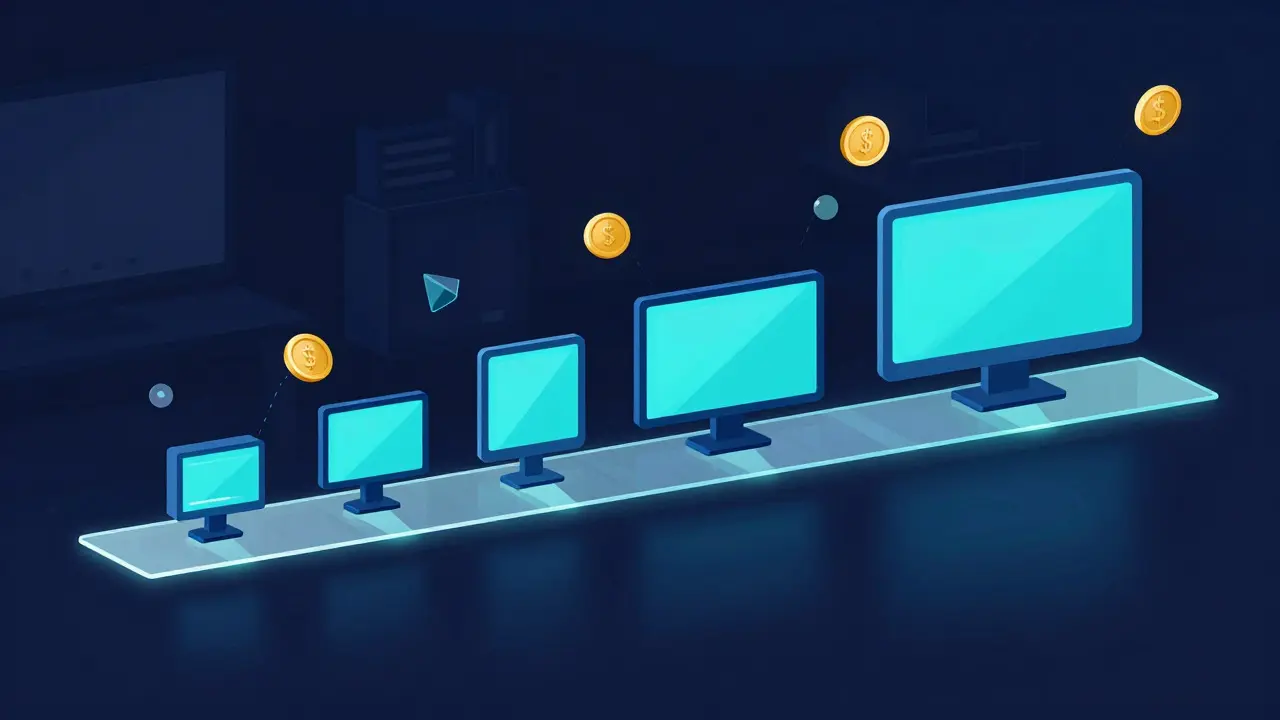
Timing your purchase can save you hundreds of dollars. Monitor prices tend to drop after major product launches. When a new generation of panels hits the market, previous models see significant discounts. For instance, when Samsung released their latest QD-OLED panels, the previous generation OLED monitors dropped in price by 20-30% within six months. Waiting for these sales cycles allows you to get last-gen tech at a fraction of the cost, which is often indistinguishable from the newest models for most users.
Major retail events like Black Friday, Prime Day, and back-to-school sales also offer substantial deals. Keep an eye on price trackers and community forums during these periods. Additionally, consider buying slightly older models that have been discontinued. These units often come from reliable manufacturers and offer robust build quality without the "new release" markup. The key is to ensure the model still supports modern connectivity standards like HDMI 2.1 or DisplayPort 1.4 with Variable Refresh Rate (VRR).
Building a Multi-Year Upgrade Plan
Instead of thinking in terms of single purchases, create a three-year roadmap. Year one might involve upgrading from an old 1080p 60Hz monitor to a 1440p 144Hz IPS panel. This provides a massive quality-of-life improvement for a moderate cost. Year three could then target a move to a 4K 144Hz Mini-LED or a 1440p 240Hz OLED, depending on your GPU upgrades. By spacing out these investments, you align your display upgrades with your other hardware improvements, ensuring that each component complements the others.
Set aside a specific amount monthly for this fund. Even $50 a month adds up to $600 a year, which is enough to cover a mid-range monitor every few years. This disciplined approach prevents impulse buys and ensures you always have funds ready when a perfect deal appears. It also allows you to sell your old monitor in a healthy state, recouping some of your initial investment.
Common Pitfalls to Avoid
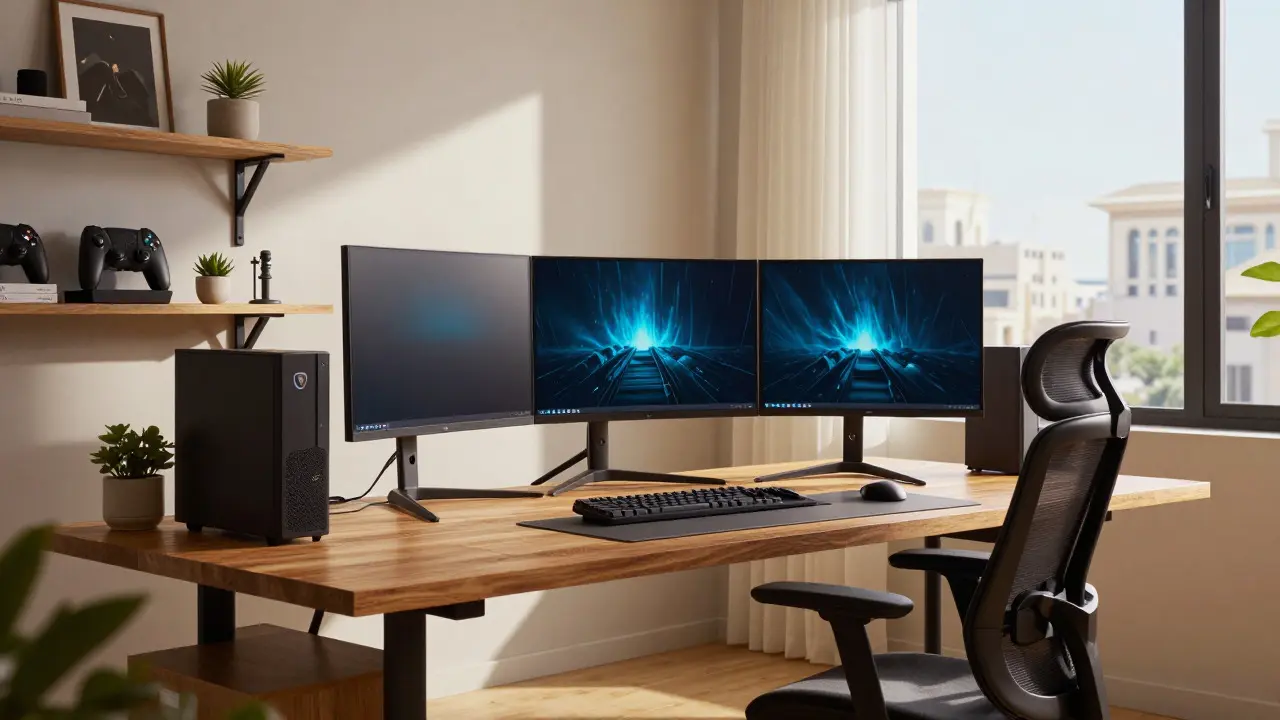
One major mistake is ignoring ergonomics. A beautiful 32-inch curved monitor is useless if it causes neck strain or doesn’t fit your desk space. Measure your available area and consider your viewing distance before locking in a size. Another pitfall is overlooking input lag settings. Some monitors have "Game Mode" or similar features that reduce processing delay. Ensure you enable these settings immediately upon setup to get the true performance advertised.
Also, beware of marketing jargon. Terms like "ultra-low motion blur" or "adaptive sync" can vary widely between brands. Read independent reviews that test actual motion clarity and synchronization stability. Finally, check warranty terms. Premium panels often come with longer warranties covering dead pixels and burn-in, which can save you money in the long run if a defect occurs early.
Frequently Asked Questions
Is it worth upgrading from 144Hz to 240Hz?
For competitive players, yes, the difference in motion clarity and input responsiveness is noticeable. For casual gamers, the jump may not justify the cost, especially if your GPU struggles to maintain high frame rates consistently. If you already have a 144Hz screen and play fast-paced shooters, the upgrade is worthwhile. Otherwise, focus on resolution or panel quality instead.
How long do OLED monitors last before burn-in becomes an issue?
Modern OLED panels typically last 5-7 years under normal gaming conditions. Burn-in risk increases with static elements like HUDs, taskbars, or logos displayed at high brightness for thousands of hours. Using built-in features like pixel shift, screen saver, and lowering brightness to 80% can extend the life significantly. Most manufacturers offer 3-year warranties covering burn-in defects.
Should I wait for the next generation of displays?
Generally, no. Unless your current monitor is failing or severely limiting your experience, waiting rarely yields dramatic improvements. Incremental updates in brightness, response time, or color accuracy are usually not worth the wait. Buying last-gen technology at a discount often provides better value than paying full price for the newest model with marginal gains.
What is the best aspect ratio for gaming in 2026?
The 16:9 standard remains dominant for compatibility and competitive fairness. However, ultrawide 21:9 monitors are gaining popularity for immersive single-player experiences and multitasking. If you play mostly competitive online games, stick to 16:9 to avoid potential aiming disadvantages. For story-driven games and productivity, ultrawide offers a superior field of view.
Do I need a 4K monitor if I have a high-end GPU?
If you want maximum image detail and play at 4K natively, yes. However, many gamers find that 1440p at higher refresh rates offers a better balance of sharpness and smoothness. 4K requires significantly more GPU power, so ensure your graphics card can handle the load at your desired settings. If you rely on upscaling, 1440p native resolution may provide a cleaner image with less processing overhead.