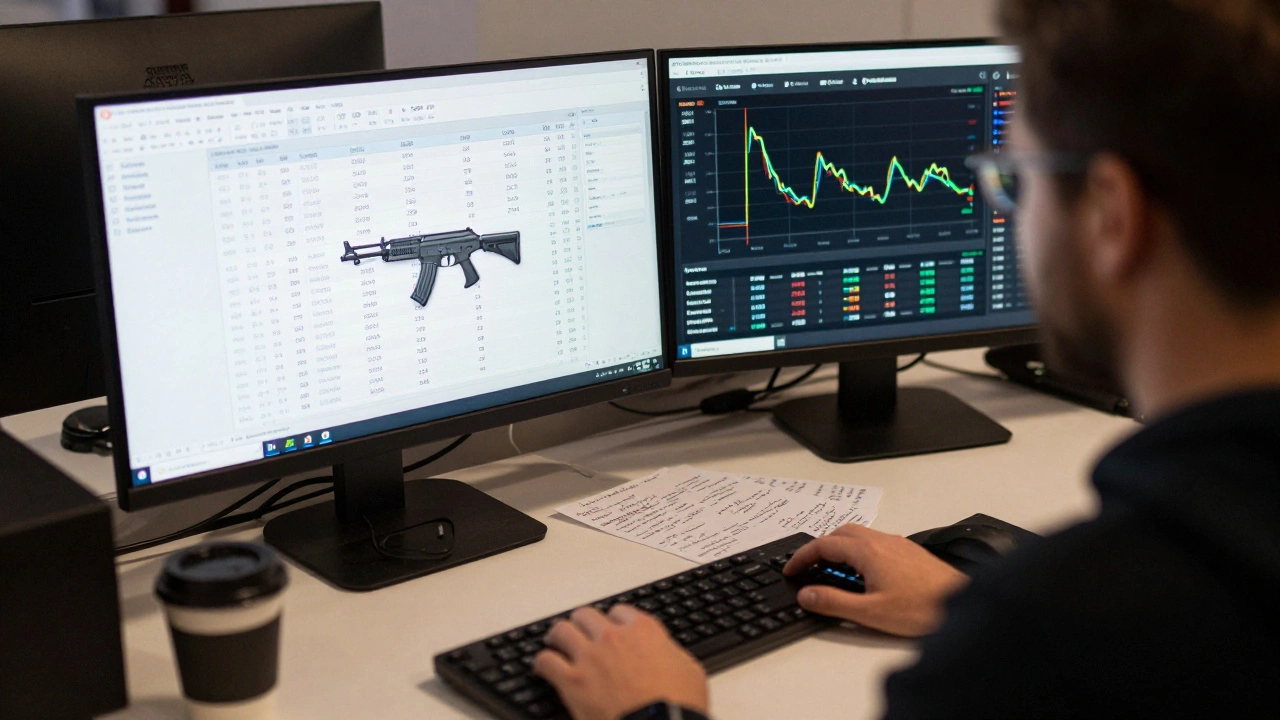
Managing trades and sales logs for video game items isn’t just about keeping a spreadsheet. It’s about building trust, preventing fraud, and understanding what your players actually value. Whether you’re a collector, a reseller, or a developer, accurate records turn random trades into reliable data-and that data drives smarter decisions.
Why Logs Matter More Than You Think
Think about the last time you bought a rare skin on Steam or traded a card on TCGplayer. Did you check if the seller had a history? Did you compare the price to what others were selling it for? If you didn’t, you risked getting scammed or overpaying. That’s where logs come in. A good log doesn’t just record what happened-it shows you patterns: which items rise in value, when trading spikes, and who you can trust.
Without logs, every trade is a gamble. With them, you’re playing chess, not roulette.
Start with Your Inventory
Your inventory is the foundation. If you don’t know what you have, you can’t track what you’ve sold or traded. Start by listing every item you own: name, rarity, condition, and where you got it. For example:
- Item: CS2 AWP | Dragon Lore (Factory New)
- Acquired: June 2024, traded for $280
- Current Value: $310 (as of March 2026)
- Source: Steam Community Market
Use a simple spreadsheet or a dedicated tool like BinderPOS. These systems let you import your inventory via CSV-no manual typing needed. If you trade 50 items a week, doing this by hand will eat up hours and invite mistakes. Automation saves time and keeps your records clean.
Log Every Trade Like a Bank
Every trade-whether it’s a direct swap, a marketplace sale, or a gift-needs a timestamped record. Don’t rely on screenshots or chat history. Those vanish. Instead, log:
- Date and time (UTC to avoid timezone confusion)
- Item(s) exchanged (exact name and condition)
- Trade partner (Steam ID, platform username, or wallet address)
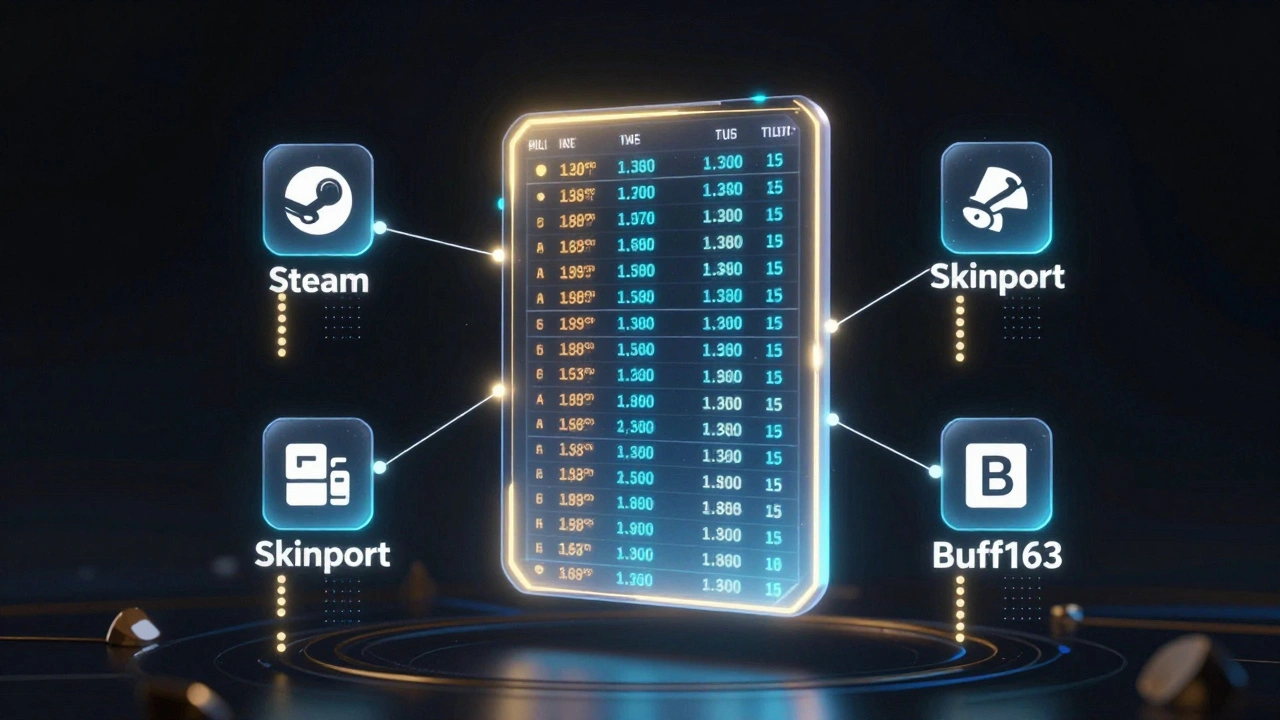
- Platform used (Steam, Skinport, Buff163, etc.)
- Price or equivalent value (in USD or local currency)
- Transaction ID (if available)
Example entry:
2026-03-10 14:22 UTC | Traded: Valorant Vandal Skin (Ghosted) | Received: CS2 M4A4 | Value: $185 | Platform: Skinport | TxID: SP-88291-441
Why include the value? Because item prices change. Logging the trade value at the time of exchange lets you track profit, loss, or even tax obligations later.
Track Prices Like a Pro
Prices for video game items swing wildly. A skin might be worth $50 one week and $120 the next. Without tracking, you’ll sell too early-or hold too long.
Platforms like BinderPOS and FiPME pull live data from thousands of transactions daily. They update prices every 12 hours, so you’re never guessing. If you’re not using one, set up a manual tracker:
- Check Steam Community Market weekly
- Record prices on TCGplayer, Skinport, and Buff163
- Use Google Sheets with formulas to calculate average price over 30 days
Pro tip: Watch for price drops right after new item drops. That’s when sellers panic and overprice. Wait 48 hours-value usually stabilizes.
Secure Your Logs
Logs are useless if they get lost or tampered with. Use cloud storage (Google Drive, Dropbox) with version history turned on. Never store logs only on your local hard drive. If your PC crashes, your history vanishes.
For extra security, use platforms that verify trades. FiPME, for example, locks in transactions with blockchain-style records. Even if someone disputes a trade later, you’ve got an immutable proof. If you’re trading on Steam, enable Steam Guard and never share your API keys.
Handle Multiple Sales Channels
Most sellers don’t just use one platform. You might list on Steam, then sell the same item on Skinport, and later buy back on Buff163. That’s fine-but your logs must reflect it.
Use a single system that syncs across channels. BinderPOS, for instance, connects to Shopify, TCGplayer, and your own website. Every sale, refund, or trade auto-updates your central log. No duplicates. No missing entries.
If you’re managing this manually, color-code your entries:
- Green = Steam sale
- Blue = Skinport trade
- Red = Buyback
It’s not fancy, but it keeps things clear.
Track Buybacks and Resales
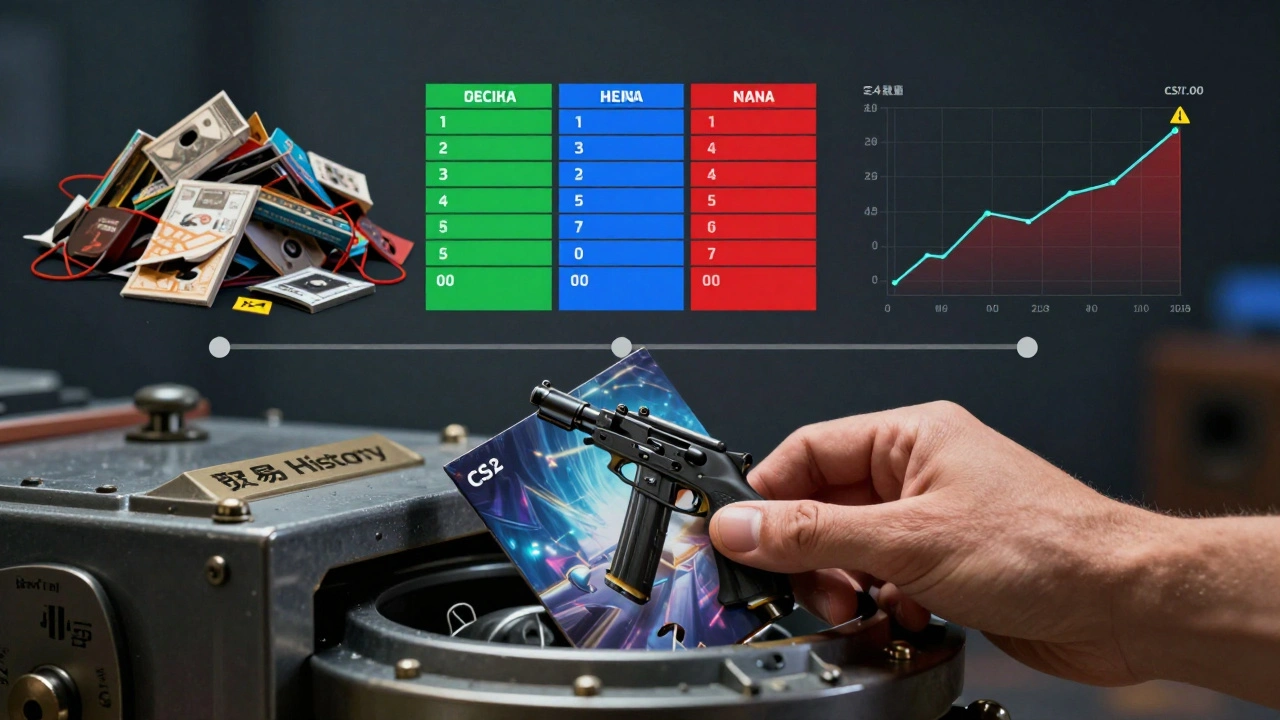
Ever bought back an item you sold? That’s a buyback. It’s common, and it’s messy if you don’t log it. When you repurchase an item, record:
- Original sale price
- Buyback price
- Time between sale and repurchase
Why? Because it tells you if the market is overheating. If you sold a skin for $200 and bought it back for $240 a month later, you lost $40-and you might’ve missed a better opportunity elsewhere.
Tools like BinderPOS’s buylist system automate this. You set rules: “I’ll buy back any AWP | Dragon Lore under $290.” The system auto-logs the purchase and adds it to your inventory with full history.
Use Data to Predict Trends
Logs aren’t just for looking back-they help you see ahead.
After 3 months of logging, you’ll notice patterns:
- CS2 glove trades spike every 3 weeks-right after new drops.
- Valorant skins lose 15% value 7 days after a new agent release.
- Players pay 20% more for “Factory New” items on weekends.
That’s not luck. That’s data. Use it. If you know a new skin drops Friday, sell your old ones Thursday. If you see a price dip on a rare item, buy before the next update.
Build a Support Trail
When a buyer says their skin didn’t deliver, or a trade went wrong, log it. Not just the complaint-log the resolution.
- “Buyer reported missing item. Verified: item delivered via Steam. Refund issued.”
- “Seller claimed trade was invalid. Platform confirmed: transaction valid. No action taken.”
This creates a paper trail. If someone tries to dispute a trade later, you’ve got proof. It also helps platforms flag repeat offenders.
Know the Tools That Actually Work
You don’t need to build your own system. Use what’s already out there:
- BinderPOS - Best for bulk inventory, multi-channel sync, automated pricing.
- FiPME - Best for verified trades, fraud protection, and audit-ready logs.
- Yo!Kart - Best for sellers running their own marketplace with commission tracking.
- Xsolla In-Game Store - Best for developers integrating trading directly into games.
Most offer free trials. Test one for 14 days. See which fits your workflow.
Don’t Ignore the Big Picture
Games like Team Fortress 2 and Counter-Strike have economies that last over a decade. Why? Because their developers tracked everything. They knew which items drove engagement, which caused inflation, and which players kept coming back.
You don’t need to be a developer to think like one. Your logs are your economic dashboard. Every trade tells you something: what’s hot, what’s fading, who’s reliable, and where the next opportunity hides.
Start small. Log one trade today. Add one item. Check one price. Do it every day. In 30 days, you’ll know more about your collection than 90% of traders.
Do I need to log trades if I only trade with friends?
Yes. Even with friends, logs prevent misunderstandings. What if someone claims you traded a rare skin for a common one? A log proves what actually happened. Plus, if you ever decide to sell, having a full history makes your items more trustworthy.
Can I use Excel or Google Sheets for logs?
Absolutely. Many traders start here. Use separate tabs for inventory, trades, and price history. Add filters so you can sort by date, item, or platform. Just don’t rely on manual entry-automate imports where you can. Many platforms let you download CSV exports of your trades.
How do I handle currency differences in international trades?
Always record the exchange rate at the time of trade. For example: “Traded for 1,800 JPY (USD 11.40 @ 157.9 JPY/USD).” Use a site like OANDA or XE for historical rates. This matters for taxes, profit tracking, and fairness.
What if I lose my log file?
If you didn’t back it up, you lose everything. That’s why cloud storage is non-negotiable. If you’re using a platform like BinderPOS or FiPME, your logs are stored on their servers-so you’re protected. Always enable auto-backup and check your storage monthly.
Do I need to report these trades for taxes?
In many countries, yes. Selling digital items for profit is treated like selling physical goods. Keep logs of cost basis (what you paid) and sale price. Use tools like Koinly or CoinTracker to auto-generate tax reports from your trade history. Consult a tax professional if you’re selling over $600/year.