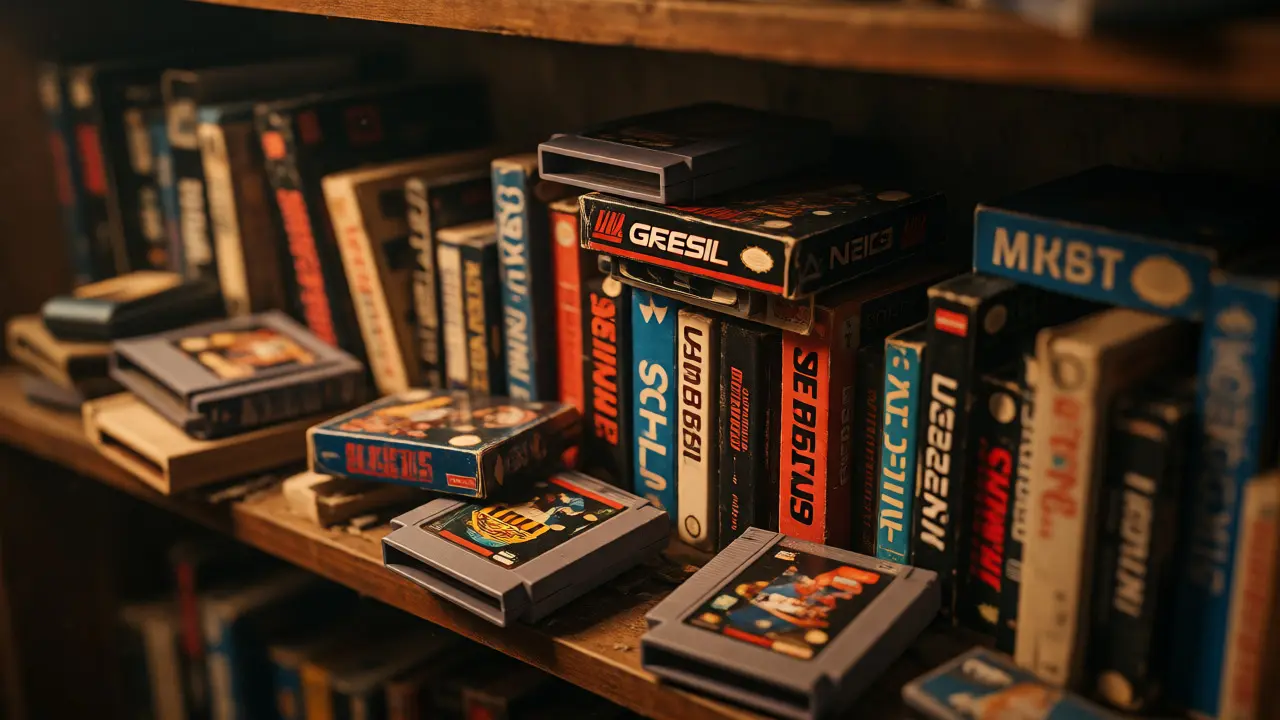
You’ve got a shelf full of cartridges and boxes. Maybe it’s a mix of NES, SNES, and Genesis titles. It looks cool from across the room, but when you actually want to play something specific, do you know exactly where it is? Most collectors rely on memory or vague sorting like "RPGs here, platformers there." That works until your collection hits fifty games. Then it becomes chaos.
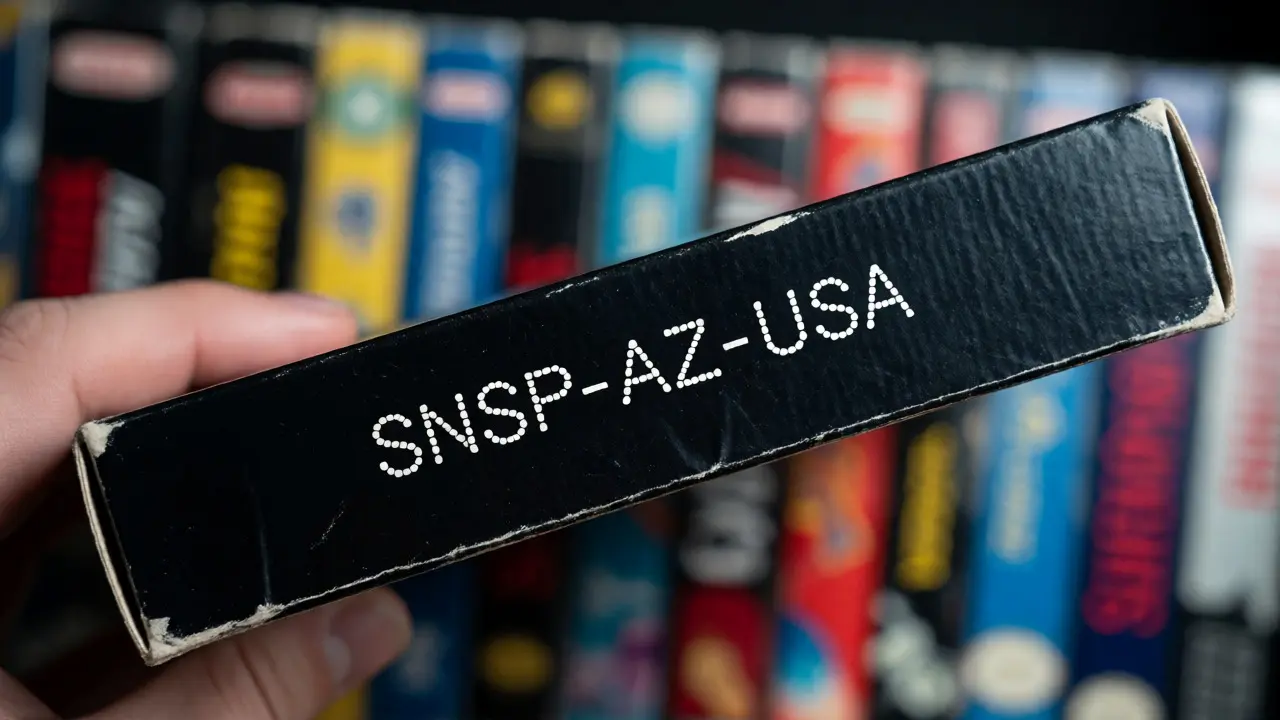
There is a better way. You can use the official Catalog Number (often called the Product Code or SKU) assigned by the manufacturer. These alphanumeric codes are printed on the back of the box, the spine, or sometimes on the cartridge label itself. They aren't just random letters; they tell you the region, the version, and the release order. By organizing your library around these codes, you turn a messy pile into a searchable database. No more guessing if that copy of Zelda is the US v1.0 or the later reprint. You’ll know instantly.
Why Catalog Numbers Beat Alphabetical Sorting
Alphabetical sorting feels intuitive. You put A before B. Simple, right? But in the world of retro gaming, titles change. A game might be called Final Fantasy VI in the US and Final Fantasy III in Europe. If you sort alphabetically, they end up in different places, even though they are the same code. Worse, sequels get scattered. Mega Man X sits next to Mega Man 7 only if you’re lucky. Usually, they’re separated by other titles starting with 'M' or 'N'.
Catalog numbers solve this because they follow the publisher’s internal logic. Nintendo, Sega, Sony, and Microsoft all have systems. When you line up games by their catalog number, related releases naturally cluster together. For example, all Super Mario World variants will sit near each other regardless of what the cover art says. This method also helps you spot duplicates quickly. If two boxes have the same catalog number, you own two copies of the exact same version. That’s useful info if you’re looking to sell one.
| Method | Pros | Cons | Best For |
|---|---|---|---|
| Alphabetical | Easy to understand initially | Scatters sequels; ignores regional differences | Small collections (<20 games) |
| Genre-Based | Helps find mood-based picks | Subjective; genres overlap heavily | Casual players who browse shelves |
| Catalog Number | Objective; groups versions; reveals history | Requires initial data entry; less intuitive visually | Serious collectors & resellers |
Decoding the Manufacturer Codes
Before you start moving boxes, you need to know how to read the codes. Each major console maker has its own prefix system. Understanding these prefixes saves you hours of research later.
- Nintendo: Uses prefixes like NES-USA-01 or SNSP-AZ-USA. The first part indicates the console (NES/SNS), the middle often denotes the title or genre, and the suffix shows the region (USA/EUR/JPN).
- Sega: Older Genesis/Mega Drive games use codes like MK-81154-16. The 'MK' stands for Sega of America. The numbers indicate the specific title and revision.
- Sony PlayStation: Early PS1 games used codes like SLUS-00001. 'SLUS' means Standard License United States. Later, PS2 and PS3 moved toward simpler barcodes, but the legacy codes remain on the spine labels of many boxed sets.
Notice the pattern? The region code is critical. A Japanese-only import might have a completely different catalog number than its US counterpart, even if the gameplay is identical. If you’re building a display shelf for guests, grouping by region first, then by catalog number, keeps things tidy. If you’re managing an inventory for sale, strict numerical order is best.
Step-by-Step: Building Your Catalog System
You don’t need expensive software to start. A spreadsheet works fine. Here is how to set it up so you never lose track of a rare gem again.
- Gather your data. Pull every game off the shelf. Look at the back of the box or the bottom of the cartridge. Write down the full catalog number. If the box is missing, check the sticker on the cartridge shell. For loose discs, look at the inner ring text or the case insert.
- Create columns. In your spreadsheet, make columns for: Title, Console, Region, Catalog Number, Condition, and Notes. Don’t skip the Region column. It prevents confusion between NTSC and PAL versions.
- Enter the codes. Type them exactly as they appear. Do not remove hyphens or spaces unless you are consistent about it. Copy-paste errors happen fast, so double-check long codes.
- Sort by Catalog Number. Click the header of your Catalog Number column to sort ascending. Watch what happens. You’ll see clusters form. All the Kirby games will likely group together. All the sports titles might bunch up too.
- Physical arrangement. Now, go back to your shelf. Place the games in the same order as your sorted list. Use bookends or dividers to separate consoles or regions if needed.
This process takes time upfront. For a collection of 100 games, expect about three to four hours. But after that, adding a new game takes thirty seconds. You just look up the code, find its spot in the sequence, and slide it in.
Handling Missing Boxes and Loose Media
The biggest headache in collecting is the "loose" game. No box, no manual, just a cartridge or disc. How do you catalog that? You still can. Most manufacturers printed the catalog number directly on the media itself.
For NES and SNES cartridges, flip the cartridge over. There is usually a small sticker or molded plastic text on the back label. It’s tiny, so grab a magnifying glass. On Game Boy cartridges, the code is often molded into the top edge of the cart. For optical media like CD-ROMs, look at the inner hub. Sometimes the code is printed in clear ink, requiring you to tilt it against light to read.
If the code is unreadable or missing entirely, you have two options. First, identify the game by its ROM hash if you dump it using a tool like GoodTools or No-Intro. These databases match the digital signature of the game to its official release. Second, if you can’t dump it, search online forums using screenshots of the title screen. Someone else has likely identified the same loose cart and posted its catalog number.
Advanced Tips for Serious Collectors
Once you’re comfortable with basic sorting, you can tweak the system for deeper insights. One trick is to add a "Release Year" column derived from the catalog number. While not perfect, higher numbers in a series generally indicate later releases. This helps you spot which version you own. For instance, knowing you have the v1.0 versus v1.1 patch of a game matters for speedrunning or bug-hunting communities.
Another pro tip: color-code your physical storage. Use colored binder clips or stickers on the spines of your binders or shelves to represent regions. Red for Japan, Blue for USA, Green for Europe. When you scan your shelf, you can instantly see if you’re missing European exclusives without pulling anything out.
Consider integrating with community databases. Sites like Video Game Data Base (VGDB) allow you to export lists. If you keep your spreadsheet clean, you can upload your collection and compare it against global averages. You might discover you own the only known copy of a prototype, or realize you have five copies of a common game and should trade some away.
Troubleshooting Common Issues
What if two games have similar codes? This happens with re-releases. For example, Nintendo Selects editions often reuse the original base code but add a suffix. Treat these as distinct entries. Sort them adjacent to the original but note the variant in your "Notes" column.
What about multi-disc sets? Some RPGs span multiple CDs. Each disc has its own catalog number, usually ending in -1, -2, etc. Keep them physically together but list them as separate rows in your database linked by a "Set ID." This ensures you don’t accidentally sell Disc 2 while keeping Disc 1.
Finally, don’t obsess over perfection. If you can’t find a code for a obscure homebrew title, assign it a custom placeholder like "HB-001." The goal is utility, not academic rigor. As long as you can find what you need in under ten seconds, your system is working.
Where exactly do I find the catalog number on a game box?
On most modern boxed games, it's on the bottom flap or the back near the barcode. For older consoles like NES or SNES, check the spine or the bottom edge of the box. If the box is gone, look for a sticker or molded text on the cartridge or disc hub.
Do catalog numbers differ by region?
Yes, significantly. A US release will have a different prefix or suffix than a European or Japanese release. Always record the region alongside the number to avoid mixing up NTSC and PAL versions.
Can I use catalog numbers to determine value?
Indirectly. Specific catalog numbers denote rare revisions (like early print runs) that command higher prices. By identifying the exact code, you can look up completed sales for that specific variant rather than just the general title.
What if my game doesn't have a visible catalog number?
Some homebrew or unlicensed titles lack official codes. In these cases, create a custom identifier based on the developer name and year. For licensed games, try dumping the ROM to match it against online databases like No-Intro.
Is alphabetical sorting ever better than catalog numbers?
Only for very small collections or if you primarily browse by title name rather than technical specs. For any collection over 50 items, catalog numbers provide superior logical grouping and easier duplicate detection.