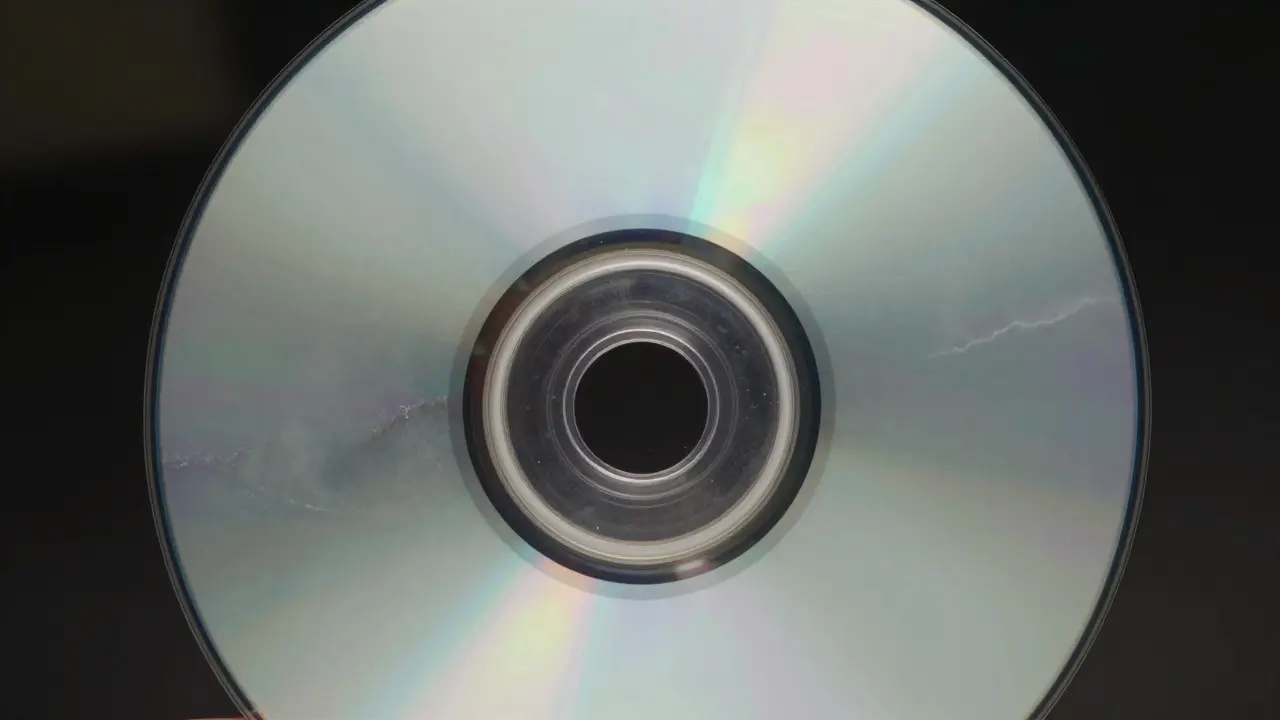
There is a specific kind of horror that hits retro gamers when they pop in a beloved PlayStation or Sega CD title only to find the game freezing, skipping, or refusing to load entirely. This isn't just bad luck; it's likely disc rot, a physical degradation process that eats away at the data layer of optical media. If you have a collection of these early 90s and mid-90s titles, you are fighting a ticking clock. The good news? You can significantly slow down this decay with the right storage habits and cleaning techniques.
Understanding the Enemy: What Is Disc Rot?
Disc rot is the chemical breakdown of the adhesive layer between the polycarbonate substrate and the reflective aluminum layer in an optical disc. It manifests as cloudy spots, white haze, or visible separation under UV light. Unlike scratches, which are surface-level, rot happens *inside* the disc structure. For Sega CD and early PlayStation games, this is particularly nasty because many were pressed on lower-quality substrates compared to modern DVDs or Blu-rays. Once the adhesive fails, moisture gets in, oxidizing the aluminum and making data unreadable by the laser lens.
The Storage Environment: Temperature and Humidity
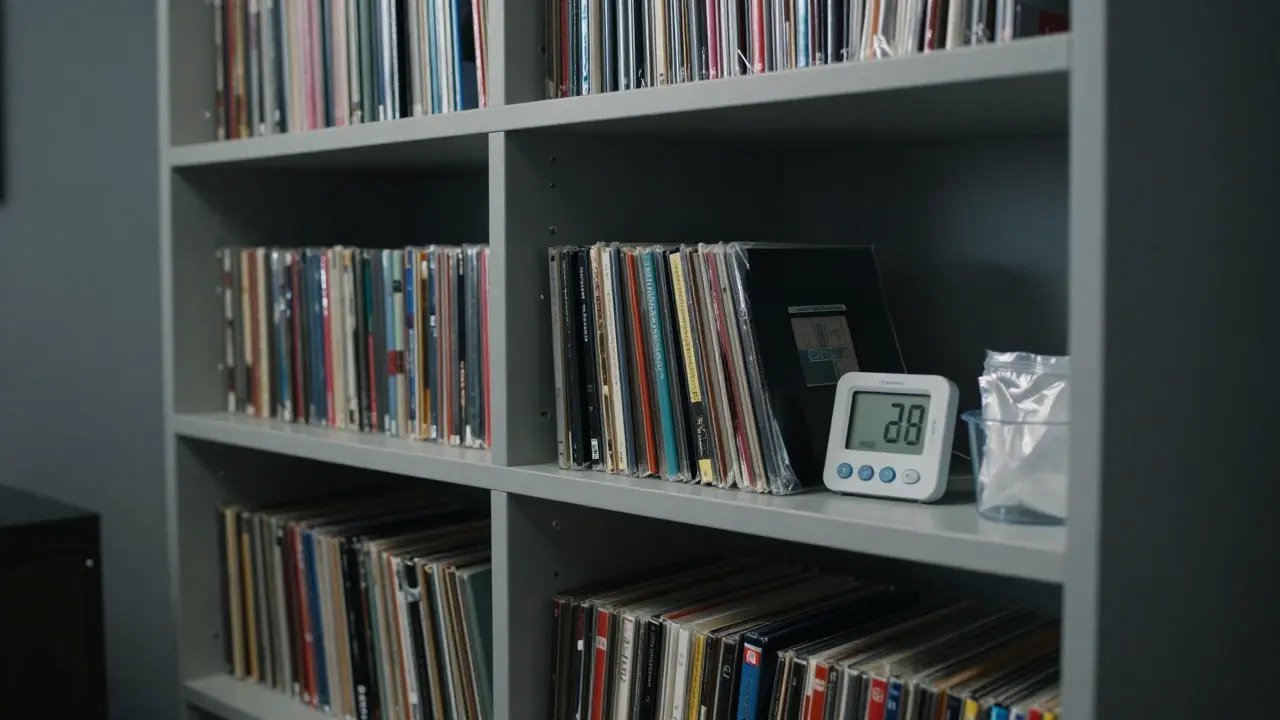
Your bedroom closet might feel fine to you, but it’s a disaster zone for optical discs. Heat accelerates chemical reactions, including the one causing rot. Humidity promotes mold growth and hydrolysis of the adhesive. The ideal storage environment mimics a museum archive: cool, dry, and dark.
- Temperature: Aim for 65-70°F (18-21°C). Avoid attics or garages where temps swing wildly.
- Humidity: Keep relative humidity between 30% and 40%. A simple hygrometer costs less than $10 and is worth every penny.
- Light: UV radiation breaks down plastics. Store discs in opaque cases or inside cabinets away from direct sunlight.
Handling and Cleaning Best Practices
Most damage we blame on "rot" is actually compounded by poor handling. Oils from your fingers create acidic residues that eat into the protective coating over time. Here’s how to handle your CD-ROM media correctly:
- Hold by the edges or center hole. Never touch the shiny side.
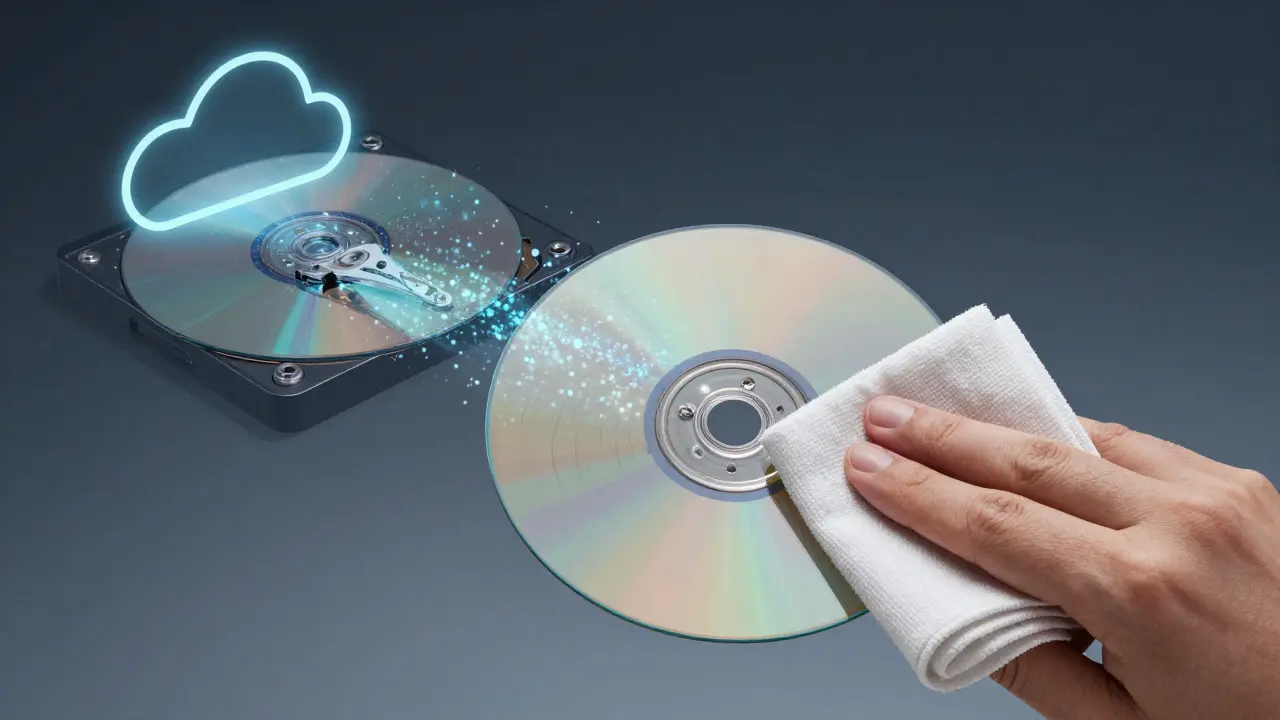
- Use a microfiber cloth. Wipe from the center outward in a straight line. Circular wiping creates micro-scratches that scatter the laser beam.
- Avoid alcohol wipes. Isopropyl alcohol can strip protective coatings on older discs. Use distilled water and a soft cloth instead.
Archival Copies: Your Safety Net
Even with perfect storage, some discs will fail. That’s why archiving is non-negotiable for serious collectors. Creating digital backups ensures your games remain playable even if the physical copy turns to dust.
| Method | Pros | Cons | Best For |
|---|---|---|---|
| DVD-R/RW Burner | Low cost, widely available drives | Limited capacity (4.7GB), potential compatibility issues | Single-game backups |
| External USB Hard Drive | High capacity, fast transfer speeds | Requires computer connection, mechanical failure risk | Large collections |
| Cloud Storage | Off-site backup, accessible anywhere | Internet dependency, subscription costs | Critical rare titles |
Identifying Early Signs of Failure
Catch rot early, and you might save the disc. Watch for these warning signs:
- Audio glitches: Repeating sounds or static during cutscenes often indicate data read errors.
- Freezing frames: The game halts intermittently, especially in areas with heavy asset loading.
- Visible haze: Hold the disc up to a bright light. Cloudy patches or rainbow patterns suggest internal delamination.
Frequently Asked Questions
Can I reverse disc rot once it starts?
Partially. If the rot is minor, cleaning and proper storage can stabilize it. However, once the adhesive fully separates, the damage is usually permanent. Archival copying is your best bet for preserving the content.
Are Sega CD discs more prone to rot than PlayStation ones?
Generally, yes. Many early Sega CD titles used cheaper manufacturing processes with less durable adhesives. PlayStation discs, while still vulnerable, tended to use slightly higher quality substrates in later production runs.
Should I store discs vertically or horizontally?
Vertically, in their original jewel cases. Horizontal stacking puts pressure on the bottom disc, which can warp it over time. Vertical storage keeps the weight off the disc itself.
Do UV lights help detect rot?
Yes. Blacklight (UV) inspection reveals fluorescence in the adhesive layer that indicates moisture intrusion. It’s a cheap and effective way to check large collections without opening every case.
Is it safe to play a disc with visible rot?
Only if you have already created a backup. Playing a compromised disc increases the chance of complete failure due to repeated laser reads. Treat it as a last resort after archiving.