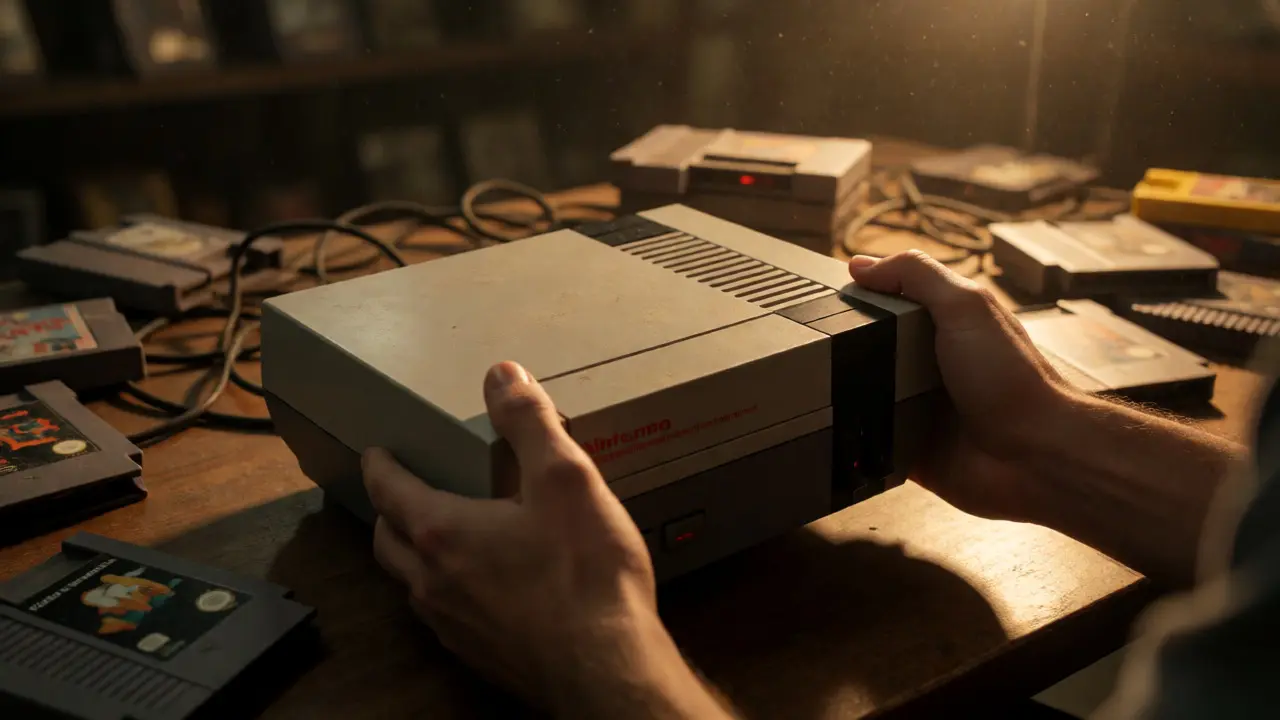
You just spotted a PS2 for $50 on Craigslist or an original Xbox at a garage sale. It looks clean, the seller says it "worked fine," and your wallet is itching. But here’s the brutal truth: sellers rarely know what they’re selling, and electronics degrade silently. A console that turns on isn’t necessarily a console that plays games reliably. I’ve spent years hunting for retro hardware in Portland thrift stores and online marketplaces, and I’ve learned that ten minutes of rigorous testing saves you from buying a brick.
This guide cuts through the noise. We aren’t talking about abstract specs; we are talking about checking specific ports, listening for specific sounds, and spotting physical red flags that scream "repair needed." Whether you are eyeing a Nintendo Switch a hybrid home and handheld console released by Nintendo in 2017 or a vintage Sega Genesis a 16-bit home video game console developed by Sega, the core principles remain the same. Let’s get you a working machine.
The Power Supply and Boot Sequence
Start with the basics, but don’t stop there. When you plug in the console, watch the power LED closely. Does it flicker? Does it take three seconds to light up instead of instantaneously? On older CRT-era consoles like the NES the first home video game console released by Nintendo in North America, a flickering light often indicates a failing capacitor or a loose internal connection. If the fan spins up loudly before dying, the power supply unit (PSU) might be struggling under load.
Listen to the boot sequence. Modern consoles like the PlayStation 5 Sony's ninth-generation home video game console have distinct startup chimes. If the sound is distorted, crackly, or missing entirely, check the audio output settings immediately. More critically, watch for error codes. A blinking red light on a PlayStation usually signals a hard drive failure or overheating issue. Don’t let the seller tell you it “just needs a reset.” Note the color and pattern of every blink. That code tells you exactly which component is failing.
Media Drives: The Heartbeat of Physical Games
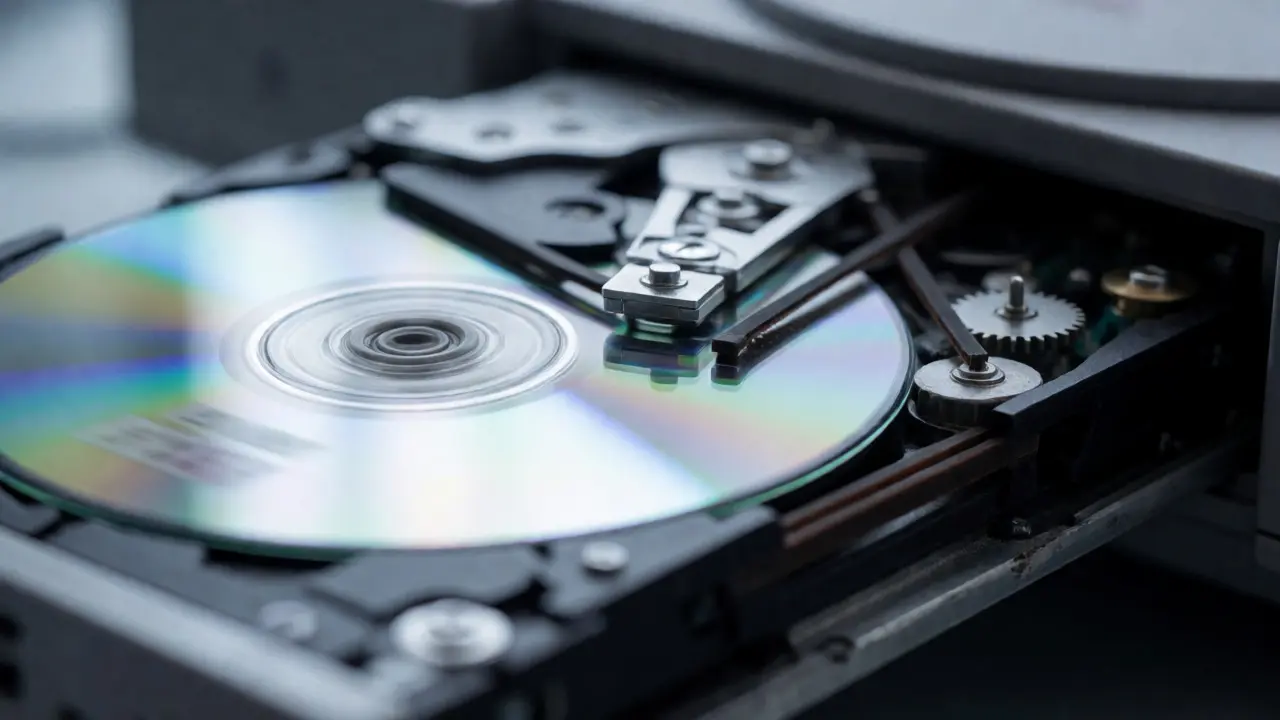
If you are buying a console with an optical drive, this is where most deals fall apart. Optical drives wear out. Lasers dim, belts slip, and trays jam. You need to test more than one disc. Bring two games: one popular title that should read easily, and one scratched or less common disc to stress-test the laser.
- The Spin-Up Test: Listen for grinding noises. A healthy drive hums smoothly. Grinding suggests a worn gear or misaligned tray mechanism.
- The Read Time: How long does it take to load the menu? If a standard game takes over 45 seconds to start on a modern system, the drive is likely failing.
- The Eject Mechanism: Press the eject button. Does the tray pop out fully? Does it retract smoothly when pushed back in? A tray that requires manual pushing is a sign of a broken motor or sensor.
For cartridge-based systems like the Nintendo DS a dual-screen handheld game console developed by Nintendo, check the slot pins. Use a flashlight. Bent pins inside the slot will cause intermittent crashes. Rubbing alcohol and a cotton swab can clean contacts, but bent pins require delicate soldering skills to fix.
Port Integrity and Connectivity
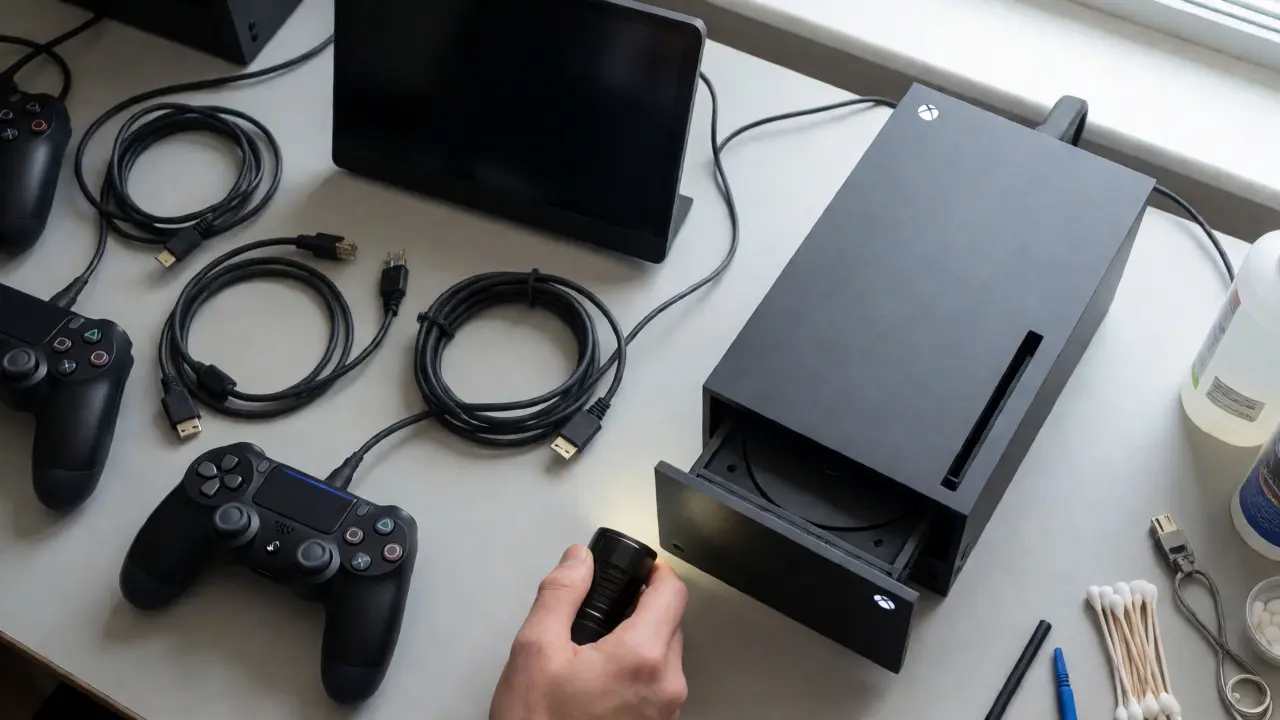
Ports are the most abused part of any console. HDMI ports snap, USB ports lose tension, and AV multi-outs corrode. Bring your own cables if possible. Sellers often hide bad ports by using proprietary cables they won’t give you.
| Port Type | Failure Sign | Likely Cause | Fix Difficulty |
|---|---|---|---|
| HDMI | No signal / Flickering screen | Bent pins or cracked solder joints | Medium (Soldering required) |
| USB | Controller disconnects randomly | Worn internal plastic tongue | Low (Replacement port available) |
| AV Multi-Out | Color bleeding / Static | Oxidation on pins | Low (Cleaning) |
| Ethernet | No internet connection | Burnt-out chip or broken clip | High (Board repair) |
Test every single port. Plug in a controller into each USB slot. Connect an Ethernet cable and try to access the store. For wireless-heavy devices like the Xbox Series X Microsoft's fourth generation Xbox console, ensure the Wi-Fi antenna isn’t damaged internally. If the device only connects via Ethernet, the Wi-Fi module might be dead, significantly lowering its resale value.
Thermal Performance and Fan Noise
Heat kills electronics. Over time, thermal paste dries out and dust clogs heatsinks. This leads to throttling (slower performance) or sudden shutdowns. You need to run the console for at least 15-20 minutes during your test. Don’t just turn it on and off.
Place your hand near the vents. Is the air hot? Yes, but is it scorching? On a PlayStation 4 Pro an enhanced version of the PlayStation 4, a jet-engine fan noise after 10 minutes of gameplay indicates a desperate need for cleaning and repasting. While not a dealbreaker, it’s a negotiation point. Ask for $30-$50 off to cover the cost of a professional service or DIY kit.
Check for unexpected shutdowns. If the console turns itself off while you are navigating menus, it’s likely overheating or has a faulty power button circuit. Never buy a console that shuts down randomly without understanding why.
Input Devices and Controller Sync
A console is useless without functional inputs. Test every button on the included controllers. Hold down multiple buttons simultaneously to check for ghosting issues. For analog sticks, push them to the edges and rotate them slowly. Do they drift back to center instantly? If the cursor moves slightly when you let go, you have stick drift. This is extremely common on DualShock 4 the primary controller for the PlayStation 4 and Joy-Cons.
Also, check the charging ports on wireless controllers. Plug them in. Do they charge? Some sellers sell consoles with non-functional controller chargers. Verify that the sync button pairs the controller correctly. If you have to hold the sync button for 10 seconds repeatedly, the Bluetooth module may be weakening.
Software State and Account Locks
Hardware is only half the battle. Software locks can render a console nearly worthless. Check the user accounts. Are there existing profiles? Ask the seller to factory reset the device in front of you. If they refuse, walk away. They might be hiding a banned account or parental controls password.
Crucially, check for digital licenses. On platforms like Steam Deck or Nintendo Switch, some games are tied to specific accounts. If the seller says, "It has all the Mario games," ask if those are downloaded to the current profile. If you wipe the console, do you lose access? Generally, yes. You want a console ready for your own account creation. Also, verify the firmware version. An outdated OS might prevent you from downloading new patches or connecting to online servers.
Physical Inspection: Cracks, Smells, and Mods
Look closer than you think. Turn the console upside down. Check the screws. Are they stripped? Stripped screws mean someone opened the case before you. Did they do it professionally? Look for glue residue around the seams. Excess glue suggests a botched repair attempt.
Smell the vents. A sharp, acrid smell indicates burnt components. A musty smell means water damage. Water damage is sneaky; it causes corrosion that spreads over months. If the label is peeling or yellowed excessively, the console was stored in a damp basement or attic. Inspect the casing for cracks. Structural cracks can lead to internal board flexing, causing intermittent connections.
Finally, look for unauthorized modifications. Chip mods on old PlayStations or hacked Wii U units might work now but could fail with future updates or simply be unstable. Unless you know how to undo these mods, treat them as potential liabilities.
Should I pay extra for a console with original box and accessories?
Yes, if you plan to resell it later. Complete-in-box (CIB) sets retain 20-40% more value than loose consoles. However, for pure usage, prioritize functionality over packaging. A working loose console is better than a broken boxed one.
What if the seller doesn't have a TV to test the HDMI output?
Bring a portable monitor or use a capture card with your laptop. Alternatively, ask to see a video recording of the console running a game on their TV. Be wary of pre-recorded videos, though, as they can be faked. Always insist on a live demo if possible.
Is stick drift worth walking away from?
Not always. Stick drift is a common wear-and-tear issue. If the price reflects the defect, buy it. Fixing it costs $10-$20 for parts and an hour of work. If the seller wants full retail price despite drift, negotiate or pass.
How do I know if a used console has been overclocked?
Overclocking is rare in stock consoles but common in modded ones. Check the BIOS or system info menu for non-standard clock speeds. Also, look for aftermarket cooling solutions like large external fans or liquid cooling kits attached to the chassis.
Can I trust a seller who says "it worked when I last used it"?
No. Electronics fail between uses. Capacitors leak, batteries swell, and dust accumulates. Treat this phrase as a disclaimer, not a guarantee. Always perform your own tests regardless of the seller's claims.